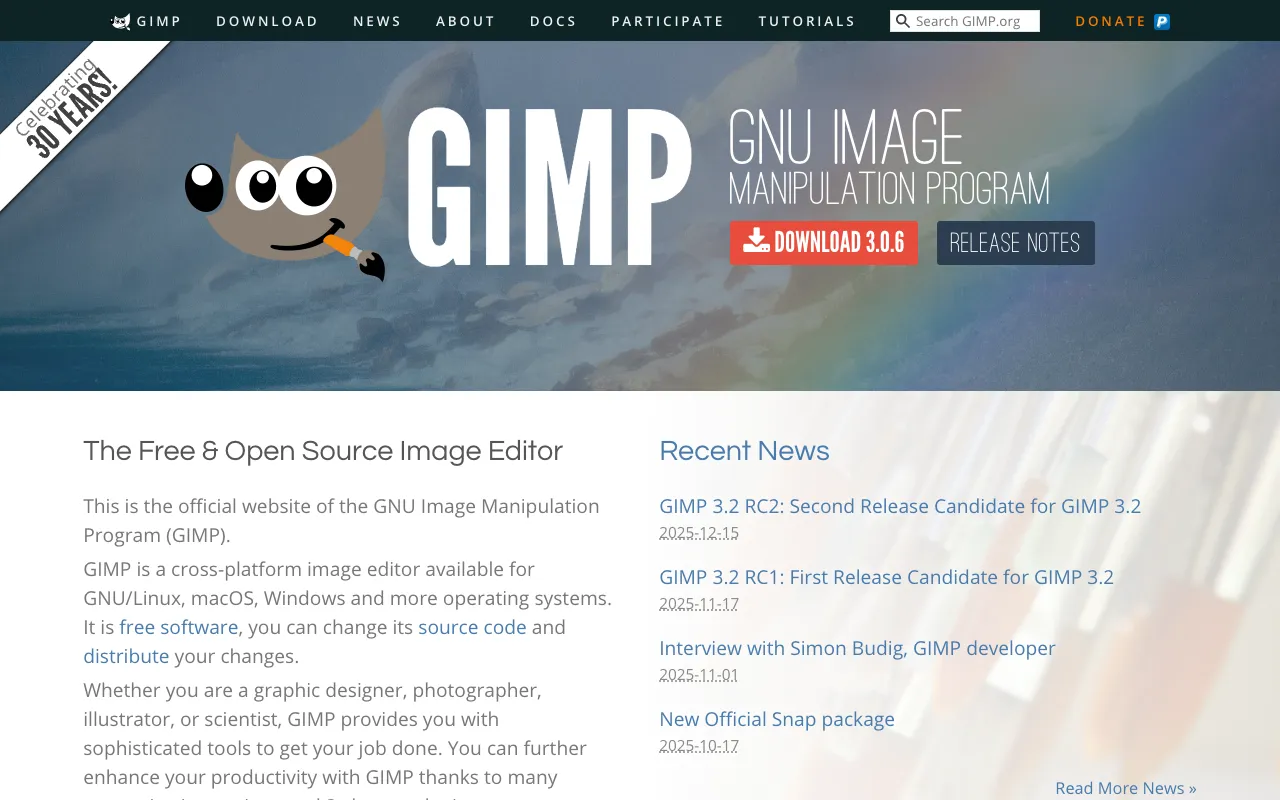
GIMP – The Best Free Photo Editing Software for Photographers
GIMP (GNU Image Manipulation Program) stands as the most powerful free and open-source image editor available today, offering photographers a comprehensive suite of professional tools without the cost of a subscription. From basic photo adjustments and retouching to complex compositing and graphic design, GIMP delivers capabilities that rival premium software. Whether you're a hobbyist photographer, a freelance designer, or a professional looking for a cost-effective alternative, GIMP provides the flexibility, depth, and control needed to bring your creative vision to life.
What is GIMP?
GIMP is a sophisticated, cross-platform raster graphics editor developed and maintained by a global community of contributors. As a free and open-source software (FOSS), it provides users with full access to its source code, fostering continuous innovation and customization. Its core purpose is to offer a complete toolkit for image manipulation, including photo retouching, color correction, free-form drawing, and format conversion. GIMP is the ideal solution for photographers, graphic designers, illustrators, and scientists who require a robust, no-cost alternative to commercial software like Adobe Photoshop.
Key Features of GIMP for Photographers
Professional Photo Retouching Tools
GIMP includes a full array of retouching tools essential for photographers, such as clone stamp, healing brush, dodge/burn, and perspective clone. These tools allow for seamless removal of imperfections, object removal, skin smoothing, and detailed restoration work, enabling you to achieve polished, professional results.
Advanced Layer Management and Blending
Work with an unlimited number of layers, layer groups, and advanced blending modes. Apply non-destructive layer masks, adjustment layers, and smart filters to create complex composites and non-destructive editing workflows, giving you complete creative control over your images.
Powerful Color Correction and Grading
Manipulate color with precision using tools like Curves, Levels, Color Balance, Hue-Saturation, and Selective Color. GIMP supports color profiles and advanced color spaces, making it suitable for both screen and print workflows, ensuring your photos look their best everywhere.
Extensive File Format Support & RAW Processing
GIMP natively supports all major image formats (JPEG, PNG, TIFF, PSD, BMP, etc.). Through plugins like darktable or RawTherapee, it can integrate into a RAW photo editing pipeline, allowing photographers to process camera RAW files before fine-tuning in GIMP.
Customizable Interface and Extensive Plugin Support
Tailor the workspace to your needs with a single-window mode, customizable toolboxes, and dockable dialogs. Extend GIMP's functionality exponentially with a vast library of free third-party plugins and scripts for automation, special effects, and workflow enhancement.
Who Should Use GIMP?
GIMP is perfect for a wide range of creative professionals and enthusiasts. It is an essential tool for budget-conscious photographers, freelance graphic designers, digital artists, bloggers, educators, students, and small business owners who need professional-grade image editing without ongoing license fees. It's also invaluable for open-source advocates, developers, and anyone who values software freedom and community-driven development.
GIMP Pricing and Free Tier
GIMP is completely free forever. There is no free tier because the entire software is free and open-source. You can download, install, and use GIMP on an unlimited number of devices (Windows, macOS, Linux) for personal, educational, or commercial purposes without any cost, hidden fees, or subscription models. The project is supported by donations and volunteer work, ensuring it remains accessible to everyone.
Common Use Cases
- Professional photo retouching and restoration for portrait photographers
- Creating social media graphics and marketing materials for small businesses
- Digital painting and illustration for concept artists and hobbyists
- Scientific image analysis and processing for researchers and academics
- Web design mockups and UI/UX asset creation for developers
Key Benefits
- Eliminate software subscription costs, saving hundreds of dollars annually compared to commercial alternatives.
- Gain complete ownership and control over your editing software with no vendor lock-in or forced updates.
- Access a massive, supportive global community for tutorials, plugins, and troubleshooting help.
- Use a lightweight, fast-performing application that runs efficiently on older or less powerful computers.
Pros & Cons
Pros
- 100% free with no limitations on usage or features.
- Incredibly powerful and feature-rich, rivaling paid professional software.
- Highly customizable interface and extensible via plugins.
- Cross-platform compatibility (Windows, Mac, Linux).
- Active development and strong open-source community support.
Cons
- The user interface can feel less polished or intuitive compared to some commercial software.
- Learning curve can be steep for absolute beginners due to its extensive feature set.
- Lacks some seamless integration with other proprietary creative suites (e.g., Adobe Creative Cloud).
Frequently Asked Questions
Is GIMP completely free to use?
Yes, GIMP is 100% free and open-source software. You can download, use, and even modify it for any purpose—personal, educational, or commercial—without ever paying a cent. There are no trials, watermarks, or feature-limited versions.
Is GIMP a good alternative to Adobe Photoshop for photographers?
Absolutely. For most photographers, GIMP provides all the essential tools needed for professional photo editing, including retouching, color grading, layer-based compositing, and plugin support for RAW files. While it may differ in specific workflows or advanced features, its power and zero-cost make it an outstanding alternative, especially for freelancers, hobbyists, and those on a budget.
Can GIMP open and edit PSD (Photoshop) files?
Yes, GIMP has excellent support for PSD files. It can open layered Photoshop documents, preserving layers, layer styles (like drop shadows and glows), and text layers in most cases. This makes collaborating with Photoshop users or transitioning workflows much smoother.
What are the system requirements for running GIMP?
GIMP is relatively lightweight. It runs on Windows (7+), macOS (10.12+), and most Linux distributions. A modern processor (2+ GHz), 4GB of RAM, and about 1GB of free disk space are recommended for smooth performance, though it can run on less powerful systems for basic tasks.
Conclusion
GIMP is not just a free image editor; it's a testament to what dedicated open-source collaboration can achieve. It empowers photographers and creatives worldwide with professional-grade tools, freeing them from financial barriers and proprietary constraints. For anyone serious about image editing who values freedom, community, and powerful capabilities, GIMP is not merely an alternative—it is a first-choice solution. Download GIMP today from its official website and unlock a world of creative potential without opening your wallet.