Go back
Image of Imagen AI – The AI-Powered Photo Editor That Learns Your Style

Imagen AI – The AI-Powered Photo Editor That Learns Your Style

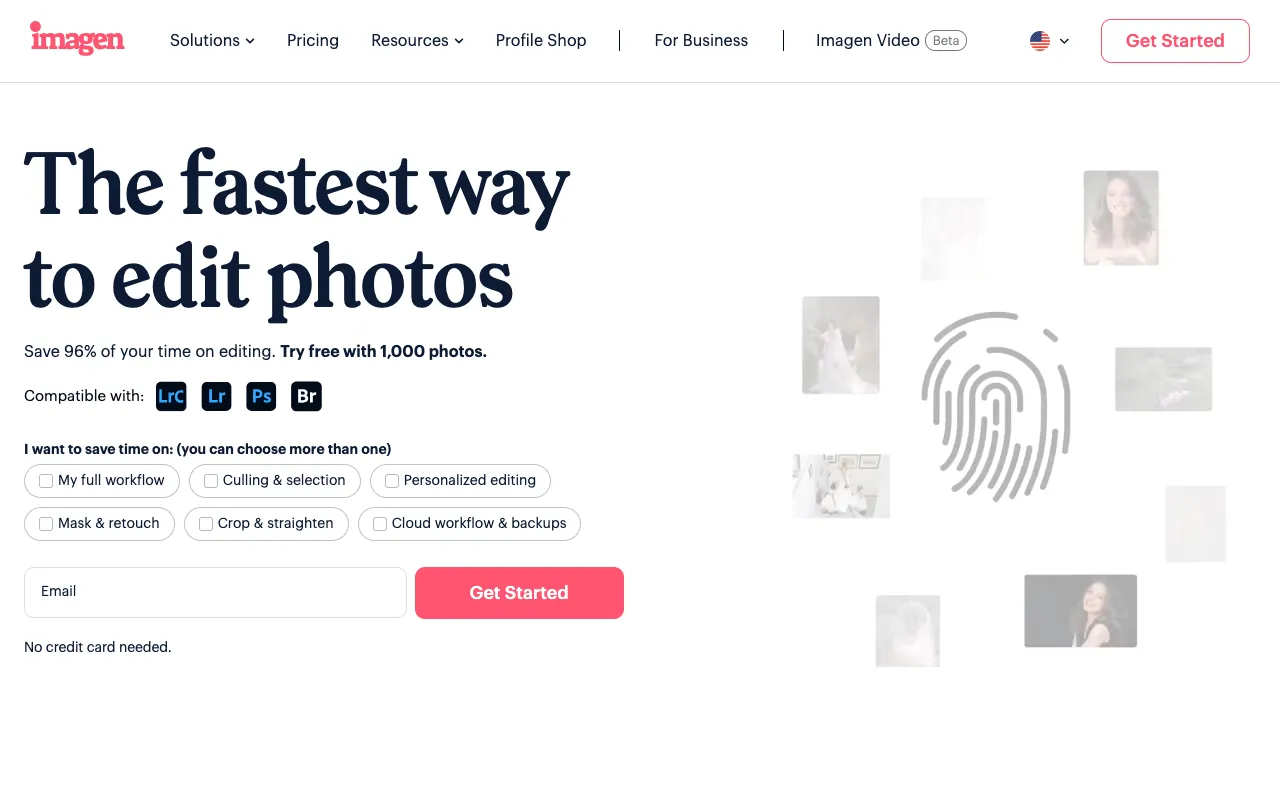
Imagen AI is a revolutionary editing platform built specifically for professional photographers. By leveraging artificial intelligence trained on your own portfolio, it automates the time-consuming process of photo retouching and color correction. This isn't generic AI editing; Imagen studies your past edits to replicate your unique aesthetic, delivering consistent, high-quality results that maintain your signature look while freeing you from hours of manual work. It's the perfect tool for wedding, portrait, and commercial photographers looking to scale their post-production.

What is Imagen AI?

Imagen AI is a dedicated web application that automates professional photo editing through machine learning. At its core, it functions as a virtual assistant trained in your personal editing style. You upload examples of your finished, edited work, and the platform's AI analyzes the adjustments—exposure, contrast, color balance, skin retouching, and more. Once trained on your 'style profile,' Imagen can process new, unedited photos and apply your signature look automatically. This transforms a workflow that traditionally takes hours into one that takes minutes, allowing photographers to focus on shooting and client relationships rather than sitting in front of editing software.

Key Features of Imagen AI

Personalized AI Training

The platform's standout feature is its ability to learn from you. You train a custom AI model, called a 'Personal AI Profile,' by feeding it a curated set of your edited photos. The more diverse and high-quality the training set, the more accurately the AI replicates your nuanced editing decisions, from global adjustments to specific local corrections.

Batch Processing with Consistent Style

Imagen excels at handling large volumes of photos from a single shoot. Upload hundreds or thousands of RAW or JPEG files, and the AI applies your trained profile uniformly across the entire batch. This ensures every photo from an event or session has a cohesive look, eliminating the variability that can occur with manual editing or fatigue.

Professional-Grade Editing Parameters

The AI doesn't just apply filters. It makes sophisticated, photographer-level adjustments including exposure compensation, white balance correction, tone curve adjustments, color grading, lens correction, and basic skin smoothing. The output is a fully developed image ready for final tweaks or client delivery.

Seamless Lightroom Classic Integration

Imagen offers powerful integration with Adobe Lightroom Classic. You can send photos directly from Lightroom to Imagen for AI processing and have the edited versions returned as new virtual copies or DNG files, seamlessly fitting into your existing professional workflow without disrupting your catalog structure.

Who Should Use Imagen AI?

Imagen AI is ideal for any professional photographer whose business involves high-volume shoots and consistent post-processing. Wedding and event photographers, who often deliver thousands of images per client, will find immense value in automating the culling and basic editing stages. Portrait and family photographers can use it to ensure consistent skin tones and lighting adjustments across a session. Commercial and real estate photographers benefit from uniform color correction and exposure balancing across large sets of product or property images. It's less suited for fine art photographers where each image requires unique, non-formulaic manipulation, or for hobbyists who don't have a large, established body of work to train the AI effectively.

Imagen AI Pricing and Free Tier

Imagen AI operates on a credit-based subscription model and does not offer a traditional forever-free tier. New users typically receive a number of free credits to test the service by training a Personal AI profile and processing a batch of photos. After the trial credits are used, you must purchase a subscription plan that provides a monthly allotment of credits. Pricing scales based on the number of credits needed, which correlates to the volume of photos you edit monthly. This model aligns cost directly with usage, making it predictable for professionals. You can visit their website for the most current pricing and credit packages.

Common Use Cases

Key Benefits

Pros & Cons

Pros

  • Uniquely learns and replicates your personal editing style, not a generic preset
  • Dramatically reduces time spent on post-production, potentially saving 80% of editing time
  • Delivers highly consistent results across large batches of images
  • Integrates smoothly with industry-standard Lightroom Classic workflow

Cons

  • Requires an initial investment of time to curate a training set and train your AI model
  • Operates on a credit system; high-volume users will have an ongoing subscription cost
  • Best results come from photographers with an already consistent and well-defined editing style
  • The AI handles global and common local adjustments but cannot replace creative, compositional edits

Frequently Asked Questions

Is Imagen AI free to use?

Imagen AI is not a permanently free tool. It offers a trial with free credits for new users to test its core functionality by training an AI profile and processing photos. After the trial, it operates on a paid subscription model based on credit packs, which are used to process images.

Is Imagen AI good for professional photographers?

Yes, Imagen AI is specifically designed for professional photographers, particularly those in wedding, portrait, event, and commercial photography. It addresses the core business challenge of time-consuming post-production, allowing pros to maintain quality and consistency while drastically reducing editing hours. Its integration with Lightroom Classic makes it a practical addition to a professional workflow.

How does Imagen AI learn my editing style?

You train Imagen by uploading a curated set of your own before-and-after edited photos (typically 5,000-8,000 images). The AI analyzes the differences between the original and your final edits across parameters like exposure, color, contrast, and detail. It builds a unique 'Personal AI Profile' that encapsulates your decisions, which it then applies to new, unedited photos.

Can I use Imagen AI with Lightroom?

Yes, Imagen AI offers a dedicated plugin for Adobe Lightroom Classic. This allows you to select photos directly within your Lightroom catalog, send them to Imagen for AI processing, and have the edited versions returned as new files (Virtual Copies or DNGs) right back into your catalog, preserving your original RAWs and organizational structure.

Conclusion

Imagen AI represents a significant leap forward in photographic workflow automation. For the professional photographer burdened by endless hours in front of Lightroom, it offers a compelling solution that is both intelligent and personal. By learning your unique style, it goes beyond simple presets to become a true extension of your creative process. While it requires an upfront time investment for training and has an associated cost, the return in saved hours, consistent output, and business scalability is substantial. If your photography business involves repetitive, high-volume editing, Imagen AI is a top-tier tool that can transform your efficiency and profitability.