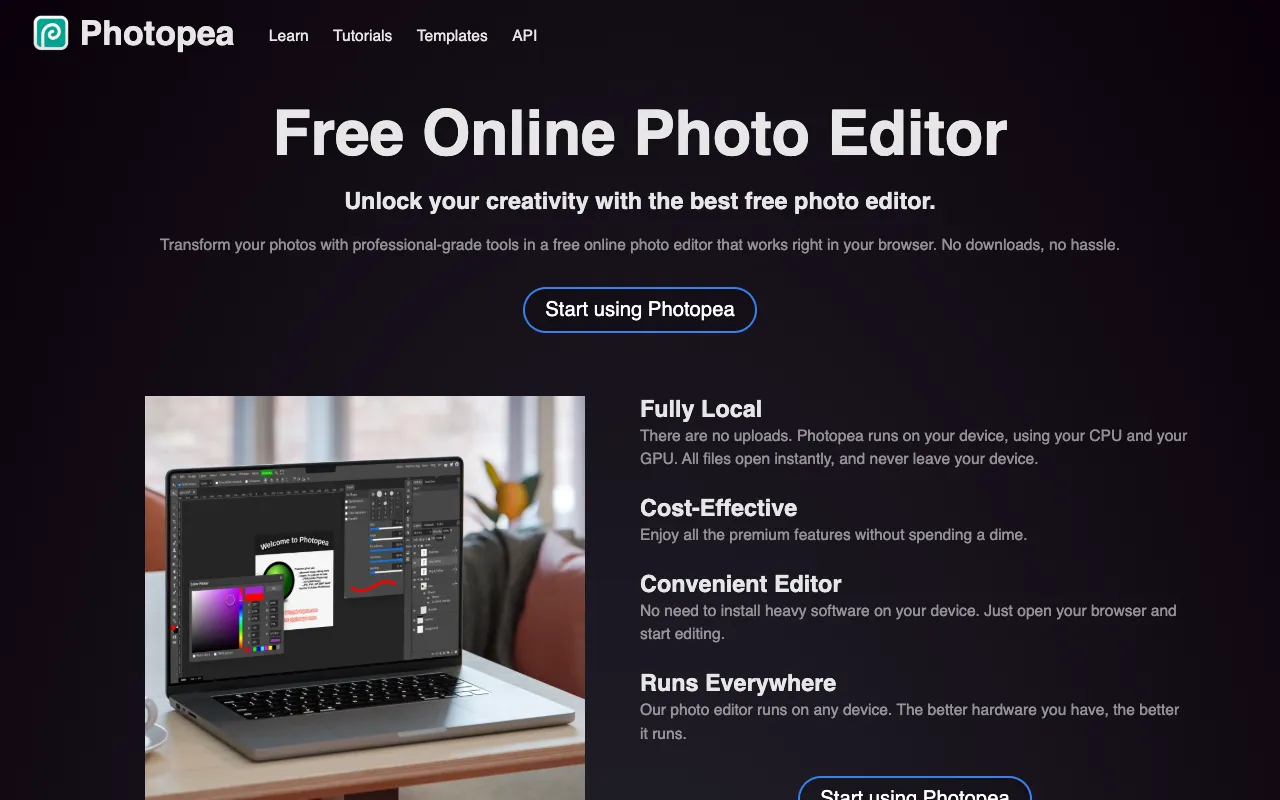
PhotoPea – The Best Free Online Photoshop Alternative for Photographers
PhotoPea is a revolutionary, browser-based image editor that provides photographers and designers with professional-grade tools for free. With an interface and feature set that closely mimics Adobe Photoshop, including native PSD file support, it eliminates the need for expensive software subscriptions. Whether you're retouching portraits, editing landscapes, or creating graphics, PhotoPea delivers desktop-level power directly in your web browser.
What is PhotoPea?
PhotoPea is a sophisticated web application that functions as a full-featured online image editor. Built to be a direct, accessible alternative to Adobe Photoshop, it allows users to open, edit, and save files in formats like PSD, XCF, Sketch, and more without any software installation. It's designed for photographers, graphic designers, and digital artists who need professional capabilities without the high cost or system requirements of traditional software.
Key Features of PhotoPea
Native PSD File Support
Open and edit Adobe Photoshop (.PSD) files with full layer, mask, and adjustment layer fidelity. This makes collaboration and workflow transition seamless for photographers who work with PSDs.
Photoshop-Like Interface & Tools
Navigate a familiar workspace with layers panels, toolbars, and menus that mirror Photoshop. Access essential tools like brushes, clone stamp, healing brush, selection tools, and filters for precise photo editing.
Advanced Layer & Mask Management
Work with complex layer structures, including layer groups, clipping masks, and blend modes. Apply non-destructive edits with adjustment layers for curves, levels, hue/saturation, and more.
Browser-Based & Cross-Platform
Run PhotoPea on any device with a modern web browser (Chrome, Firefox, Safari, Edge). There's no download, installation, or specific operating system requirement, ensuring access from anywhere.
Who Should Use PhotoPea?
PhotoPea is ideal for photographers on a budget, students learning photo editing, freelancers needing a portable solution, and professionals who require quick edits without opening heavy desktop software. It's perfect for retouching photos, creating social media graphics, preparing web images, and performing light design work when full Photoshop is unavailable.
PhotoPea Pricing and Free Tier
PhotoPea is completely free to use with no hidden fees, subscriptions, or watermarks. All core features—including PSD support, layers, and professional tools—are available without cost. A voluntary premium upgrade removes ads and provides additional cloud storage, but the full editing experience is accessible in the 100% free plan.
Common Use Cases
- Quick photo retouching and color correction for portrait photographers
- Editing and exporting web-ready images from PSD files for freelance designers
- Learning Photoshop tools and techniques without a software license
Key Benefits
- Eliminates the high cost of Adobe Creative Cloud subscriptions for essential editing
- Provides a portable, always-accessible editing studio from any computer or device
- Reduces workflow friction by allowing direct PSD editing without file conversion
Pros & Cons
Pros
- Completely free with no feature restrictions
- Exceptional compatibility with industry-standard PSD files
- No installation required; works instantly in any modern browser
- User interface is nearly identical to Adobe Photoshop, reducing learning curve
Cons
- Performance may lag with extremely large or complex multi-layered files compared to desktop software
- Requires a stable internet connection for optimal use
- Lacks some advanced features and plugins found in the latest version of Photoshop
Frequently Asked Questions
Is PhotoPea really free to use?
Yes, PhotoPea is completely free. All its core editing features, including PSD support, layers, masks, and tools, are available at no cost. An optional premium plan exists only to remove ads and offer extra cloud storage.
Is PhotoPea good for professional photographers?
Absolutely. PhotoPea is an excellent tool for professional photographers needing to perform edits, retouching, and basic compositing, especially when away from their primary workstation. Its PSD compatibility makes it a viable backup or supplementary editor within a professional workflow.
Can I open Photoshop PSD files in PhotoPea?
Yes, PhotoPea has best-in-class PSD file support. You can open .PSD files directly, preserving layers, layer styles, masks, and text layers for seamless editing in the browser.
Does PhotoPea work on iPad or mobile?
PhotoPea works in mobile web browsers, but the interface is optimized for desktop use. For complex editing, a computer or tablet with a larger screen and precise input (like a stylus) is recommended for the best experience.
Conclusion
For photographers and designers seeking a powerful, cost-effective alternative to Adobe Photoshop, PhotoPea stands as the definitive solution. It successfully bridges the gap between professional needs and budgetary constraints by delivering a familiar, capable editing environment entirely for free in your browser. While it may not replace every advanced function of desktop Photoshop for all users, it is an indispensable tool for quick edits, client work, education, and maintaining productivity from anywhere. For its price (free) and capability, PhotoPea is arguably the best online image editor available today.