Go back
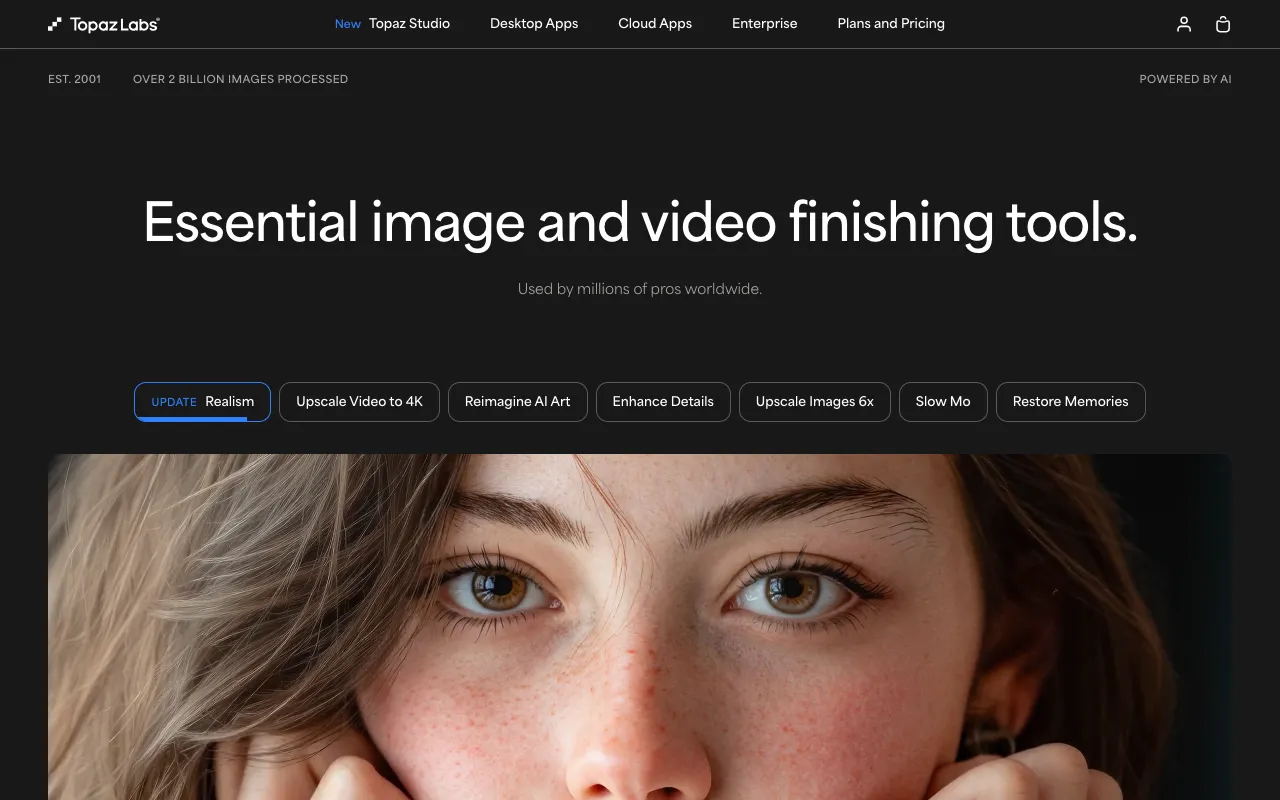
Image of Topaz Labs AI Suite – Best AI-Powered Image Tools for Photographers

Topaz Labs AI Suite – Best AI-Powered Image Tools for Photographers

Topaz Labs AI is a premium desktop software suite designed specifically for photographers who demand perfection in post-processing. By leveraging advanced artificial intelligence, its three core applications—Gigapixel AI, Sharpen AI, and DeNoise AI—solve the most challenging image quality problems: enlarging photos without artifacts, recovering tack-sharp detail from blurry shots, and removing digital noise while preserving texture. This isn't just another filter pack; it's a targeted toolkit that delivers results often impossible with traditional editing software, making it an essential asset for professional and serious amateur photographers.

What is the Topaz Labs AI Suite?

The Topaz Labs AI Suite is a collection of standalone, AI-powered desktop applications that address specific image quality deficiencies. Unlike all-in-one editors, each tool is a deep-learning specialist: Gigapixel AI focuses on intelligent image enlargement, Sharpen AI on correcting blur and recovering detail, and DeNoise AI on removing noise without smearing detail. The suite operates as a powerful complement to workflows in Adobe Photoshop, Lightroom, or other host applications via plugins, providing photographers with surgical control over the final clarity and resolution of their images.

Key Features of Topaz Labs AI

Gigapixel AI – Intelligent Image Upscaling

Gigapixel AI uses a trained neural network to analyze your photo and intelligently add new pixels when enlarging images. This allows you to upscale photos by up to 600% while maintaining sharp edges and realistic textures, perfect for large prints, cropping deeply, or restoring low-resolution archive images. It outperforms standard bicubic interpolation by creating natural details instead of blurry or blocky artifacts.

Sharpen AI – Detail Recovery and Motion Correction

Sharpen AI tackles three common sources of softness: general blur, lens softness, and motion blur from camera shake. Its AI models can distinguish between true image detail and noise, allowing it to selectively sharpen only the areas that need it. This makes it invaluable for salvaging shots that would otherwise be discarded due to slight misfocus or slow shutter speeds.

DeNoise AI – Noise Reduction with Detail Preservation

DeNoise AI excels at removing high ISO noise, color noise, and grain while preserving the fine texture and detail of your subject. Traditional noise reduction often creates a plastic, 'over-smoothed' look, but DeNoise AI's algorithms are trained to recognize and keep important details like skin texture, fur, and foliage, resulting in cleaner, more natural-looking images.

Who Should Use Topaz Labs AI?

This suite is ideal for professional photographers, advanced amateurs, retouchers, and digital artists who work with demanding image quality requirements. Wildlife and sports photographers benefit from DeNoise AI and Sharpen AI for high-ISO and fast-action shots. Landscape and architectural photographers use Gigapixel AI for massive prints and Sharpen AI for front-to-back sharpness. Portrait and wedding photographers rely on DeNoise AI for clean skin tones in low light. It's for anyone who views image detail as non-negotiable and needs tools that go beyond the capabilities of standard RAW processors.

Topaz Labs AI Pricing and Free Tier

Topaz Labs AI applications are sold via a perpetual license model, either individually or as a bundled suite, with no subscription required. While there is no traditional 'free tier,' Topaz Labs offers fully-functional free trials for each application, allowing you to test the software on your own images with no watermark before purchasing. This try-before-you-buy model ensures the tools meet your specific needs. Bundles offer significant savings over purchasing each application separately.

Common Use Cases

Key Benefits

Pros & Cons

Pros

  • Industry-leading AI models deliver superior results for upscaling, sharpening, and denoising.
  • Perpetual license model means no ongoing subscription fees after purchase.
  • Lightweight, focused applications that do one job exceptionally well.
  • Fully-functional free trials available for thorough testing.

Cons

  • Premium pricing places it as an investment for serious photographers.
  • Requires a moderately powerful computer (discrete GPU recommended) for optimal performance.
  • Applications are separate; some users may prefer a single, integrated interface.

Frequently Asked Questions

Is Topaz Labs AI free to use?

Topaz Labs AI applications are not free software, but they offer completely free, full-featured trials for each tool (Gigapixel AI, Sharpen AI, DeNoise AI). These trials allow you to process your own images without watermarks to evaluate the results before deciding to purchase a perpetual license.

Is Topaz Labs AI good for professional photographers?

Yes, absolutely. Topaz Labs AI is considered an industry-standard toolset for professional photographers. Its ability to solve specific, high-stakes image quality problems—like recovering detail from a crucial shot or preparing an image for a giant print—makes it a valuable and justifiable investment for any pro workflow focused on delivering maximum image fidelity.

How does Topaz Labs AI compare to Lightroom or Photoshop?

Topaz Labs AI complements rather than replaces Lightroom or Photoshop. While Lightroom and Photoshop have basic noise reduction and sharpening tools, Topaz's dedicated AI applications use more advanced, specialized algorithms that typically produce significantly better results for challenging cases. Photographers commonly use Topaz as a plugin from within their main editor for specific tasks where its AI power is needed.

Conclusion

For photographers who prioritize ultimate image quality, the Topaz Labs AI Suite represents a powerful and specialized toolkit. Its focused applications tackle the hard limits of digital photography—noise, blur, and resolution—with an effectiveness that often feels like magic. While it requires an investment, the ability to salvage shots, enable massive enlargements, and produce cleaner files can directly impact your work's professional value. If your photography demands the best possible detail and clarity, testing the Topaz Labs AI free trials is a highly recommended step in your post-processing journey.