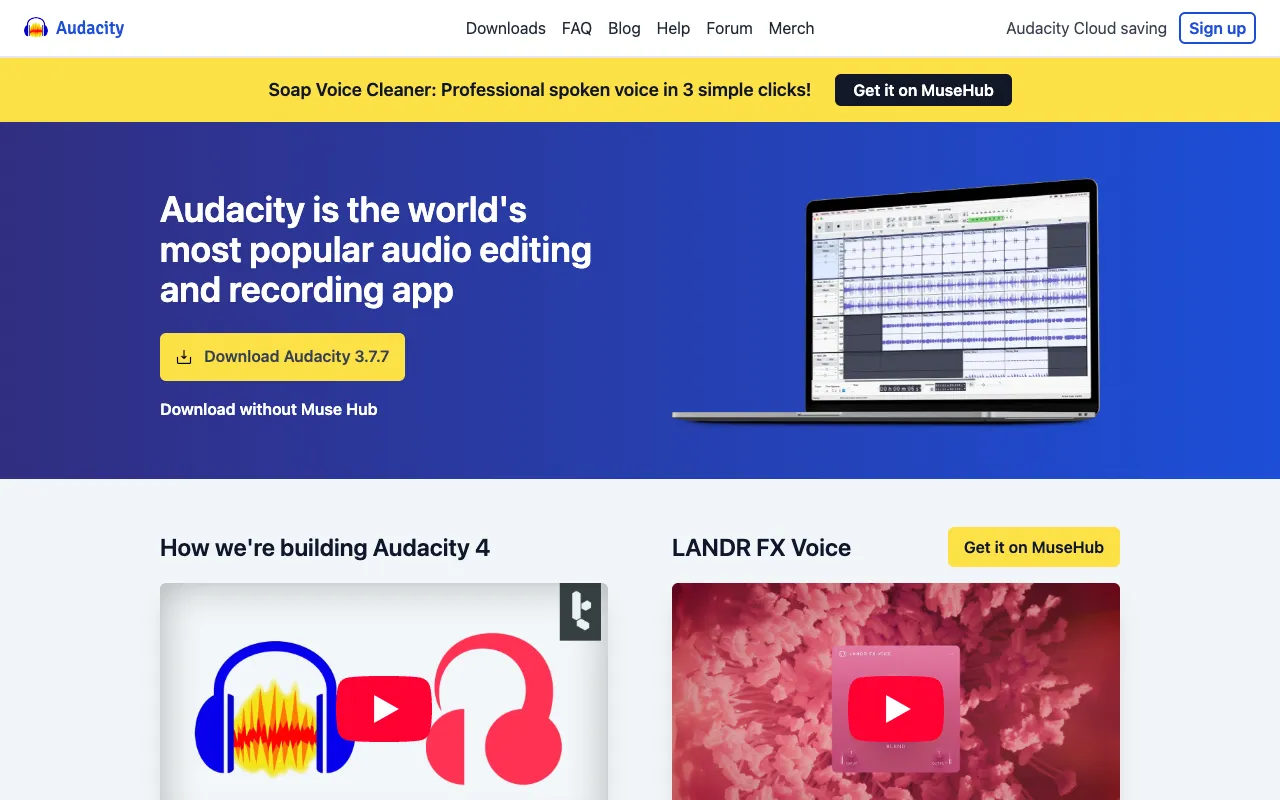
Audacity – The Ultimate Free Audio Editor for Podcasters
Audacity stands as the definitive gateway for podcasters seeking professional-grade audio production without the professional price tag. This free, open-source, and cross-platform digital audio workstation (DAW) empowers creators at every level—from hobbyists launching their first show to seasoned producers—to record, edit, mix, and master crystal-clear audio. With its robust multi-track capabilities, extensive effects library, and unwavering commitment to being completely free, Audacity removes financial barriers, allowing you to invest your resources in content, not software.
What is Audacity?
Audacity is a powerful, free, and open-source digital audio editor and recording application. It serves as a complete audio production suite, enabling users to record live audio, digitize recordings from other media, edit multiple tracks with sample-level precision, and apply a vast array of effects and plugins. Designed with accessibility and power in mind, its cross-platform nature (Windows, macOS, Linux) ensures that any podcaster, regardless of their operating system or budget, has access to a professional toolset. Unlike subscription-based SaaS tools, Audacity is a downloadable desktop application that gives you full, permanent control over your audio projects.
Key Features of Audacity for Podcasters
Multi-Track Recording & Editing
Record your host, guests, and sound effects on separate, synchronized tracks. This non-destructive editing environment allows you to cut, copy, splice, and mix audio with precision, making complex podcast edits like removing ums, adjusting levels, and arranging segments intuitive and efficient.
Comprehensive Effects & Plugin Support
Audacity includes built-in studio-grade effects crucial for podcast production, including noise reduction, compression, equalization (EQ), and normalization. It also supports VST, LV2, and Audio Unit (macOS) plugins, allowing you to expand its capabilities with third-party tools for advanced audio restoration and mastering.
Cross-Platform Compatibility & Open Source
As a truly free and open-source project, Audacity guarantees zero cost, transparency, and community-driven development. It runs identically on Windows, Mac, and Linux, ensuring project portability and making it the perfect choice for collaborative podcasting teams using different systems.
Who Should Use Audacity?
Audacity is the ideal starting point and reliable workhorse for a wide spectrum of audio creators. It is perfectly suited for beginner podcasters taking their first steps, as it offers a deep feature set without financial risk. Budget-conscious indie creators and educational institutions benefit immensely from its zero-cost model. Furthermore, advanced users and audio engineers appreciate its raw, unprocessed audio handling and plugin architecture for detailed, surgical edits. If you value ownership of your software, require offline editing, or need a robust tool that won't ever charge a subscription fee, Audacity is your solution.
Audacity Pricing and Free Tier
Audacity's most compelling feature is its pricing: it is completely free. There is no 'free tier' with limitations—it is the full version of the software, available at no cost, forever. You can download, install, and use every feature of Audacity for personal or commercial podcast production without ever paying a license fee, encountering watermarks, or hitting recording time limits. This model is sustained by its open-source nature and supportive community, making it the most accessible professional audio tool on the market.
Common Use Cases
- Editing and mastering interview podcasts with multiple guest audio tracks
- Removing background noise and hum from home studio podcast recordings
- Creating and mixing intro/outro music beds and sound effects for podcast episodes
Key Benefits
- Eliminate software costs entirely, allowing you to allocate budget to microphones, hosting, or marketing.
- Gain complete control and ownership of your audio files and projects with offline, desktop-based editing.
- Access a professional-grade toolset that grows with your skills, from basic cuts to advanced multi-track production.
Pros & Cons
Pros
- 100% free with no feature restrictions, trials, or subscriptions.
- Powerful multi-track editing with sample-level precision for professional results.
- Vast library of built-in effects (noise reduction, EQ, compression) and support for third-party plugins.
- Lightweight, fast desktop application that works offline without relying on an internet connection.
- Open-source and cross-platform, ensuring long-term availability and project compatibility.
Cons
- The user interface can feel dated and less intuitive compared to modern, commercial DAWs.
- Lacks some collaborative cloud-based features found in newer, subscription-based podcasting platforms.
- Advanced automation and routing options are more limited than in high-end paid audio software.
Frequently Asked Questions
Is Audacity really free for podcasting?
Yes, absolutely. Audacity is free, open-source software. You can use it to record, edit, and produce podcasts for personal or commercial use without any cost, hidden fees, or time-limited trials. The entire feature set is available from the moment you download it.
Is Audacity good for professional podcast editing?
Yes, Audacity is more than capable of professional podcast production. While its interface is utilitarian, its audio engine is robust. Professionals worldwide use it for its precise editing, effective noise reduction tools, and reliable output. For solo podcasters and small teams, it provides all the necessary tools to produce broadcast-quality audio.
What are the system requirements for Audacity?
Audacity has very modest system requirements, making it run smoothly on most computers. It requires a relatively recent operating system (Windows 7+, macOS 10.12+, or a modern Linux distro) and about 100MB of disk space. For multi-track recording, a faster processor and more RAM will improve performance, but it is far less demanding than many commercial DAWs.
Conclusion
For podcasters prioritizing capability over cost, Audacity remains an unmatched champion. It democratizes audio production by placing a comprehensive, professional-grade editing suite into the hands of every creator for free. While it may lack the polished interface of premium alternatives, its raw power, flexibility, and commitment to being truly free make it an essential tool—and often the best starting point—for anyone serious about podcasting. If you want to invest in your content, not your software, downloading Audacity is the first and most impactful decision you can make.