Go back
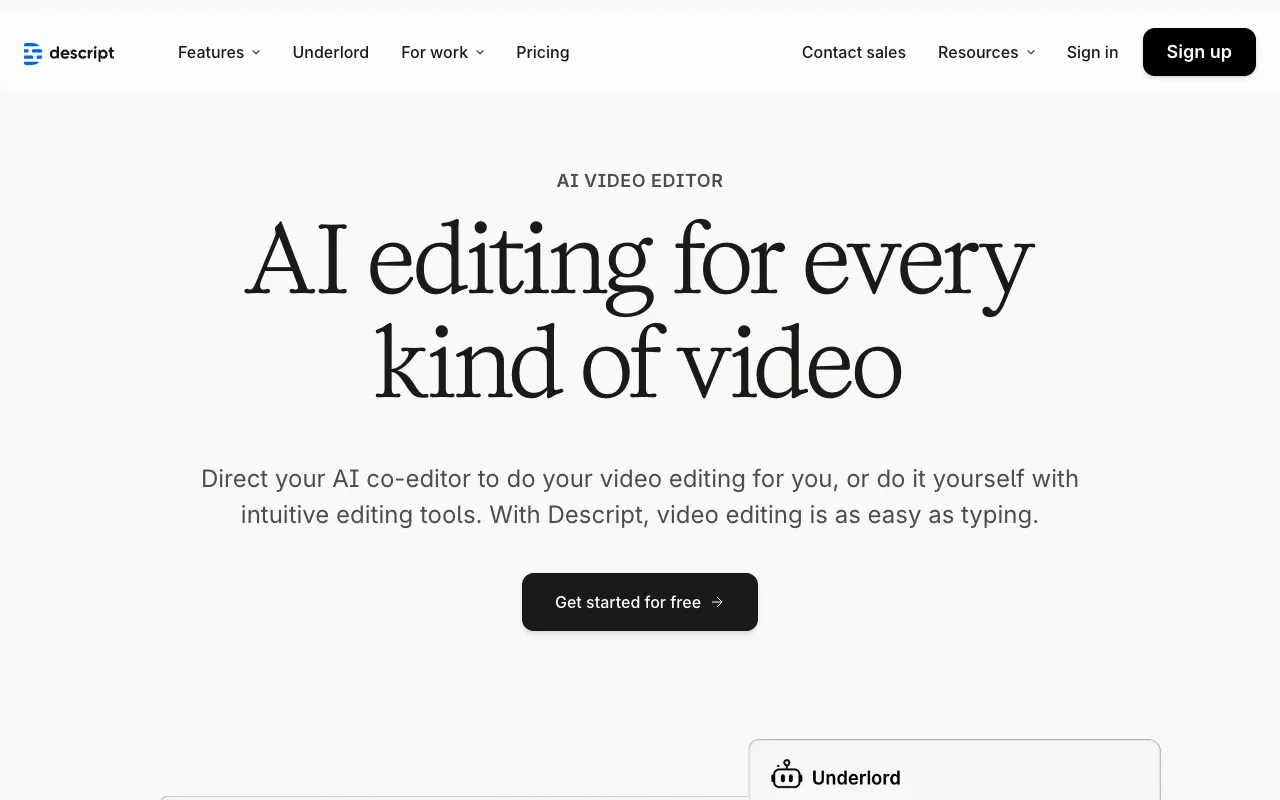
Image of Descript – The Best All-in-One Podcast Editor for Modern Creators

Descript – The Best All-in-One Podcast Editor for Modern Creators

Descript transforms the complex, technical process of podcast editing into something as simple as editing a text document. As a comprehensive audio and video editor built on transcription technology, it empowers podcasters of all skill levels to produce professional-grade content faster. By allowing you to cut, rearrange, and polish your episodes by editing the transcript, Descript eliminates the steep learning curve of traditional timeline editors. Whether you're a solo creator, interview host, or production team, this tool streamlines your entire workflow from recording and editing to mixing and publishing.

What is Descript?

Descript is a revolutionary audio and video editing platform that uses automatic transcription as its core interface. Instead of wrestling with waveforms on a complex timeline, you edit your podcast by editing the text of its transcript. Delete a word, sentence, or paragraph in the text editor, and the corresponding audio or video is removed seamlessly. This intuitive approach makes advanced editing techniques like removing filler words ('ums', 'uhs'), tightening dialogue, and rearranging segments accessible to anyone. It's more than just an editor; it's an all-in-one studio for recording, transcribing, editing, mixing, and publishing podcast content.

Key Features of Descript for Podcasters

Text-Based Audio & Video Editing

The cornerstone of Descript. Edit your media with the simplicity of a word processor. Cut out mistakes, remove long pauses, and rearrange entire sections by cutting and pasting text. This visual, non-destructive editing method drastically reduces production time and makes precise edits foolproof.

Overdub (AI Voice Cloning) & Studio Sound

Fix a mispronounced word or record a new line without re-recording the entire session. Descript's Overdub feature lets you generate speech in your own voice by typing. Combined with its suite of studio-quality effects—like automatic leveling, noise removal, and EQ—you can achieve a polished, broadcast-ready sound directly within the app.

Screen Recording & Remote Recording

Record high-quality video podcasts, tutorials, or interviews directly in Descript. The remote recording feature (Descript Calls) captures separate, high-fidelity tracks for each participant over the internet, ensuring perfect audio quality for remote guests, which is essential for interview-based podcasts.

Filler Word Removal & Automatic Transcription

Instantly clean up your dialogue with one-click removal of filler words and mouth sounds. The AI-powered transcription is fast and highly accurate, creating the perfect text foundation for your edits and providing accessible transcripts for your audience.

Who Should Use Descript?

Descript is ideal for podcasters who value speed, simplicity, and professional results without needing an engineering degree. It's perfect for solo creators and entrepreneurs managing their own show, interview hosts who need to clean up conversations with multiple guests, content teams looking for seamless collaboration, and video podcasters who want an integrated solution for both audio and visual content. If the technical barrier of traditional DAWs like Audition or Pro Tools has held you back, Descript is your solution.

Descript Pricing and Free Tier

Descript offers a generous free plan (Creator tier) that includes 1 hour of transcription per month, watermark-free exports, and core editing features—perfect for starting out. Paid plans (Pro and Enterprise) unlock unlimited transcription, higher quality export options, more Overdub word credits, advanced collaboration tools, and priority support, scaling with your podcast's production needs and team size.

Common Use Cases

Key Benefits

Pros & Cons

Pros

  • Unmatched editing speed and intuitive text-based interface
  • All-in-one platform covering recording, editing, mixing, and publishing
  • Powerful AI features like Overdub and filler word removal save massive time
  • Excellent for both audio-only and video podcast production
  • Strong free tier allows full testing of core features

Cons

  • Advanced mixing and sound design capabilities are less granular than dedicated DAWs
  • The AI-powered Overdub feature, while impressive, may require training for optimal results
  • Subscription model required for full professional feature set

Frequently Asked Questions

Is Descript free to use for podcasting?

Yes, Descript offers a free Creator plan that includes 1 hour of transcription per month, core text-based editing, basic audio effects, and watermark-free exports. It's a fully-featured starting point for new podcasters to learn the platform and produce complete episodes.

Is Descript good for editing long-form interview podcasts?

Absolutely. Descript is exceptionally well-suited for interview podcasts. The ability to edit a conversation by editing the transcript makes it easy to remove questions, tighten answers, delete off-topic segments, and clean up filler words across multiple speakers quickly, which is a common challenge in long-form interviews.

Can I use Descript for video podcasts?

Yes, Descript is a fully-featured video editor as well. You can edit video using the same text-based interface, add titles, B-roll, and multi-camera edits. Its screen recording and remote recording with separate video tracks make it a powerful all-in-one solution for video podcasters and content creators.

How accurate is Descript's transcription?

Descript's AI transcription is highly accurate for clear audio, often exceeding 95% accuracy. Accuracy can be affected by strong accents, poor audio quality, or multiple people talking over each other. The editor makes it easy to correct any transcription errors manually as you edit.

Conclusion

For podcasters seeking a modern, efficient, and powerful editing solution, Descript stands out as a category-defining tool. It successfully demystifies audio and video production, turning hours of tedious editing into minutes of simple text manipulation. While professional sound engineers might still use traditional DAWs for ultimate control, Descript delivers 95% of the results for 95% of podcasters in a fraction of the time. Its unique combination of transcription-based editing, AI-powered enhancements, and all-in-one workflow makes it an indispensable asset for any podcaster serious about quality and growth. If your goal is to spend less time editing and more time creating, Descript is the premier choice.