Go back
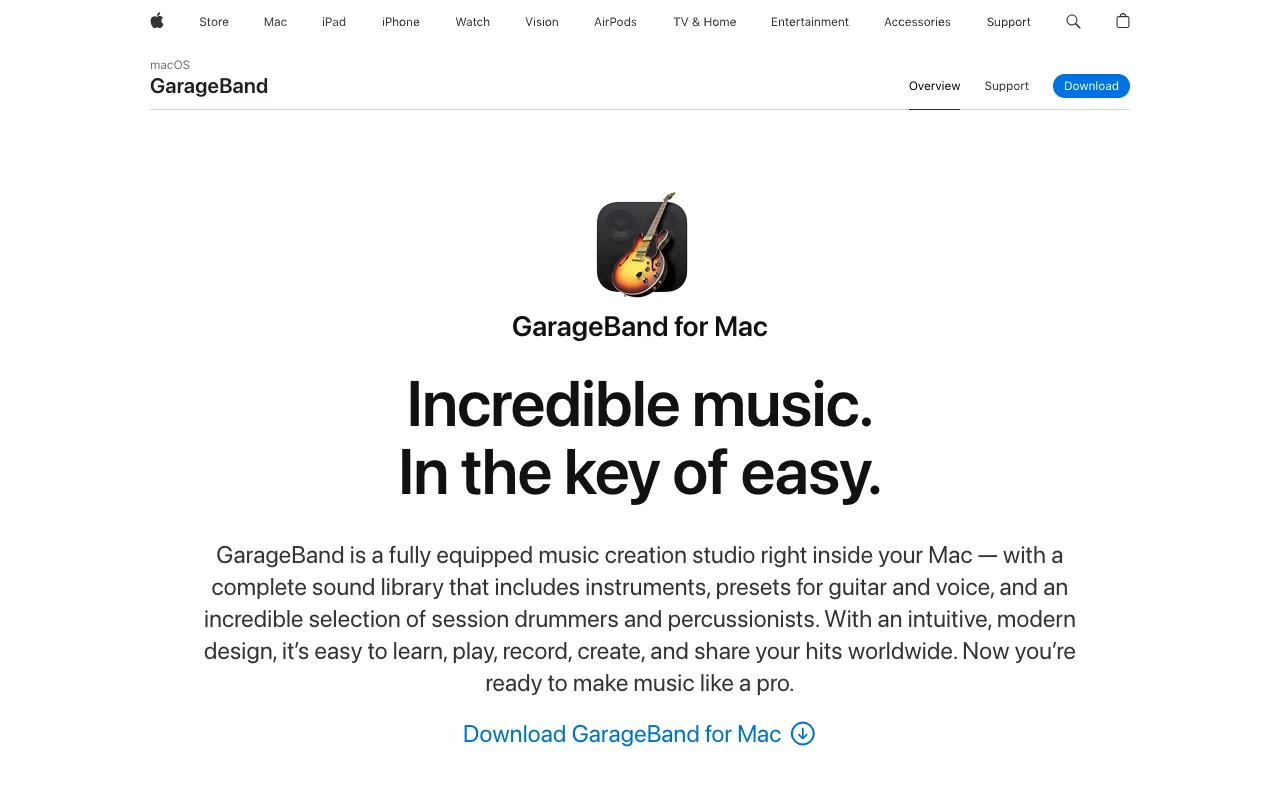
Image of GarageBand – The Best Free Tool for Podcast Recording & Editing

GarageBand – The Best Free Tool for Podcast Recording & Editing

GarageBand transforms your Mac or iOS device into a professional podcasting studio—completely free. It provides an intuitive yet powerful suite of tools for recording high-quality audio, editing episodes with precision, and adding polish with built-in sound libraries and effects. Whether you're a solo host or managing a multi-mic interview, GarageBand delivers studio-grade capabilities without the cost, making it the ideal starting point and long-term solution for podcasters at any level.

What is GarageBand?

GarageBand is Apple's flagship digital audio workstation (DAW), designed as a fully-equipped music and audio creation studio. For podcasters, it serves as a comprehensive platform to capture, edit, mix, and master audio episodes. Unlike basic recording apps, GarageBand offers multi-track editing, a vast library of royalty-free sound effects and music loops, and professional-grade audio processing tools—all wrapped in an interface that balances simplicity for beginners with depth for advanced users. Its seamless integration across the Apple ecosystem (macOS and iOS) makes it a uniquely powerful and accessible choice for podcast production.

Key Features of GarageBand for Podcasters

Multi-Track Recording & Editing

Record separate audio tracks for hosts, guests, and sound effects simultaneously. GarageBand's non-destructive editing lets you cut, copy, paste, and rearrange clips with sample-accurate precision, enabling flawless episode assembly and correction of mistakes.

Professional Audio Processing & Effects

Apply studio-quality effects like Compression, Noise Gate, and Equalization (EQ) to clean up audio and give your podcast a broadcast-ready sound. Use presets tailored for voice or customize your own signal chain.

Built-in Sound Library & Apple Loops

Access thousands of royalty-free sound effects, jingles, and music loops to create intros, outros, and transitions. This library eliminates the need for external stock audio subscriptions for many producers.

Flexible Export & Sharing Options

Export your final podcast episode in high-quality formats optimized for platforms like Apple Podcasts, Spotify, and YouTube. Share directly to services or save files for further distribution.

Seamless Apple Ecosystem Integration

Start a recording on your iPhone and finish editing on your Mac with iCloud project syncing. Use your iPad as a portable studio or control GarageBand remotely with other Apple devices.

Who Should Use GarageBand?

GarageBand is perfect for Apple-using podcasters who demand professional results without a subscription fee. It's an excellent fit for beginners seeking an easy entry into audio production, solo creators and interviewers needing robust editing tools, and even experienced producers who want a reliable, integrated DAW for podcast-specific workflows. Its free tier makes it particularly valuable for hobbyists, indie creators, and educational podcasters managing tight budgets.

GarageBand Pricing and Free Tier

GarageBand is completely free to download and use with no hidden costs, subscriptions, or in-app purchases. It is included for free with all new Mac and iOS devices and is available as a free download from the Mac App Store and iOS App Store for eligible devices. This makes it one of the most cost-effective professional audio production solutions available, offering lifetime access to all its core features and updates at no charge.

Common Use Cases

Key Benefits

Pros & Cons

Pros

  • Completely free with no limitations on tracks, exports, or features
  • Intuitive user interface suitable for beginners yet powerful for experts
  • Deep integration with macOS and iOS for a seamless workflow
  • Includes a vast library of professional sound effects and music loops

Cons

  • Exclusive to Apple's macOS and iOS platforms, not available for Windows or Android
  • Can have a steeper initial learning curve for users completely new to audio editing

Frequently Asked Questions

Is GarageBand free to use for podcasting?

Yes, GarageBand is completely free to download and use for podcasting. There are no subscription fees, in-app purchases, or limitations on core features like multi-track recording, editing, and exporting high-quality audio files.

Is GarageBand good for professional podcast production?

Absolutely. GarageBand is used by many professional podcasters for its robust toolset. It supports multi-track recording, offers professional audio effects like compression and EQ, and provides the editing precision needed to produce polished, broadcast-ready episodes that meet industry standards.

Can I use GarageBand on Windows or Android?

No, GarageBand is developed by Apple and is exclusively available for macOS and iOS devices. It is not compatible with Windows PCs or Android phones and tablets. Users on those platforms would need to seek alternative digital audio workstations.

What audio format should I export my podcast in from GarageBand?

For podcasting, you should export your final mix as a high-quality MP3 or AAC file. GarageBand makes this easy with export presets. MP3 is the most widely supported format for podcast hosting platforms, offering a good balance of sound quality and manageable file size for listeners.

Conclusion

GarageBand stands out as a premier, zero-cost solution for podcasters invested in the Apple ecosystem. It successfully bridges the gap between accessible simplicity and professional-grade audio production, offering a feature set that rivals paid software. For anyone starting a podcast on a Mac, iPad, or iPhone, or for experienced creators seeking a powerful, integrated, and free DAW, GarageBand is an exceptional and highly recommended choice that can serve as the complete foundation for your podcast's audio production.