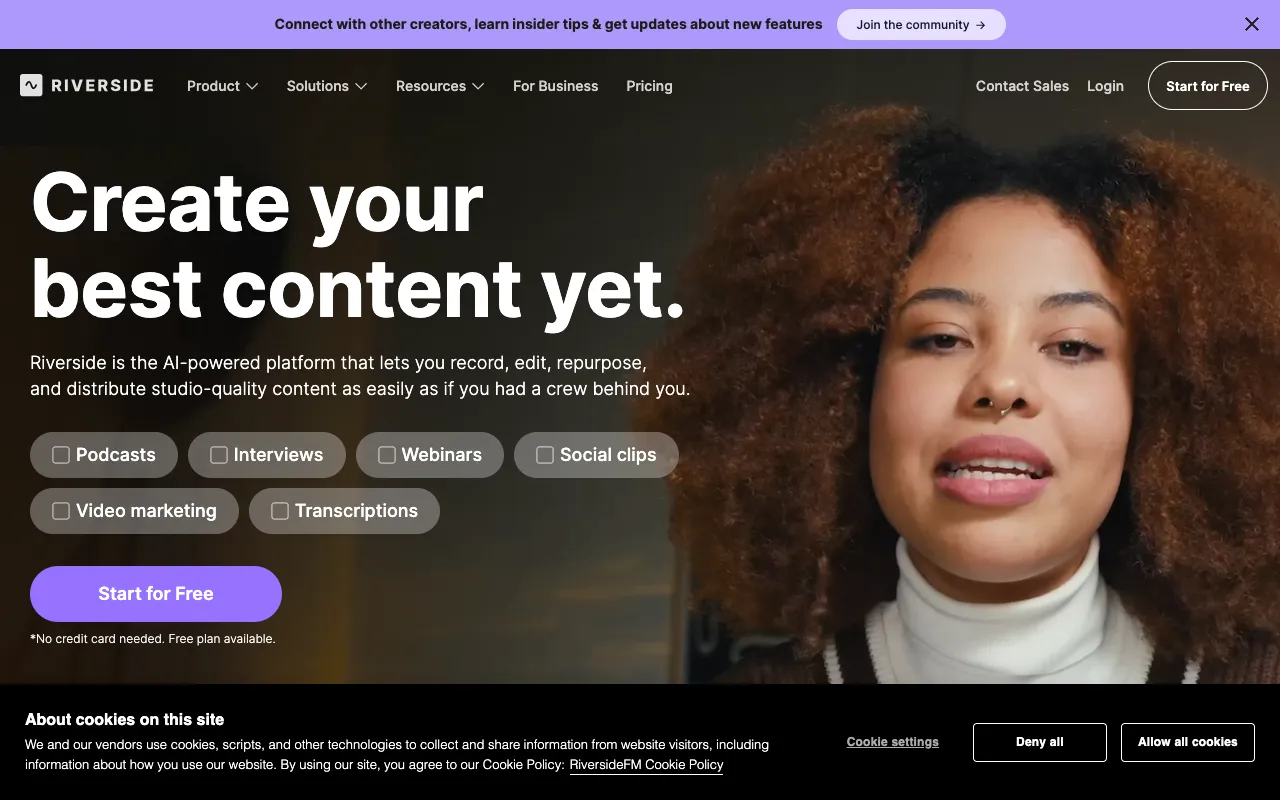
Riverside.fm – The Professional Platform for Remote Podcast Recording
Riverside.fm is the premier solution for podcasters, interviewers, and content creators who demand broadcast-quality audio and video from remote guests. Unlike standard conferencing tools, Riverside records each participant's audio and video locally on their device before uploading, guaranteeing pristine 48kHz WAV audio and up to 4K video—even with unstable internet connections. It combines the simplicity of a web app with the power of a studio, offering separate tracks, live streaming, and integrated editing to streamline your entire production workflow.
What is Riverside.fm?
Riverside.fm is a specialized web-based platform designed exclusively for high-fidelity remote media recording. It solves the core problem of quality degradation in remote interviews by utilizing local recording technology. While you and your guests converse in a live session, the platform records audio and video directly onto each participant's computer. This ensures the final files are free from the artifacts, dropouts, and compression typical of streaming-based recording tools like Zoom or Skype. It's built for podcasters, educators, journalists, and corporate teams who need reliable, professional-grade recordings without requiring everyone to be in the same physical studio.
Key Features of Riverside.fm
Local Recording for Flawless Quality
This is Riverside.fm's flagship feature. Audio is captured as uncompressed 48kHz WAV files, and video up to 4K resolution, directly on each participant's device. This means internet lag or bandwidth fluctuations during the call do not affect the recording quality. You get studio-level source files from every guest, regardless of their location.
Separate Audio & Video Tracks
Every participant's audio and video is saved as an individual track. This gives producers unparalleled control in post-production, allowing you to adjust levels, apply noise reduction, fix mistakes, or cut between camera angles for each person independently, just like in a professional multi-track studio setup.
Live Streaming to Social Platforms
Broadcast your recording session live to platforms like YouTube, Twitter (via Restream), or LinkedIn directly from Riverside. Engage with a live audience while simultaneously capturing the high-quality local recordings for later editing and publishing, maximizing the reach and utility of each session.
Integrated Editor (Riverside Editor)
Riverside includes a browser-based editor that automatically syncs all your separate tracks. It offers tools for trimming, creating clips for social media, adding subtitles automatically via AI transcription, and downloading the final mixed file, significantly speeding up the post-production process.
Green Room & Producer Invites
Manage your recordings professionally with a backstage 'Green Room' where guests can wait before being brought on air. You can also invite producers or assistants to help manage the session, control audio, and handle live streaming without being on camera.
Who Should Use Riverside.fm?
Riverside.fm is ideal for serious content creators where audio/video quality is non-negotiable. It's perfect for professional podcast hosts conducting remote interviews, video podcasters needing high-resolution footage, educators creating online courses, journalists recording remote testimonials, and corporate teams producing internal communications or marketing webinars. If your brand or reputation depends on crisp, clear, and reliable media, Riverside.fm provides the technical foundation that consumer-grade tools cannot match.
Riverside.fm Pricing and Free Tier
Riverside.fm operates on a subscription model and does not have a permanent free tier. However, they offer a free trial that allows users to test the core recording features. Paid plans start with the 'Standard' plan, which includes extended recording hours, higher-quality video, and access to the editor. The 'Pro' plan adds features like live call-in, custom branding, and priority support. For large teams and enterprises, a 'Business' plan is available. This model ensures the platform is dedicated to serving committed creators and professionals with robust, reliable infrastructure and continuous development.
Common Use Cases
- Recording a high-quality interview podcast with guests across different time zones
- Producing a video podcast or webinar with separate camera feeds for professional editing
- Creating online course content with crystal-clear audio and video from multiple instructors
- Live streaming a panel discussion to YouTube while capturing master files for a podcast episode
Key Benefits
- Eliminate anxiety about internet-related audio dropouts or quality loss in critical recordings
- Dramatically reduce post-production time with automatically synced separate tracks and an integrated editor
- Present a highly professional image to guests and audience with studio-quality output
- Repurpose content efficiently by easily creating video clips, audiograms, and transcripts from a single session
Pros & Cons
Pros
- Unmatched audio and video quality for remote recordings due to local capture
- Massive time-saver with separate tracks and a capable built-in editor
- Combines recording and live streaming in one seamless workflow
- Extremely reliable; session quality is not dependent on live internet stability
- User-friendly interface that guests can join via a simple browser link
Cons
- No permanent free plan, requiring a financial commitment for ongoing use
- The highest video quality (4K) and some advanced features are locked behind higher-tier plans
- Being browser-based, it requires a reasonably modern computer and Chrome/Firefox/Edge for optimal performance
Frequently Asked Questions
Is Riverside.fm free to use?
Riverside.fm does not offer a permanent free plan. They provide a free trial to test the platform's core recording capabilities. For ongoing use, access to all features, extended recording time, and higher-quality exports requires a paid subscription, which is structured to support the professional-grade infrastructure and development.
Is Riverside.fm good for professional podcasters?
Absolutely. Riverside.fm is considered an industry-standard tool for professional podcasters who record with remote guests. Its local recording technology guarantees the audio quality needed for major podcast networks and platforms. The separate tracks and editing features are specifically designed to meet the demands of professional audio production workflows, making it a top recommendation for any podcaster serious about quality.
How does Riverside.fm handle poor internet connections?
This is Riverside.fm's key advantage. Because it records locally to each participant's device, a poor internet connection only affects the live video chat experience during the call. The actual recording—the WAV audio and video files saved to the hard drive—remains pristine. Once the call ends, these high-quality files are uploaded to the cloud, ensuring you always get perfect source material.
Can I edit my podcast directly in Riverside.fm?
Yes. Riverside.fm includes its own cloud-based editor. It automatically imports and syncs all your separate audio and video tracks. You can trim the recording, create short video clips for social media, generate transcripts and subtitles using AI, and download a final mixed MP4 or WAV file, all without needing separate editing software for basic productions.
Conclusion
For podcasters and video creators who view audio quality as the bedrock of their content, Riverside.fm is not just a tool—it's a strategic investment. It removes the technical risk from remote recording, delivering consistency and professionalism that elevates your final product. While it requires a subscription, the value in saved post-production time, guaranteed reliability, and pristine output justifies the cost for any creator building a serious audience or brand. If you're ready to move beyond the compromises of consumer conferencing apps and into a workflow designed for excellence, Riverside.fm is the definitive solution.