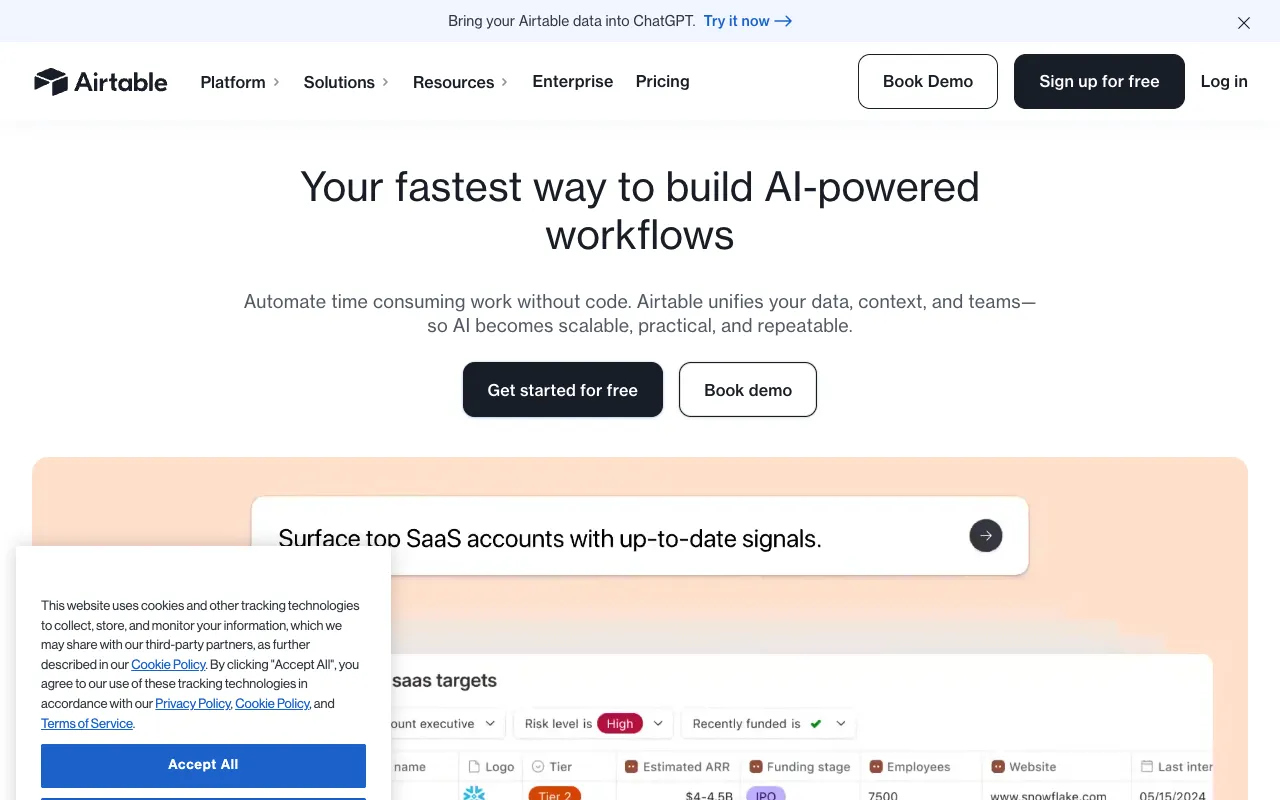
Airtable – The Best Connected Apps Platform for Product Managers
Airtable is the definitive work management platform for modern product teams. It replaces disparate spreadsheets, basic project trackers, and rigid databases with a single, infinitely flexible system. Product managers use Airtable to build custom apps for product roadmaps, user research repositories, launch trackers, and sprint planning—all without writing a single line of code. Its unique blend of spreadsheet simplicity and database power makes it the top choice for scaling product operations.
What is Airtable?
Airtable is a low-code, connected apps platform that functions as a hybrid between a smart spreadsheet and a relational database. At its core, it allows users to create 'bases'—customizable tables with multiple field types like attachments, checkboxes, dropdowns, and links to other tables. This structure enables product managers to model complex workflows, relationships, and data sets that are impossible in traditional tools like Excel or Google Sheets. It's designed for teams that need the flexibility to adapt their tools as their product and processes evolve.
Key Features of Airtable for Product Managers
Customizable Interfaces & Views
Build tailored dashboards, forms, and galleries without code. Present your roadmap as a Gantt chart, filter user feedback in a Kanban board, or share a read-only portal with stakeholders—all from the same underlying data.
Relational Databases & Linked Records
Connect your product requirements to engineering tickets, user stories to sprint timelines, and feature ideas to customer feedback. This maintains a single source of truth and eliminates manual, error-prone data updates across teams.
Powerful Automation
Automate repetitive product management tasks. Trigger notifications when a feature status changes, auto-create tasks from form submissions, or sync data between Airtable and tools like Slack, Jira, or email.
Extensive Integrations & API
Connect Airtable to your entire tech stack. Its robust API and native integrations with hundreds of apps (like Salesforce, GitHub, and Figma) ensure it acts as the central hub for your product operations.
Who Should Use Airtable?
Airtable is ideal for product managers, product operations specialists, and cross-functional product teams at companies of any size. It's particularly powerful for: teams managing complex product roadmaps with dependencies, product leaders consolidating user research and feedback from multiple sources, startups needing to build lightweight, custom PM tools quickly, and enterprises seeking to standardize and automate product development workflows across departments.
Airtable Pricing and Free Tier
Airtable offers a generous free plan perfect for individuals and small teams to start building. Paid plans (Plus, Pro, and Enterprise) unlock more records per base, advanced automation runs, extended revision history, custom branded forms, and increased storage. The Pro plan is typically the best fit for serious product management use, offering the automation and record limits needed for dynamic roadmaps and team collaboration.
Common Use Cases
- Building a dynamic, stakeholder-friendly product roadmap
- Creating a centralized user research and feedback repository
- Tracking product launch timelines and dependencies
- Managing a product feature backlog and prioritization matrix
Key Benefits
- Eliminates tool sprawl by replacing multiple single-purpose apps with one flexible platform
- Dramatically reduces manual data entry and sync errors through automation and linked records
- Empowers product teams to build the exact tools they need without relying on engineering resources
Pros & Cons
Pros
- Unmatched flexibility to model any product workflow
- Intuitive spreadsheet-like interface reduces learning curve
- Strong automation and integration capabilities
- Robust free tier for testing and small-scale use
Cons
- Can become expensive for large teams requiring advanced features
- Extreme flexibility requires good data design to avoid messy bases
- Reporting and analytics are not as powerful as dedicated BI tools
Frequently Asked Questions
Is Airtable free to use for product managers?
Yes, Airtable offers a free forever plan with core features, making it an excellent starting point for individual product managers or small teams to build roadmaps and track features.
Is Airtable good for product roadmap management?
Absolutely. Airtable is one of the best tools for product roadmaps due to its customizable views (Grid, Calendar, Gantt, Kanban), ability to link features to objectives and releases, and ease of sharing with executives and stakeholders.
How does Airtable compare to spreadsheets for product management?
While spreadsheets are static and prone to errors, Airtable adds database relationships, rich field types, automation, and collaborative interfaces. This makes it far superior for managing the interconnected, dynamic data of product development.
Can Airtable integrate with other product management tools?
Yes, through its native integrations and powerful API, Airtable connects seamlessly with tools like Jira for engineering sync, Slack for notifications, Figma for design assets, and Zapier for hundreds of other apps, creating a unified product ecosystem.
Conclusion
For product managers seeking to move beyond the limitations of spreadsheets and rigid project management software, Airtable stands as the premier connected apps platform. Its unique ability to adapt to your team's specific workflows—whether for roadmap visualization, research synthesis, or launch coordination—makes it an indispensable tool in the modern product stack. Start with its powerful free tier to model your core processes, and scale up as your product and team grow.