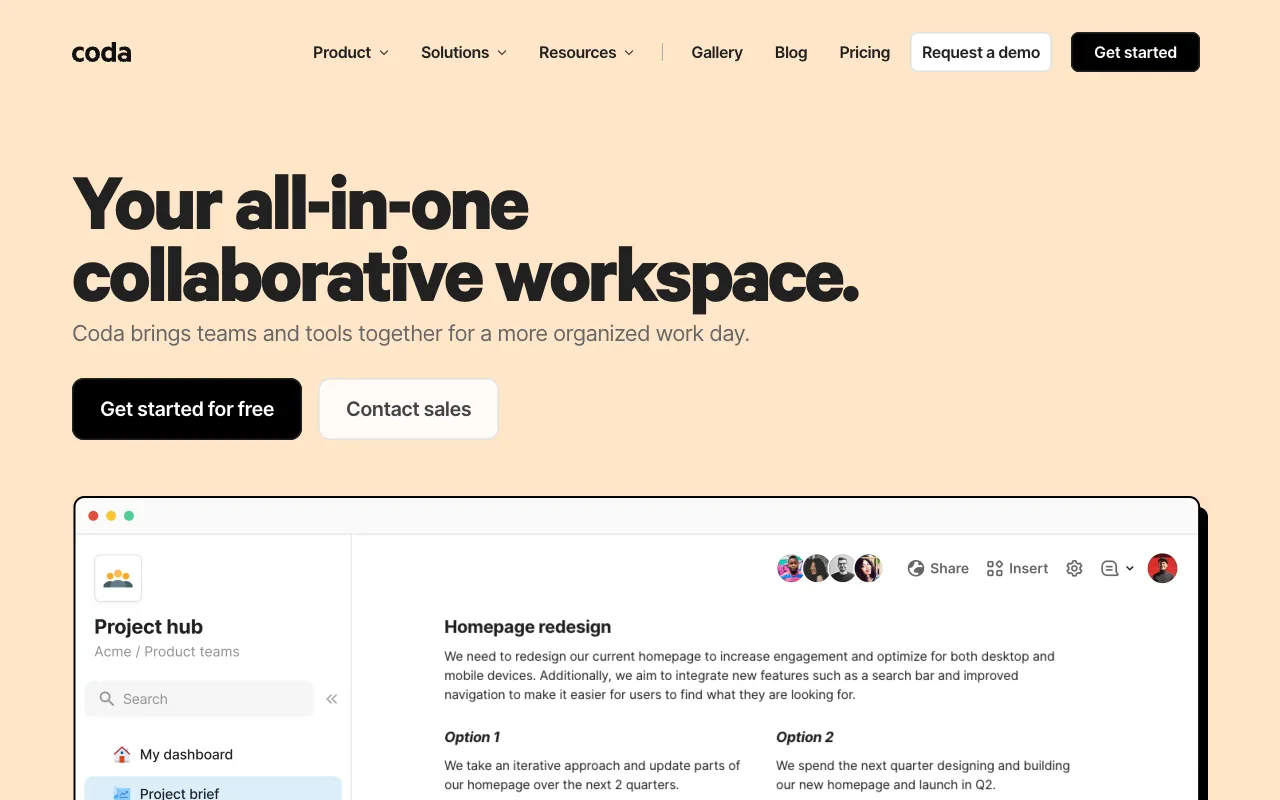
Coda – The Best All-in-One Workspace for Product Managers
Coda redefines product management by merging the flexibility of documents, the structure of spreadsheets, and the power of applications into one unified canvas. Designed for modern product teams, it eliminates tool sprawl by centralizing roadmaps, sprint backlogs, meeting notes, and team wikis in a single, connected workspace. Its intuitive building blocks and automation capabilities allow product managers to create custom workflows that scale with their team's needs, making it a top-tier solution for organizing chaos and driving product strategy.
What is Coda?
Coda is more than a document or a spreadsheet—it's a new type of collaborative workspace built for dynamic teams. At its core, Coda starts as a familiar doc but can be transformed with interactive tables (like databases), buttons that trigger actions, and embedded views from other tools. For product managers, this means you can build a living product roadmap that connects directly to your sprint task list, embed Figma prototypes for context, and automate status updates—all without switching between ten different tabs. It's the centralized command center product leaders need to align strategy with execution.
Key Features of Coda for Product Managers
Interactive Tables & Databases
Turn any list into a powerful database. Manage your product backlog, user stories, or bug tracker in Coda tables with rich column types, filters, and relational links. Connect a roadmap table to a sprint planning table to see dependencies in real-time, transforming static spreadsheets into a dynamic source of truth for your product.
Building Blocks & Templates
Hit the ground running with product management-specific templates for roadmaps, PRD frameworks, sprint retrospectives, and team wikis. Use building blocks like buttons to mark tasks complete, progress bars to visualize sprint health, and date pickers to plan launches—all without writing a line of code.
Cross-Tool Integrations & Packs
Pull live data into your Coda docs using Packs for Jira, Slack, GitHub, Figma, and more. Embed a live chart of support tickets from Zendesk directly into your weekly product review doc, or create a button that sends a summary to your team's Slack channel. Coda acts as the connective layer between your essential tools.
Real-time Collaboration & Doc-as-App
Collaborate like a Google Doc while building an application. Team members can comment, edit simultaneously, and use interactive elements you've built. Create a product feedback portal for stakeholders or a launch checklist that team members can check off—turning passive documents into active tools your team will use daily.
Who Should Use Coda?
Coda is ideal for product managers, product owners, and product leaders at startups and scaling companies who are tired of fragmented tool stacks. It's perfect for PMs who build and maintain product roadmaps, run agile ceremonies (sprint planning, retros), write PRDs, and need a central hub for customer research and team documentation. If you currently use a mix of Google Docs, Airtable, Trello, and Confluence, Coda can consolidate your workflow into one adaptable platform.
Coda Pricing and Free Tier
Coda offers a robust free tier perfect for small teams and individual product managers to get started. The free plan includes up to 1,000 rows per doc, 50 object blocks, and basic automation. For growing product teams needing more power, the Pro plan unlocks unlimited rows, more automation, and team management features, while the Team and Enterprise plans add advanced admin controls, SOC 2 compliance, and dedicated support. You can explore the core functionality extensively without paying a cent.
Common Use Cases
- Building a connected product roadmap with live sprint status
- Creating a single source of truth PRD with embedded prototypes and user stories
- Running agile sprint planning and retrospectives in one collaborative doc
Key Benefits
- Eliminates context switching by centralizing strategy, planning, and documentation
- Increases team alignment and transparency with live, interconnected project data
- Reduces SaaS costs by replacing multiple single-purpose tools with one flexible platform
Pros & Cons
Pros
- Unmatched flexibility to build custom workflows without developers
- Powerful free tier allows full exploration of core PM use cases
- Excellent real-time collaboration features and familiar doc interface
- Strong ecosystem of integrations with key development and design tools
Cons
- Can have a learning curve for building advanced automations and relations
- Very complex docs may experience slower load times
- Advanced features and higher row limits require a paid subscription
Frequently Asked Questions
Is Coda free for product managers?
Yes, Coda offers a generous free tier that is more than sufficient for individual product managers and small teams to build roadmaps, track sprints, and manage documentation. You only need to upgrade for advanced features like increased automation, more rows per table, or team administration tools.
Is Coda better than Notion for product management?
Coda often has an edge for product management due to its more powerful table and database functionality, which behaves more like Airtable or a spreadsheet, making it superior for complex product backlogs and roadmap tracking. While both are flexible, Coda's building blocks for buttons and automation are particularly tailored for creating interactive product workflows.
Can Coda integrate with Jira and GitHub?
Absolutely. Coda has official Packs (integrations) for both Jira and GitHub, allowing you to pull in live issues, pull requests, and statuses directly into your Coda docs. This enables you to build a unified product dashboard that reflects real-time development activity without leaving your planning workspace.
Conclusion
For product managers seeking to consolidate their tool stack and bring clarity to complex workflows, Coda stands out as a uniquely powerful solution. It transcends the limitations of traditional documents by providing the building blocks for custom, interactive product management systems. From dynamic roadmaps to automated sprint trackers, Coda empowers PMs to create the exact workspace their team needs. Its strong free tier makes it a risk-free tool to pilot, offering immediate value in centralizing strategy and execution. If your goal is to replace fragmented apps with a single, adaptable command center for your product, Coda is a top-tier choice that grows with your ambitions.