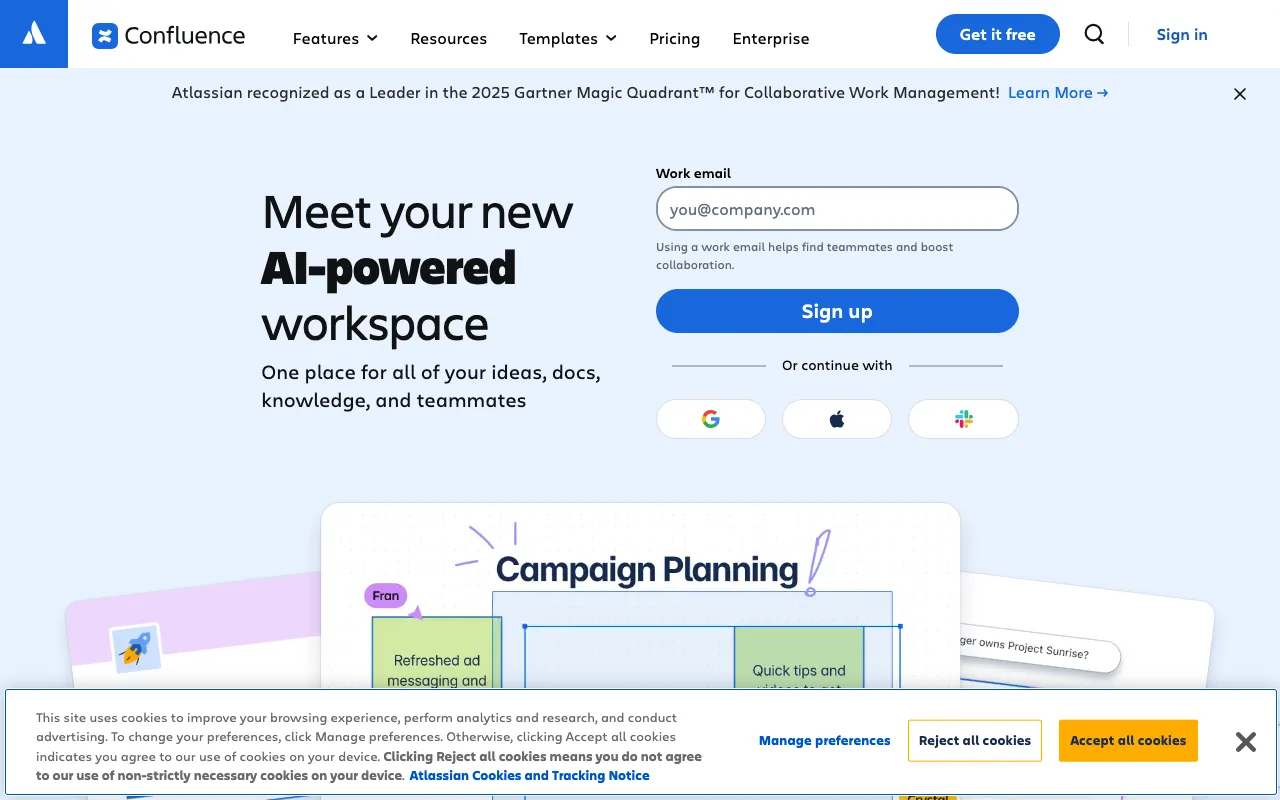
Confluence – The Ultimate Documentation Hub for Product Managers
For product managers, clear communication and organized documentation are non-negotiable. Confluence is the industry-standard team workspace and wiki that transforms how product teams create, share, and collaborate on critical project assets. From product requirements documents (PRDs) and roadmaps to meeting notes and knowledge bases, Confluence provides a single source of truth that aligns engineering, design, marketing, and leadership, eliminating silos and accelerating product delivery.
What is Confluence?
Confluence is a web-based collaboration platform developed by Atlassian that functions as a dynamic workspace and wiki. Its core purpose is to centralize team knowledge, project documentation, and decision-making processes. For product managers, it serves as the foundational layer for product strategy and execution, replacing scattered documents, chaotic email threads, and outdated file shares with a structured, searchable, and living repository of product information.
Key Features of Confluence for Product Managers
Dynamic Pages and Templates
Create beautiful, structured documents using drag-and-drop editors and pre-built templates for PRDs, sprint retrospectives, product launch plans, and OKRs. This ensures consistency and saves countless hours formatting documents from scratch.
Hierarchical Organization with Spaces
Organize content into dedicated 'Spaces' for each product, team, or project. This logical structure keeps documentation modular, secure, and easily navigable, preventing information overload.
Real-Time Collaboration and @Mentions
Collaborate seamlessly with team members in real-time. Use @mentions to assign tasks or draw someone's attention, and comment directly on content for contextual feedback, reducing meeting bloat and email ping-pong.
Native Jira Integration
This powerhouse integration links Confluence pages directly to Jira issues, epics, and stories. Embed live roadmaps, sprint plans, and bug reports, ensuring your documentation always reflects the current state of development.
Powerful Search and Knowledge Discovery
Find any piece of information instantly with Confluence's intelligent search across pages, attachments, and comments. This turns your workspace into a discoverable knowledge base, preventing redundant work and onboarding new team members faster.
Advanced Permissions and Page Trees
Control access at the space or page level. Create confidential product strategy documents or open, company-wide knowledge bases. The intuitive page tree provides clear visibility into document relationships and hierarchies.
Who Should Use Confluence?
Confluence is indispensable for product managers, product owners, and anyone leading cross-functional product teams. It's ideal for tech companies, SaaS businesses, and enterprises that need to maintain rigorous documentation for product development, compliance, or scaling teams. Use cases include creating and socializing PRDs, maintaining a single product roadmap, documenting user research findings, running agile ceremonies (like sprint planning and retros), and building public-facing help centers or internal wikis.
Confluence Pricing and Free Tier
Confluence offers a generous free plan for up to 10 users, making it perfect for small startups or individual product managers to begin centralizing their work. Paid plans (Standard, Premium, Enterprise) unlock advanced features like unlimited storage, audit logs, analytics, and enhanced security controls, scaling with your team's needs. Pricing is per user, making it a flexible investment for growing product organizations.
Common Use Cases
- Creating a product requirements document (PRD) template for consistent specs
- Building a shared product roadmap integrated with Jira epics
- Documenting user interview notes and research synthesis for stakeholder review
- Running a remote sprint retrospective with collaborative note-taking
- Developing an internal wiki for onboarding new product team members
Key Benefits
- Eliminates documentation silos, creating a single source of truth for the entire product team.
- Dramatically reduces time spent searching for information and recreating lost documents.
- Improves stakeholder alignment by providing transparent, accessible, and up-to-date product information.
- Streamlines the product development lifecycle from ideation to launch through integrated workflows.
Pros & Cons
Pros
- Unbeatable native integration with Jira for a seamless product development workflow.
- Intuitive editor and templates drastically reduce the learning curve and improve adoption.
- Scalable from small teams to large enterprises with robust permissioning and administration.
- The free tier is fully-featured for small teams, offering incredible initial value.
Cons
- Can become expensive for very large organizations as pricing is per user.
- Advanced customization and theming options may require technical expertise or plugins.
- The sheer volume of content requires disciplined organization to maintain effectiveness over time.
Frequently Asked Questions
Is Confluence free to use for product managers?
Yes, Confluence offers a free plan for up to 10 users, which includes core features like page creation, templates, and 2GB of storage. This is an excellent way for individual PMs or small startups to manage product documentation without cost.
Is Confluence good for agile product management?
Absolutely. Confluence is a cornerstone of agile product management. Its integration with Jira allows you to link documentation directly to sprint backlogs, while templates for retros, sprint plans, and story mapping make it essential for Scrum and Kanban teams to document decisions and maintain knowledge across cycles.
How does Confluence compare to Google Docs or Notion?
While Google Docs is great for simple documents and Notion offers flexible databases, Confluence excels as a purpose-built enterprise wiki. Its deep integration with Jira, superior page hierarchy (page trees), and robust permissioning make it the superior choice for complex, cross-functional product development in technical organizations.
Can I use Confluence to build a public product roadmap?
Yes. You can create spaces with public viewing permissions to share product roadmaps, release notes, or help documentation with customers or external stakeholders. For more dynamic roadmaps, you can embed live charts from Jira or use dedicated roadmap plugins from the Atlassian Marketplace.
Conclusion
For product managers tasked with bringing clarity, alignment, and efficiency to the product development process, Confluence is more than a tool—it's a strategic advantage. It transforms fragmented information into a cohesive, actionable knowledge base. While alternatives exist, Confluence's seamless integration with Jira and its focus on structured, team-scale collaboration make it the definitive choice for serious product teams. Start with the free tier to organize your core documents, and you'll quickly understand why it's considered the central nervous system for product management in thousands of successful companies.