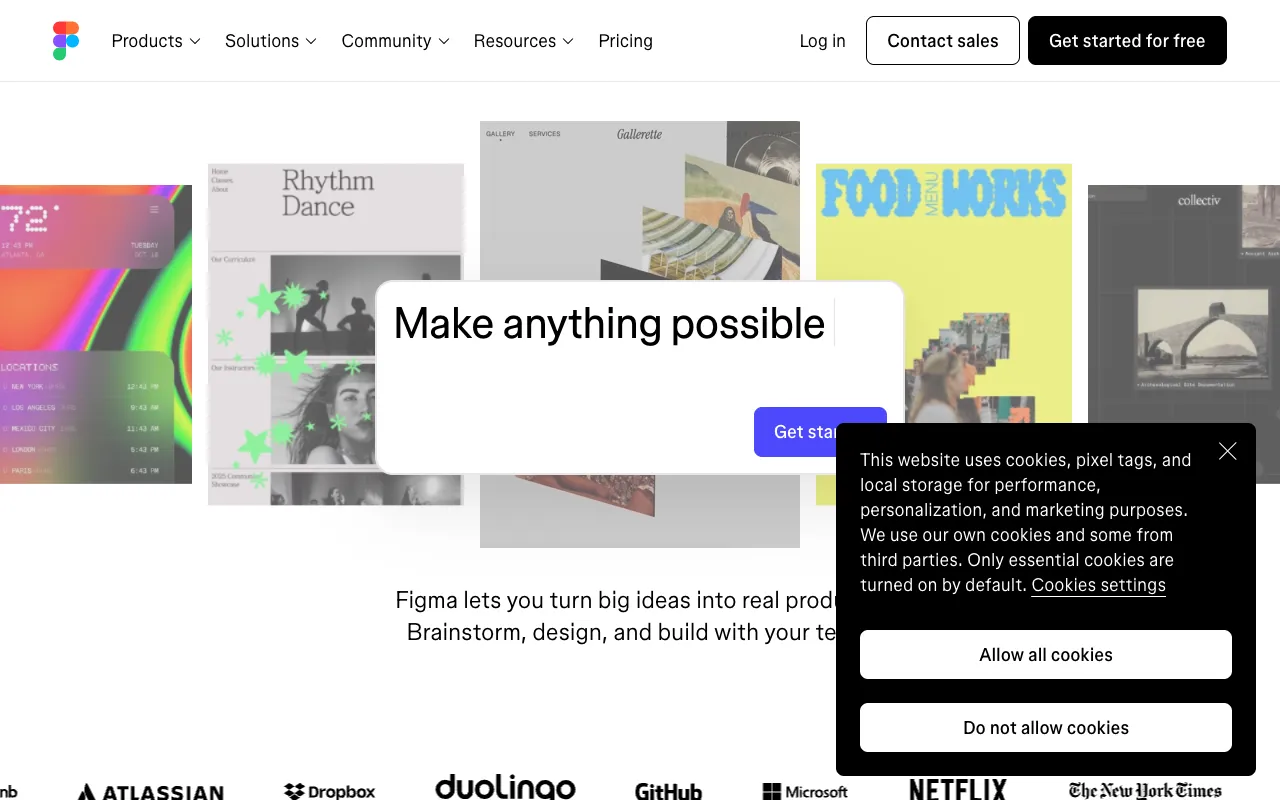
Figma – The Essential Collaborative Design Tool for Product Managers
Figma has revolutionized how product teams design and collaborate. As a cloud-based interface design platform, it enables product managers, designers, and developers to build prototypes, wireframes, and design systems together in real-time. Unlike traditional desktop software, Figma's collaborative core eliminates version control headaches and streamlines the entire product design process, making it the go-to tool for modern, agile product management.
What is Figma?
Figma is a browser-first, collaborative interface design application that functions as a unified workspace for digital product design. Its primary purpose is to enable teams to design user interfaces (UI), create interactive prototypes, and develop comprehensive design systems—all within a single, accessible platform. It serves product managers by providing a visual, interactive medium to translate product requirements, validate user flows, and maintain design consistency from concept to handoff, bridging the gap between strategy and execution.
Key Features of Figma for Product Managers
Real-Time Multiplayer Collaboration
Multiple team members can edit the same design file simultaneously. Product managers can join a session, leave comments directly on designs, and observe the design process live, facilitating instant feedback and alignment without exporting or sending files.
Interactive Prototyping & User Flow Testing
Transform static designs into clickable, interactive prototypes. Product managers can define user flows, create connections between frames, and share prototypes with stakeholders for usability testing, gathering critical feedback before development begins.
Design Systems & Component Libraries
Create and maintain a centralized library of reusable UI components (buttons, modals, typography styles). This ensures visual and functional consistency across the entire product, drastically reducing design debt and accelerating the design-to-development workflow.
Developer Handoff with Built-In Specs
Generate automatic redlines, CSS, iOS, and Android code snippets for any design element. Developers can inspect spacing, fonts, and assets directly, streamlining communication and reducing back-and-forth questions during implementation.
Plugins & Integrations Ecosystem
Extend Figma's functionality with plugins for data population, icon libraries, accessibility checking, and integrations with project management tools like Jira, Slack, and Notion, fitting seamlessly into a product manager's existing toolkit.
Who Should Use Figma?
Figma is indispensable for product managers in SaaS, tech startups, and enterprise digital teams who oversee the user experience (UX) and interface (UI) design process. It is ideal for PMs who collaborate closely with UX/UI designers, need to prototype and validate ideas quickly, present interactive concepts to executives, and ensure design consistency across complex products. It's equally valuable for solo founders or product leaders in small teams who wear multiple hats.
Figma Pricing and Free Tier
Figma offers a generous free tier perfect for individual product managers, freelancers, and small teams starting out. The free Figma Starter plan includes up to 3 Figma and 3 FigJam files, unlimited collaborators, and core design features. For professional teams, paid plans (Professional, Organization, Enterprise) unlock unlimited files, advanced prototyping, shared team libraries, version history, and enhanced security controls, scaling with your product's needs.
Common Use Cases
- Creating and validating user journey maps and product wireframes
- Building and maintaining a scalable design system for a SaaS product
- Collaborating with remote design teams on new feature mockups
- Presenting interactive product prototypes to investors or stakeholders
Key Benefits
- Accelerates the product design cycle by enabling real-time collaboration and feedback
- Reduces miscommunication and rework through a single source of truth for design assets
- Improves product quality and consistency with reusable component libraries and design systems
- Democratizes design feedback, allowing non-designers (PMs, developers, marketers) to participate visually
Pros & Cons
Pros
- Unmatched real-time collaboration eliminates file versioning issues
- Powerful, browser-based platform accessible from any operating system
- Robust free tier with core functionality for individuals and small teams
- Strong ecosystem of plugins and integrations for workflow customization
Cons
- Requires a stable internet connection for full functionality (limited offline mode)
- Advanced features like branching and merge requests are locked behind higher-tier plans
- Can have a learning curve for teams new to vector-based design tools
Frequently Asked Questions
Is Figma free to use for product managers?
Yes, Figma offers a robust free Starter plan. Product managers can create up to 3 active design files, use core design and prototyping tools, and collaborate with an unlimited number of viewers and editors, making it excellent for personal use, early-stage projects, or small team collaboration.
Is Figma good for product management and prototyping?
Absolutely. Figma is one of the best tools for product managers involved in prototyping. It allows you to create interactive, clickable prototypes that simulate real user flows without writing code. This is invaluable for validating concepts, conducting user tests, and communicating design intent clearly to both stakeholders and development teams.
Can product managers use Figma without design experience?
Yes. While Figma is a professional design tool, product managers often use it for reviewing, commenting, and building low-fidelity wireframes or flow diagrams. Its intuitive interface and features like FigJam (for whiteboarding) make it accessible for brainstorming and basic visual structuring, even without deep UI/UX design skills.
How does Figma improve collaboration between PMs and designers?
Figma creates a shared, live workspace. Instead of emailing static PNGs or PSD files, PMs can view work in progress, leave contextual comments pinned directly to designs, and even make quick edits themselves. This transparency reduces feedback loops, ensures everyone is aligned on the latest version, and fosters a more integrated product development process.
Conclusion
For product managers seeking to streamline design collaboration, accelerate prototyping, and maintain product consistency, Figma is not just a tool—it's a strategic platform. Its unique combination of real-time co-editing, powerful prototyping, and design system management addresses the core collaborative challenges in modern product development. Whether you're validating a new MVP or scaling an established product's design language, Figma provides the visual and interactive foundation necessary to build better products, faster. Start with its free tier to experience how it transforms product design workflows.