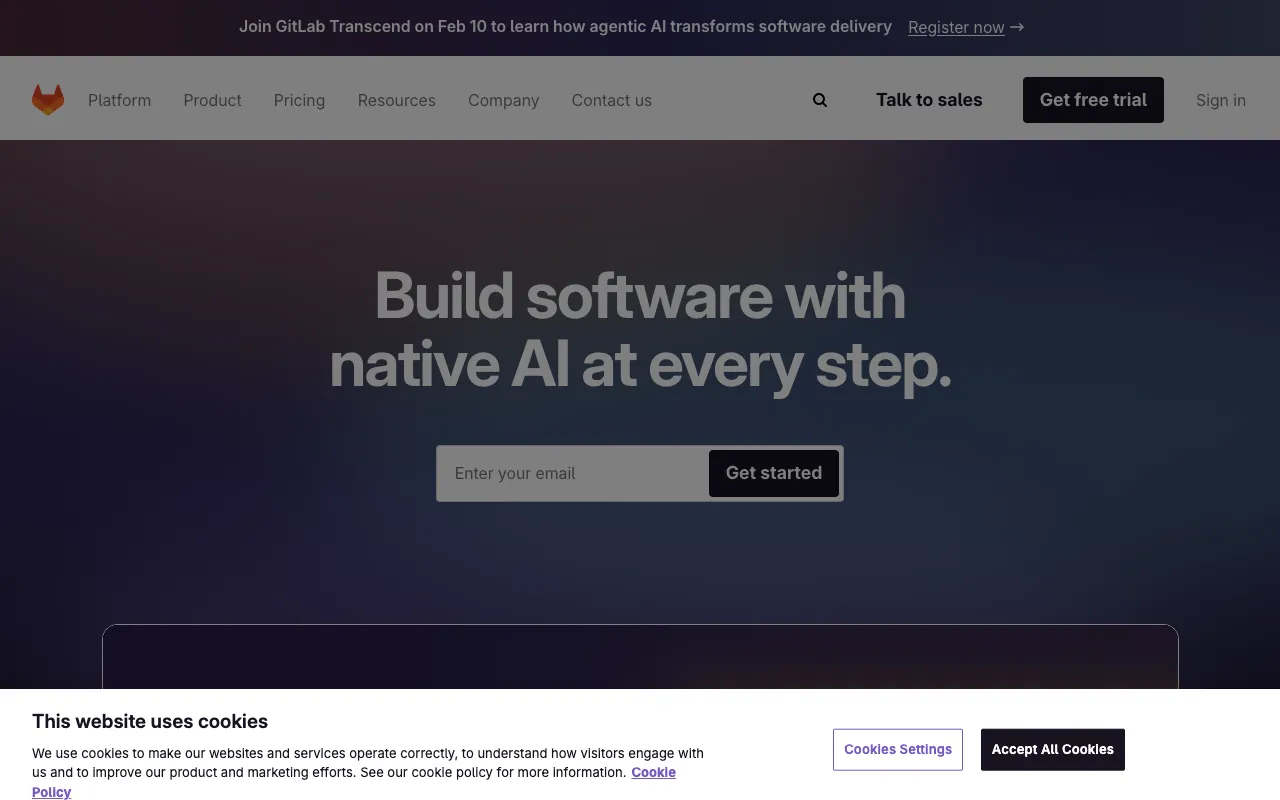
GitLab – The Best DevOps Platform for Product Managers
GitLab revolutionizes how product managers ship software by consolidating the entire DevOps lifecycle into one unified platform. From initial concept and backlog grooming to code review, continuous integration, deployment, and monitoring, GitLab provides unparalleled visibility and control. It eliminates toolchain fragmentation, reduces context switching, and accelerates delivery cycles, making it the definitive platform for modern product teams aiming for efficiency and collaboration at scale.
What is GitLab?
GitLab is a comprehensive, web-based DevOps platform delivered as a single, integrated application. It moves beyond being just a source code repository (like GitHub) to encompass the complete software development lifecycle. For product managers, this means having a single source of truth for requirements (issues/epics), code, pipelines, security scans, and deployments. Its all-in-one nature reduces dependency on a patchwork of disparate tools, simplifies governance, and provides holistic metrics on team velocity, cycle time, and deployment frequency.
Key Features of GitLab for Product Managers
Unified Issue Tracking & Epics
Manage your product backlog, user stories, and bugs directly alongside your code. GitLab's issue board with configurable lists (e.g., To Do, Doing, Done) provides Kanban-style workflow visualization. Epics allow you to group related issues for tracking larger initiatives, giving product managers clear insight into feature progress and dependencies without leaving the development environment.
Built-in CI/CD Pipelines
GitLab CI/CD is natively integrated, meaning every code commit can automatically trigger builds, run tests, perform security checks, and deploy to staging or production. Product managers gain confidence through automated quality gates and can view pipeline status directly on merge requests, understanding exactly what stage a feature is in and if it's ready for release.
Value Stream Management Dashboard
This is a game-changer for product leadership. GitLab's Value Stream Analytics dashboard visualizes your team's end-to-end workflow, highlighting bottlenecks in the process from issue creation to deployment. Track key DORA metrics like Deployment Frequency and Lead Time for Changes to make data-driven decisions that improve team efficiency and delivery speed.
Integrated Security & Compliance
Shift security left with built-in SAST, DAST, dependency scanning, and license compliance. Vulnerabilities are flagged directly in merge requests, allowing developers to fix them before code is merged. For product managers, this means security is a seamless part of the process, not a late-stage audit, reducing risk and ensuring compliance standards are met continuously.
Who Should Use GitLab?
GitLab is ideal for product managers and teams committed to DevOps practices and seeking to break down silos. It's perfect for: Tech startups scaling their engineering processes, Enterprise teams consolidating complex toolchains, Remote/distributed teams needing a single collaborative hub, Organizations with stringent security and compliance requirements (GitLab offers strong audit trails), and Product leaders who want quantitative insights into their development lifecycle to optimize for business value.
GitLab Pricing and Free Tier
GitLab offers a powerful and fully-featured Free tier (Core) that is exceptionally generous for individual users, small teams, and open-source projects. It includes unlimited private repositories, issue tracking, basic CI/CD minutes, and core security features. For professional teams, paid tiers (Premium, Ultimate) add advanced CI/CD, enterprise agile planning, value stream analytics, enhanced security scanning, and dedicated support. This tiered model allows teams to start for free and scale their investment as their needs for governance, security, and insights grow.
Common Use Cases
- Managing a product roadmap and sprint backlog within the same platform as your codebase
- Implementing DevOps best practices and continuous delivery for faster feature releases
- Improving cross-functional visibility between product, development, and operations teams
Key Benefits
- Eliminates tool sprawl by providing one platform for planning, development, security, and operations
- Provides actionable data on development cycle time and team performance through Value Stream Analytics
- Enhances software quality and security by integrating checks directly into the development workflow
Pros & Cons
Pros
- Unified all-in-one platform reduces context switching and tool licensing complexity
- Robust free tier suitable for startups and small teams
- Powerful native CI/CD and security tooling built-in, not bolted-on
- Excellent for visibility and metrics, empowering data-driven product management
Cons
- The extensive feature set can have a steeper initial learning curve compared to simpler tools
- Self-managed installation requires significant DevOps expertise for setup and maintenance
- Advanced enterprise features (like epic burndown charts) are locked behind higher pricing tiers
Frequently Asked Questions
Is GitLab free to use?
Yes, GitLab offers a robust Free tier (Core) that includes unlimited private repositories, an issue board, 400 CI/CD pipeline minutes per month, and core security features. This makes it an excellent starting point for individual product managers, small teams, and open-source projects.
Is GitLab good for product managers compared to Jira or Trello?
GitLab is exceptional for product managers deeply integrated with engineering. While Jira is a powerful standalone project management tool, GitLab's advantage is its tight coupling of planning (issues/epics) with the actual code, CI/CD pipelines, and deployments. This provides unparalleled traceability from a user story to its production deployment, making it the superior choice for teams practicing DevOps and seeking end-to-end visibility.
What is the difference between GitLab and GitHub for product management?
While both offer issue tracking, GitHub is primarily a best-in-class code hosting and collaboration platform. GitLab is a complete DevOps platform. For product managers, the key difference is that GitLab natively includes CI/CD, security scanning, value stream analytics, and deployment tools in the same application. This integrated approach gives product managers a more holistic view of the development lifecycle without needing to integrate multiple external services.
Conclusion
For product managers who view software delivery as a holistic, integrated process, GitLab stands out as the most comprehensive platform available. It transcends being a mere tool to become the operational backbone of your product team. By unifying planning, development, security, and operations, it provides the visibility, control, and automation needed to ship better software faster. Whether you're leveraging its generous free tier or its enterprise-grade capabilities, GitLab empowers product leaders to drive efficiency, improve collaboration, and deliver measurable business value through data-driven insights.