Go back
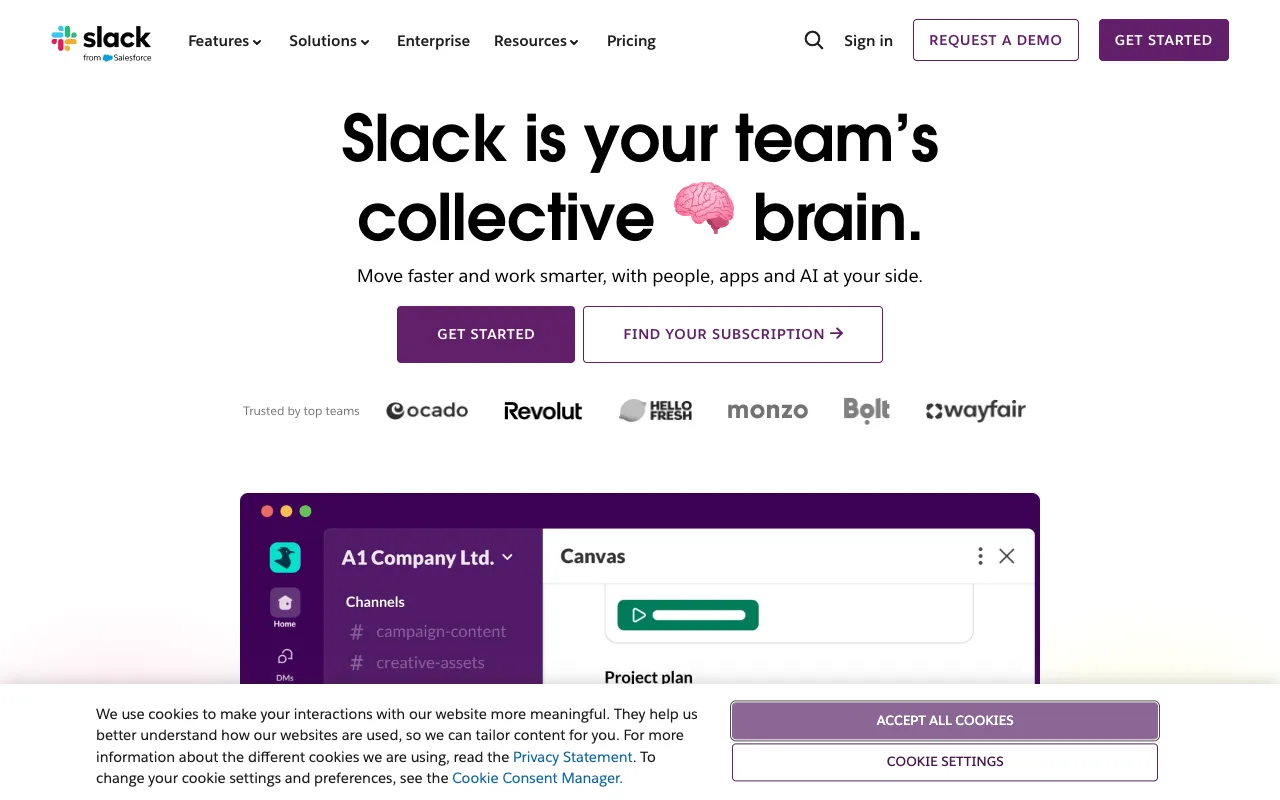
Image of Slack – The Essential Communication Tool for Product Managers

Slack – The Essential Communication Tool for Product Managers

For modern product managers, clear and organized communication is the backbone of success. Slack has evolved from a simple messaging app into the central nervous system for product teams, offering a channel-based platform that consolidates conversations, integrates with critical development and project management tools, and accelerates decision-making. This review explores why Slack remains a top choice for product managers seeking to align stakeholders, manage releases, and foster a collaborative team environment.

What is Slack for Product Managers?

Slack is a cloud-based collaboration hub that organizes team communication into dedicated channels for topics, projects, or teams. For product managers, it transcends basic chat by becoming the central interface for daily operations. It's where status updates are shared, feedback is gathered from customer-facing teams, engineering discussions are tracked, and leadership alignment happens in real-time. By replacing fragmented email threads and disjointed group chats, Slack creates a single source of truth for product-related dialogue, dramatically reducing miscommunication and context-switching.

Key Features of Slack for Product Managers

Organized Channels & Threads

Create channels for specific initiatives (#project-alpha-launch), teams (#design-review), or topics (#customer-feedback). Use threads to keep side discussions tidy without derailing the main channel conversation. This structure is perfect for managing the multiple concurrent workstreams a PM oversees.

Deep Tool Integrations

Connect Slack directly to the tools product managers live in, like Jira, Trello, Asana, Figma, GitHub, and Google Drive. Get notifications for new bugs, completed pull requests, or design updates right in the relevant channel, enabling proactive management without constantly checking multiple dashboards.

Clips & Canvas (Beta)

Record and share short video or audio clips (Clips) to explain complex ideas or provide quick feedback visually. Use Canvas to create shared, living documents within Slack to pin resources, meeting notes, and project briefs directly inside a channel, centralizing critical information.

Advanced Search & Workflow Builder

Find any decision, file, or conversation from weeks or months ago instantly with powerful search across messages and connected files. The no-code Workflow Builder allows PMs to automate routine processes, like collecting sprint retro feedback or onboarding new stakeholders to a channel.

Who Should Use Slack?

Slack is indispensable for product managers in companies of all sizes, from fast-moving startups to large enterprises. It is particularly valuable for: Cross-functional team leads who need to synchronize engineering, design, and marketing. Remote or hybrid teams that rely on asynchronous and synchronous communication. PMs managing complex products with multiple stakeholders who require transparent communication channels. Anyone tired of digging through emails to find project decisions or asset approvals.

Slack Pricing and Free Tier

Slack offers a robust Free Plan ideal for small teams or trying the platform. It includes access to the last 90 days of message history, 10 app integrations, and 1:1 video calls. For product teams needing advanced features, the Pro Plan ($7.25/user/month) unlocks unlimited message history, workflow builder, and group video calls. The Business+ and Enterprise Grid plans add enhanced security, compliance, and organization-wide administration tools suitable for large-scale product organizations.

Common Use Cases

Key Benefits

Pros & Cons

Pros

  • Unmatched ecosystem of integrations with essential product management and development tools.
  • Intuitive channel and thread structure that scales beautifully with team and project complexity.
  • Powerful search functionality that makes past decisions and discussions easily retrievable.

Cons

  • Can become noisy without disciplined channel hygiene and notification management from team members.
  • The free plan's 90-day message history limit can be restrictive for long-term project tracking.

Frequently Asked Questions

Is Slack free for product managers?

Yes, Slack offers a capable Free Plan that includes most core messaging features, 10 app integrations, and 1:1 calls. It's excellent for small teams or for trying the platform before committing to a paid plan with unlimited history and advanced tools.

Is Slack good for agile product management?

Absolutely. Slack is highly effective for agile product management. Teams can create channels for each sprint, integrate with Jira for automatic ticket updates, use threads for daily stand-up discussions, and pin sprint goals or retrospective notes using Canvas, keeping the entire agile cycle visible and collaborative.

How does Slack compare to Microsoft Teams for product teams?

Slack generally offers a superior user experience, a more extensive and user-friendly app directory, and better search functionality—key factors for fast-moving product teams. Microsoft Teams is deeply integrated with the Office 365 suite and may be preferable for organizations fully invested in the Microsoft ecosystem, particularly for its native video conferencing.

Conclusion

Slack is far more than a messaging app; it's a strategic platform for product leadership. By organizing chaos into channels, surfacing critical information from integrated tools, and providing a searchable record of every decision, Slack empowers product managers to lead with clarity and agility. While mindful channel management is required to prevent notification fatigue, its benefits in streamlining communication and accelerating product velocity make it a foundational tool in any modern product manager's toolkit. Start with the free tier to experience its core value, then scale up as your team and product complexity grows.