Go back
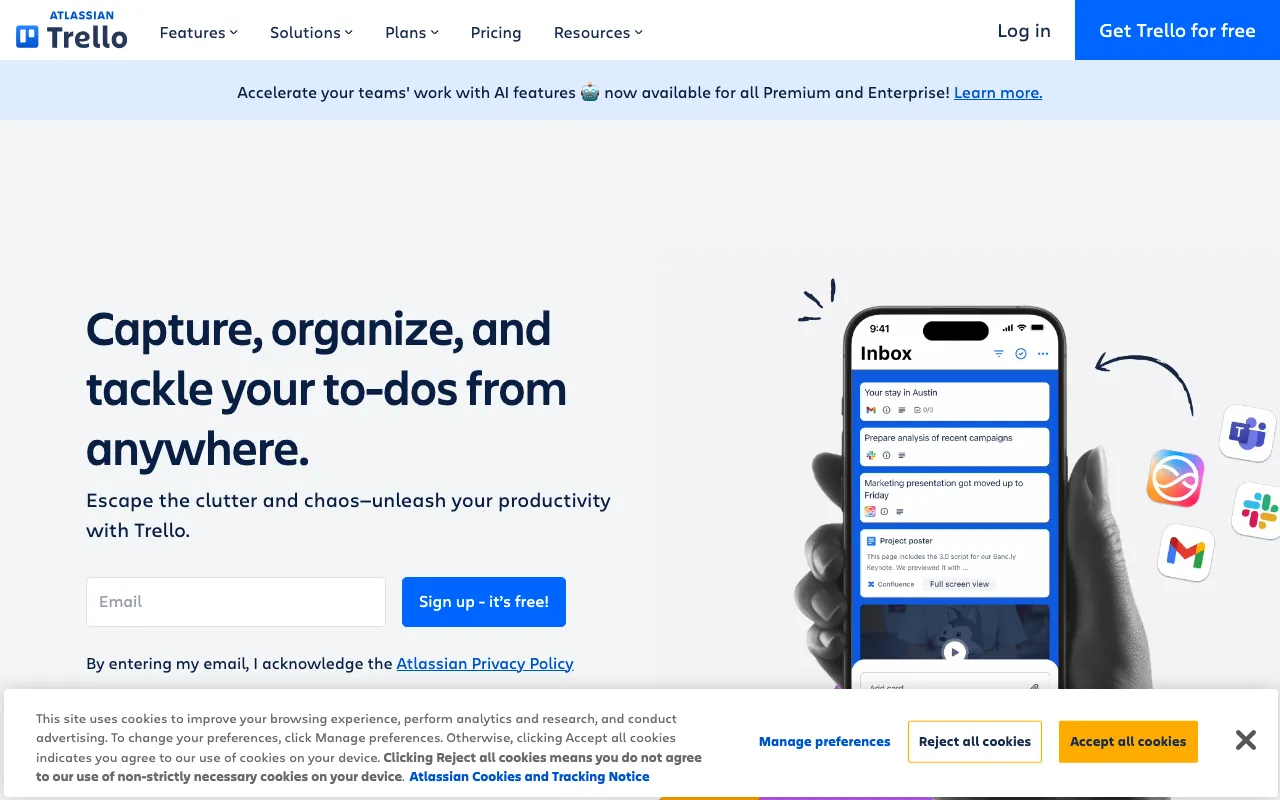
Image of Trello – The Ultimate Visual Tool for Product Managers

Trello – The Ultimate Visual Tool for Product Managers

Trello revolutionizes product management with its intuitive, card-based visual system. Built for agility and clarity, it transforms complex product roadmaps, feature backlogs, and sprint plans into manageable, collaborative workflows. Product managers worldwide rely on Trello to prioritize initiatives, track development progress from ideation to launch, and align cross-functional teams—all within a flexible, drag-and-drop interface that adapts to any methodology.

What is Trello?

Trello is a web-based visual project management and collaboration application. At its core, it uses the Kanban methodology, representing work with boards (projects), lists (workflow stages), and cards (individual tasks). This structure provides product managers with an at-a-glance overview of their entire product lifecycle. Unlike rigid project management software, Trello's strength lies in its simplicity and customization, allowing PMs to model everything from high-level strategic roadmaps to detailed daily sprint task lists without overwhelming complexity.

Key Features of Trello for Product Management

Customizable Boards & Lists

Create boards for specific products, epics, or sprints. Use lists to represent stages like 'Backlog', 'This Sprint', 'In Development', 'QA', and 'Launched'. This visual pipeline makes it easy to identify bottlenecks and track the flow of work from conception to completion.

Power-Ups & Integrations

Supercharge Trello with Power-Ups—integrations with tools like Jira, Confluence, Slack, Google Drive, and time-tracking apps. Connect your development, documentation, and communication ecosystems directly to your Trello cards, creating a centralized command center for your product.

Advanced Card Details

Each card is a micro-hub of information. Add detailed descriptions, checklists for subtasks, due dates, assignees, labels for categorization (e.g., 'Bug', 'Feature', 'High Priority'), attachments, and comment threads. This keeps all context and conversation tied directly to the work item.

Automation with Butler

Use Trello's built-in automation tool, Butler, to eliminate manual work. Set rules, buttons, and scheduled commands to automatically move cards, assign members, update due dates, or send notifications based on triggers, streamlining repetitive workflow actions.

Who Should Use Trello?

Trello is ideal for product managers, product owners, and agile teams seeking a flexible, visual system. It excels for: Agile and Scrum teams managing sprints and backlogs; Product leaders building and communicating roadmaps; Cross-functional teams (engineering, design, marketing) needing a shared source of truth; Remote or hybrid teams requiring clear, asynchronous collaboration; Solo entrepreneurs or small startups organizing product development from the ground up.

Trello Pricing and Free Tier

Trello offers a robust free plan perfect for individuals and small teams starting with product management. Paid plans (Standard, Premium, Enterprise) unlock advanced views (Timeline, Calendar, Dashboard, Map), increased automation runs, larger attachments, enhanced admin controls, and advanced security features. The free tier alone provides unlimited personal boards, cards, and lists, making it one of the most accessible entry points for professional product management.

Common Use Cases

Key Benefits

Pros & Cons

Pros

  • Exceptionally intuitive and easy to adopt with minimal training required.
  • Highly flexible and customizable to fit any product management style or framework.
  • Strong free plan with core functionality sufficient for many teams.
  • Vast ecosystem of integrations (Power-Ups) connects to nearly any tool in your stack.

Cons

  • Can become visually cluttered and less effective for managing extremely large, complex projects with thousands of cards.
  • Advanced reporting and analytics require a paid plan or third-party Power-Ups.
  • Native dependency tracking between tasks is limited compared to dedicated project management software.

Frequently Asked Questions

Is Trello free for product managers?

Yes, Trello offers a powerful free plan that includes unlimited personal boards, lists, cards, and members per board. This is often sufficient for individual product managers or small teams to organize backlogs, roadmaps, and sprints. For advanced features like Timeline view, dashboard analytics, and advanced automation, paid plans are available.

Is Trello good for agile product management?

Absolutely. Trello is one of the most popular tools for agile product management and Scrum. Its Kanban-based board system is perfect for visualizing sprint backlogs, managing work-in-progress limits, and conducting daily stand-ups. With features like due dates, labels, checklists, and integrations with development tools, it effectively supports the entire agile product development cycle.

Can Trello be used as a product roadmap tool?

Yes, many product managers use Trello to create and share product roadmaps. By using a board with lists representing timeframes (Now, Next, Later) or themes, and cards for epics or major features, you can build a dynamic, visual roadmap. The Timeline Power-Up (available on paid plans) provides a Gantt-style view specifically designed for roadmap planning.

Conclusion

For product managers seeking a balance of simplicity, power, and visual clarity, Trello remains a top-tier choice. Its adaptable board-and-card metaphor lowers the barrier to organized project management while its extensive integrations and automation capabilities scale with your team's needs. Whether you're prioritizing a feature backlog, orchestrating a complex launch, or simply keeping your sprint on track, Trello provides the intuitive framework to make product management more visible, collaborative, and effective. Start with its generous free plan to experience how visual collaboration can transform your workflow.