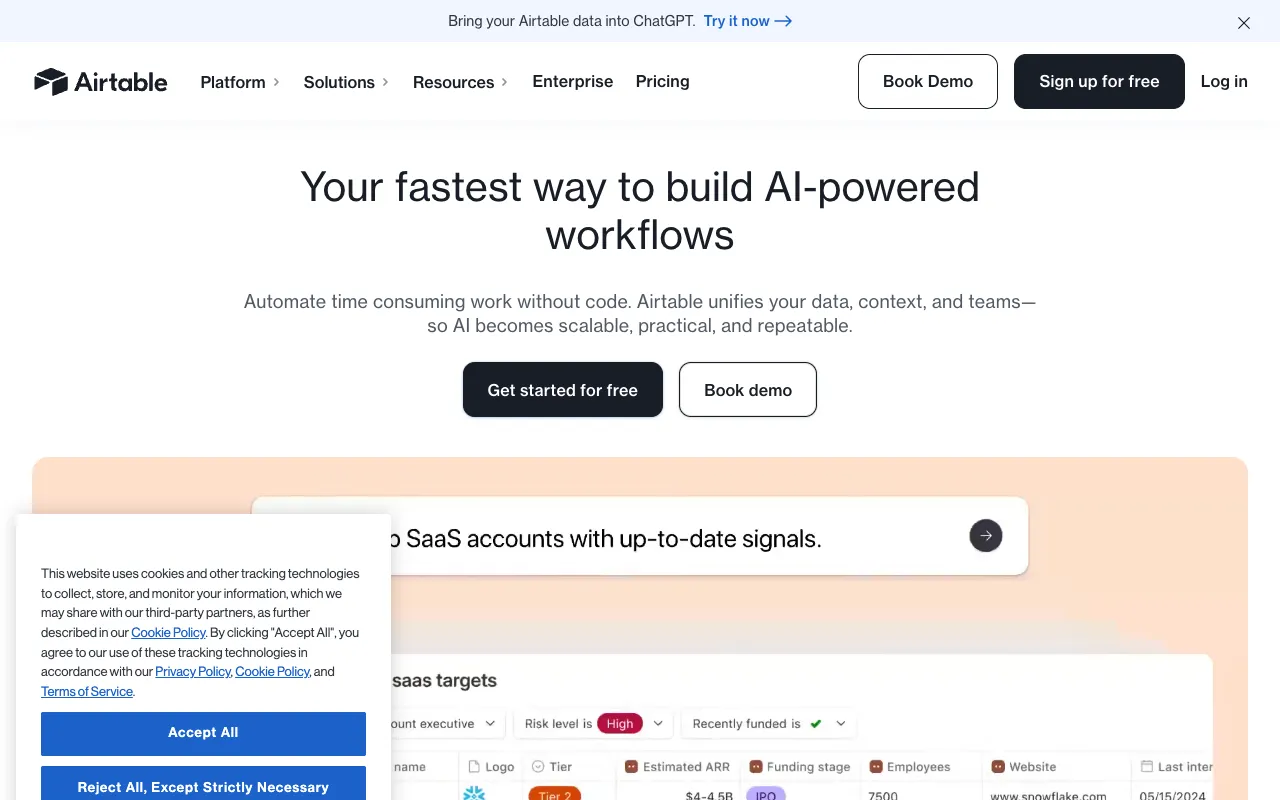
Airtable – Best Project Management Tool for Flexible Work Organization
Airtable revolutionizes project management by merging the intuitive, grid-based interface of a spreadsheet with the robust data relationships and automation of a database. It's designed for project managers, operations teams, and creators who need to organize complex information, track projects dynamically, and build custom workflows without coding. Unlike rigid traditional tools, Airtable provides the flexibility to adapt to your unique processes, making it a top-tier solution for managing everything from product launches and content calendars to CRM and inventory tracking.
What is Airtable?
Airtable is a cloud-based collaboration platform that functions as a hybrid between a spreadsheet and a database. At its core, it allows users to create 'bases' (similar to workbooks) containing 'tables' with customizable fields that go beyond simple text and numbers—including attachments, checkboxes, dropdowns, links to other records, and more. This structure enables project managers to model real-world relationships between data, such as linking tasks to owners, projects to timelines, and assets to campaigns. It's a visual, flexible, and powerful tool for organizing any type of work, data, or project pipeline.
Key Features of Airtable
Customizable Grid, Kanban, Calendar, and Gallery Views
View your project data the way that works best for your team. Instantly switch between a familiar spreadsheet-like grid, a visual Kanban board for task status, a Calendar view for deadlines, or a Gallery view for visual assets. This multi-perspective approach ensures every stakeholder—from executives to creatives—can interact with the data meaningfully.
Relational Databases and Linked Records
The true power of Airtable lies in its relational capabilities. Link records across tables to create a single source of truth. For example, link a 'Tasks' table to a 'Team Members' table and a 'Projects' table. Update a project deadline or reassign an owner, and every linked view updates in real-time, eliminating data silos and manual sync errors.
Powerful Automation and Integrations
Automate repetitive project management workflows without code. Set up rules to send notifications when a task status changes, create records from form submissions, sync data with tools like Slack, Google Calendar, or Jira, and schedule recurring actions. This drastically reduces manual overhead and keeps projects moving forward.
Interactive Forms and Data Collection
Create beautiful, embeddable forms that feed data directly into your Airtable base. Perfect for collecting project requests, client feedback, bug reports, or team submissions. All form responses become structured, sortable, and actionable records within your project management system.
Extensive App Marketplace and Interfaces
Extend Airtable's functionality with built-in apps for charts, pivot tables, and maps, or connect to thousands of tools via Zapier and the Airtable API. The newer 'Interfaces' feature lets you build custom, read-only or interactive dashboards to share specific data views with clients or stakeholders.
Who Should Use Airtable?
Airtable is ideal for project managers, operations leads, marketing teams, product managers, small business owners, and creative professionals who find traditional spreadsheets too limiting and full-scale databases too complex. It's perfect for managing agile sprints, editorial calendars, event planning, product roadmaps, applicant tracking, inventory management, and client portals. If your work involves organizing interconnected data and requires a system that can evolve with your processes, Airtable is the solution.
Airtable Pricing and Free Tier
Airtable offers a generous free plan perfect for individuals and small teams starting out. The Free plan includes unlimited bases, up to 1,200 records per base, 2GB of attachment space, and essential grid, calendar, and form views. Paid plans (Plus, Pro, and Enterprise) unlock more records per base (starting at 5,000), increased automation runs, advanced views like Gantt and Timeline, extended revision history, custom branded forms, and enhanced admin and security controls. Pricing scales with the number of collaborators and the required feature set, making it accessible for startups and scalable for large organizations.
Common Use Cases
- Build a custom content calendar and editorial workflow for marketing teams
- Create a visual project tracker with Kanban boards and Gantt charts for agile teams
- Develop a client relationship management (CRM) system tailored to your sales process
- Manage event planning with vendor contacts, budgets, and task checklists
- Track product development bugs, feature requests, and launch timelines
Key Benefits
- Eliminate data duplication and silos with a single, relational source of truth for all project information.
- Increase team productivity by automating status updates, notifications, and data entry across your workflow.
- Gain better project visibility with customizable dashboards and reports for stakeholders at every level.
- Adapt your project management system as processes change without migrating to new software.
- Empower non-technical team members to build powerful apps and workflows without developer resources.
Pros & Cons
Pros
- Unmatched flexibility to model virtually any project, process, or dataset.
- Intuitive, spreadsheet-like interface reduces the learning curve for new users.
- Strong free tier allows thorough testing before committing to a paid plan.
- Extensive integration ecosystem connects with popular workplace and productivity tools.
- Regular feature updates and a strong community with pre-built templates.
Cons
- Extremely complex bases with many automations can become slow to load and navigate.
- Pricing can escalate quickly for teams requiring high record limits and advanced features.
- Lacks some native, deep project management features found in dedicated tools like resource leveling or critical path analysis.
- The sheer number of options can be overwhelming for users seeking a simple, opinionated task manager.
Frequently Asked Questions
Is Airtable free to use?
Yes, Airtable offers a robust free forever plan that includes unlimited bases, essential views (grid, calendar, kanban, gallery), up to 1,200 records per base, and 2GB of attachment space. It's sufficient for individual users and small teams to manage core projects.
Is Airtable good for project management?
Absolutely. Airtable is an excellent tool for project management, particularly for teams that need flexibility beyond standard task lists. Its ability to create relational databases, multiple views (Kanban, Gantt, Calendar), and custom automations makes it powerful for tracking complex projects, resources, and timelines in a visually adaptable workspace.
Can Airtable replace spreadsheets and databases?
For many business use cases, yes. Airtable can replace static spreadsheets by adding structure, relationships, and automation. It can also serve as a lightweight alternative to complex databases for non-technical teams, providing an accessible interface to create and manage relational data without SQL knowledge.
How does Airtable compare to Trello or Asana?
While Trello and Asana are excellent for straightforward task and project tracking, Airtable offers greater depth for data organization. Think of Airtable as a more powerful and flexible foundation. If your project management involves rich, structured data (like inventory, detailed specs, or client records) that needs to be related and reported on, Airtable is superior. For simple to-do lists and basic team task management, Trello or Asana may be sufficient.
Conclusion
Airtable stands out as a premier project management tool for its unparalleled adaptability. It empowers teams to move beyond constrained, one-size-fits-all software and build a system that mirrors their unique workflow. Whether you're managing a marketing campaign, a product launch, or operational processes, Airtable provides the database power with spreadsheet simplicity. Start with the generous free plan to organize a pilot project, and you'll likely discover it can consolidate multiple fragmented tools into one cohesive, automated, and powerful command center for your work.