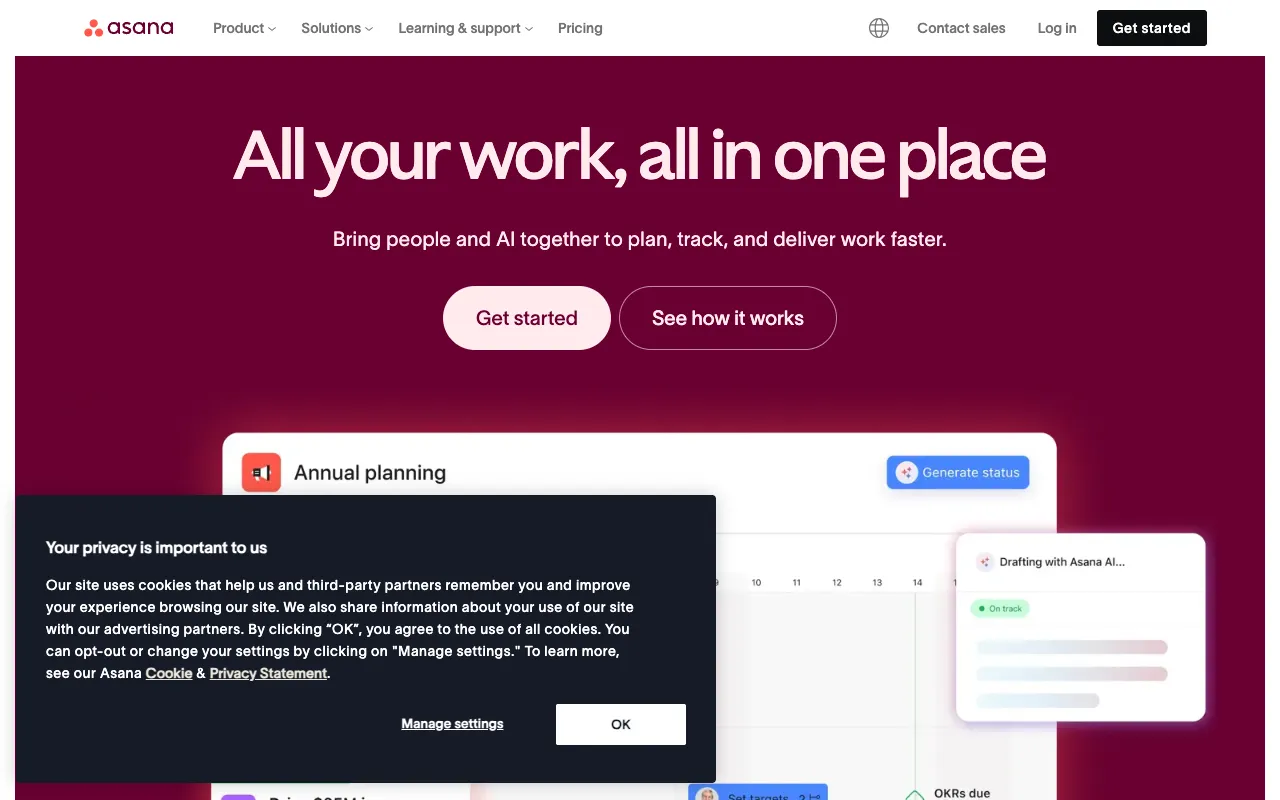
Asana – The Ultimate Work Management Platform for Project Managers
Asana stands as a premier web and mobile work management platform engineered to help teams organize, track, and manage their work with unprecedented clarity. Trusted by millions, it transforms how project managers plan, coordinate, and execute projects, from simple task lists to complex multi-departmental initiatives. This review dives deep into why Asana is consistently ranked among the best tools for project managers seeking to boost productivity and team alignment.
What is Asana?
Asana is a versatile work management platform that functions as a centralized hub for all project-related activities. It goes beyond basic to-do lists, offering a structured environment where project managers can create projects, assign tasks, set deadlines, and visualize workflows. Its core purpose is to replace chaotic email threads, scattered spreadsheets, and inconsistent status meetings with a single source of truth, enabling teams to move work forward with confidence and transparency. It's designed for teams of all sizes, from startups to large enterprises, across industries like marketing, software development, IT, and operations.
Key Features of Asana
Multiple Project Views
Asana provides flexible views to match your team's workflow: List view for detailed task management, Board view (Kanban) for visual workflow stages, Timeline view (Gantt chart) for planning dependencies and deadlines, and Calendar view for tracking schedules. This adaptability makes it suitable for both Agile and traditional project management methodologies.
Task & Subtask Management
Break down complex projects into manageable tasks and subtasks. Assign each item to an owner, set due dates, add detailed descriptions, file attachments, and custom fields. This granular control ensures nothing falls through the cracks and every team member knows exactly what they are responsible for.
Automation (Rules)
Automate routine work without coding. Set up rules to automatically assign tasks, adjust due dates, change statuses, or notify stakeholders when specific triggers occur. This saves project managers countless hours on administrative overhead and reduces human error.
Workload Management
A critical feature for project managers to prevent burnout. Visually see each team member's capacity across all projects, making it easy to balance assignments and ensure work is distributed evenly, leading to more sustainable team velocity and higher quality output.
Portfolios & Goals
Track the status of multiple initiatives at a high level with Portfolios. Connect daily work to strategic company Objectives (Goals) to ensure every task contributes to broader business outcomes, providing executives and project leaders with clear visibility into progress.
Who Should Use Asana?
Asana is ideal for project managers, team leads, and department heads who need to coordinate work across people and deadlines. It's exceptionally well-suited for marketing teams managing campaigns, product teams tracking launches, IT teams handling service requests, and operations teams streamlining processes. Any professional frustrated with disconnected communication tools and seeking a unified system to improve team collaboration and project visibility will benefit from Asana.
Asana Pricing and Free Tier
Asana offers a robust free forever plan perfect for individuals or small teams just getting started with basic task management. Paid plans (Premium, Business, Enterprise) unlock advanced features like Timeline view, custom fields, advanced search, workload management, portfolios, and more sophisticated admin controls. Pricing scales with team size and feature needs, providing a clear upgrade path as your project management requirements grow in complexity.
Common Use Cases
- Managing agile software development sprints and product roadmaps
- Orchestrating complex marketing campaign launches and content calendars
- Streamlining client onboarding processes and service delivery workflows
- Planning and executing company-wide events or product launches
Key Benefits
- Increases project visibility and accountability, reducing missed deadlines by up to 45%
- Centralizes communication, cutting down project-related emails by an average of 60%
- Provides data-driven insights into team performance and project health for better decision-making
Pros & Cons
Pros
- Intuitive and user-friendly interface with a shallow learning curve
- Powerful free plan suitable for small teams and personal projects
- Excellent flexibility with multiple project views (List, Board, Timeline, Calendar)
- Strong ecosystem of integrations with popular tools like Slack, Google Drive, and Microsoft Teams
Cons
- Advanced reporting and dashboard features are locked behind higher-tier plans
- Can become expensive for large teams requiring Business or Enterprise features
- Some users may find the extensive feature set overwhelming for very simple use cases
Frequently Asked Questions
Is Asana free to use?
Yes, Asana offers a free forever plan that supports unlimited tasks, projects, and up to 15 team members. It includes basic list, board, and calendar views, making it a powerful starting point for individuals and small teams.
Is Asana good for agile project management?
Absolutely. With its Board view for Kanban workflows, Timeline view for sprint planning, and robust task/subtask structure, Asana is an excellent tool for agile project managers and Scrum teams to manage backlogs, sprints, and releases effectively.
What is the main difference between Asana and Trello?
While both offer board views, Asana provides a more comprehensive project management suite with multiple views (List, Timeline, Calendar), advanced workload management, portfolios, and deeper reporting. Trello is excellent for simple visual task management, whereas Asana is built for complex work coordination and strategic project tracking.
Can Asana handle large, enterprise-level projects?
Yes, through its Business and Enterprise plans. These tiers offer advanced admin controls, security features, portfolio management, goal tracking, and custom rules, making Asana scalable and secure enough for large organizations managing complex, multi-departmental projects.
Conclusion
For project managers seeking a balance of power and usability, Asana represents a top-tier choice. Its ability to adapt to various workflows, from simple task tracking to complex portfolio management, combined with a strong free tier and extensive integrations, makes it a versatile and valuable asset for any team. If your goal is to replace disjointed tools with a unified system that enhances clarity, accountability, and strategic alignment, Asana is undoubtedly one of the best project management tools available today.