Go back
Image of Basecamp – The Best Opinionated Tool for Project Managers

Basecamp – The Best Opinionated Tool for Project Managers

Basecamp redefines project management by cutting through the complexity. It’s not just another tool—it’s an opinionated platform that combines team communication, task management, scheduling, and file sharing into one intuitively simple interface. Designed for project managers and teams who value clarity over features, Basecamp eliminates app-switching chaos and provides a single source of truth for every project, helping teams stay focused and aligned from kickoff to completion.

What is Basecamp?

Basecamp is a purpose-built, all-in-one project management and internal communication solution. Unlike modular platforms that require extensive configuration, Basecamp offers an opinionated structure that guides teams toward better organization by default. Its core philosophy is to reduce friction and noise by integrating essential functions—message boards for discussions, to-do lists for tasks, a schedule for deadlines and events, and automatic check-ins—into a cohesive, easy-to-navigate workspace. It’s designed for project managers, agency teams, remote workers, and any group that needs a calm, centralized hub to replace scattered emails, chat threads, and file silos.

Key Features of Basecamp

The Message Board

Replace long, messy email threads with organized, topic-based discussions. The Message Board keeps all project-related communication in one searchable place, ensuring context is never lost and everyone stays informed without inbox overload.

To-Do Lists with Assignments

Create actionable to-do lists, assign tasks directly to team members, and set due dates. Basecamp’s to-dos provide clear ownership and progress tracking, making it easy for project managers to see what’s done and what’s next at a glance.

The Schedule

Visualize project timelines, deadlines, and milestones on a shared calendar. The Schedule feature automatically pulls in dated to-dos and events, giving the entire team a unified view of what’s due and when, preventing surprises and missed deadlines.

Docs & Files Storage

Centralize all project documents, images, and files in a dedicated space. Files uploaded anywhere in Basecamp are automatically collected here, creating a permanent, organized archive that’s accessible to everyone with permission.

Automatic Check-Ins (Hey! Menu)

Eliminate recurring status meetings with automated, asynchronous check-in questions. Project managers can set daily, weekly, or custom questions (e.g., 'What did you work on today?'), and team members reply at their convenience, building a running log of progress.

Hill Charts

Gain a unique visual perspective on project progress with Hill Charts. This innovative feature allows teams to plot tasks on a metaphorical 'hill,' showing not just completion percentage but the current phase of work (uphill for figuring things out, downhill for execution).

Who Should Use Basecamp?

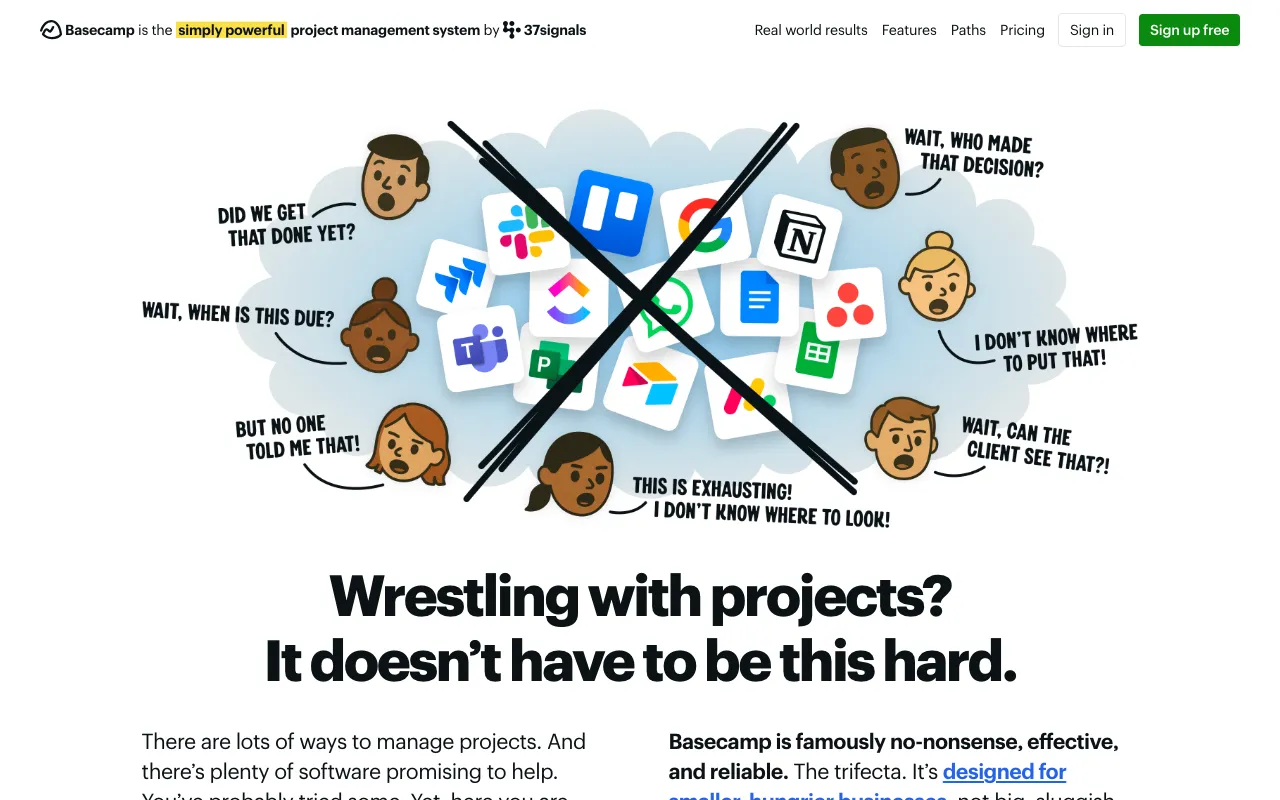
Basecamp is ideal for project managers and teams who prioritize simplicity and focus over endless customization. It’s perfectly suited for creative agencies, software teams, remote and hybrid workforces, consultants, and small to mid-sized businesses managing multiple client projects. If your team is tired of juggling Slack, Trello, Google Calendar, and email, and you want an opinionated system that reduces overhead and keeps everyone aligned, Basecamp is the definitive solution. It’s especially powerful for leaders who want to minimize meetings and create a transparent, self-documenting project environment.

Basecamp Pricing and Free Tier

Basecamp operates on a simple, flat-rate pricing model. It does not offer a traditional permanent free tier, but it provides a 30-day free trial for new users to test the platform with their full team. After the trial, it transitions to a single, straightforward paid plan. This plan includes all features, unlimited projects, and unlimited users for one predictable monthly or annual fee, making budgeting easy for project managers without per-user costs or feature gates.

Common Use Cases

Key Benefits

Pros & Cons

Pros

  • Extremely intuitive and user-friendly interface with minimal learning curve
  • All-in-one design reduces the need and cost for multiple separate SaaS tools
  • Flat-rate pricing is cost-effective for larger teams and simplifies accounting
  • Opinionated structure promotes best practices and reduces configuration paralysis

Cons

  • Limited native integrations compared to more modular platforms like Asana or ClickUp
  • The opinionated approach offers less flexibility for teams that require highly customized workflows
  • Lacks advanced reporting and time-tracking features found in some specialized PM tools

Frequently Asked Questions

Is Basecamp free to use?

Basecamp is not permanently free. It offers a full-featured 30-day free trial for new teams. After the trial, it operates on a simple, flat-rate paid subscription with no per-user fees, providing unlimited projects and users.

Is Basecamp good for project management?

Yes, Basecamp is an excellent choice for project management, particularly for teams that value simplicity and an all-in-one solution. It excels at reducing complexity, improving team communication, and providing a clear, organized overview of tasks, schedules, and files, making it a top-tier tool for project managers.

How does Basecamp compare to tools like Asana or Trello?

Basecamp takes a more holistic, opinionated approach compared to Asana's customizable task management or Trello's Kanban boards. While Asana and Trello often function as parts of a larger tool stack, Basecamp aims to be the complete system—integrating communication, tasks, scheduling, and files natively. It's better for teams wanting one unified platform rather than building their own from multiple tools.

Can Basecamp handle large, complex projects?

Basecamp is designed for clarity and can handle multiple concurrent projects effectively. However, its strength is in streamlining communication and organization rather than managing highly complex dependencies or granular resource allocation. It's ideal for most business projects, creative work, and software development, but enterprises with extremely intricate Gantt-chart needs might require a more specialized tool.

Conclusion

For project managers seeking an elegant escape from tool fatigue and communication chaos, Basecamp stands out as a premier choice. Its powerful opinionated design forces clarity, reduces administrative overhead, and brings teams together in a single, calm workspace. While it may not satisfy every edge case requiring deep customization, its unparalleled simplicity, all-in-one integration, and predictable pricing make it a robust, reliable foundation for managing projects and fostering team alignment. If your goal is to spend less time managing the tool and more time managing the work, Basecamp is a top-tier solution worthy of any project manager's consideration.