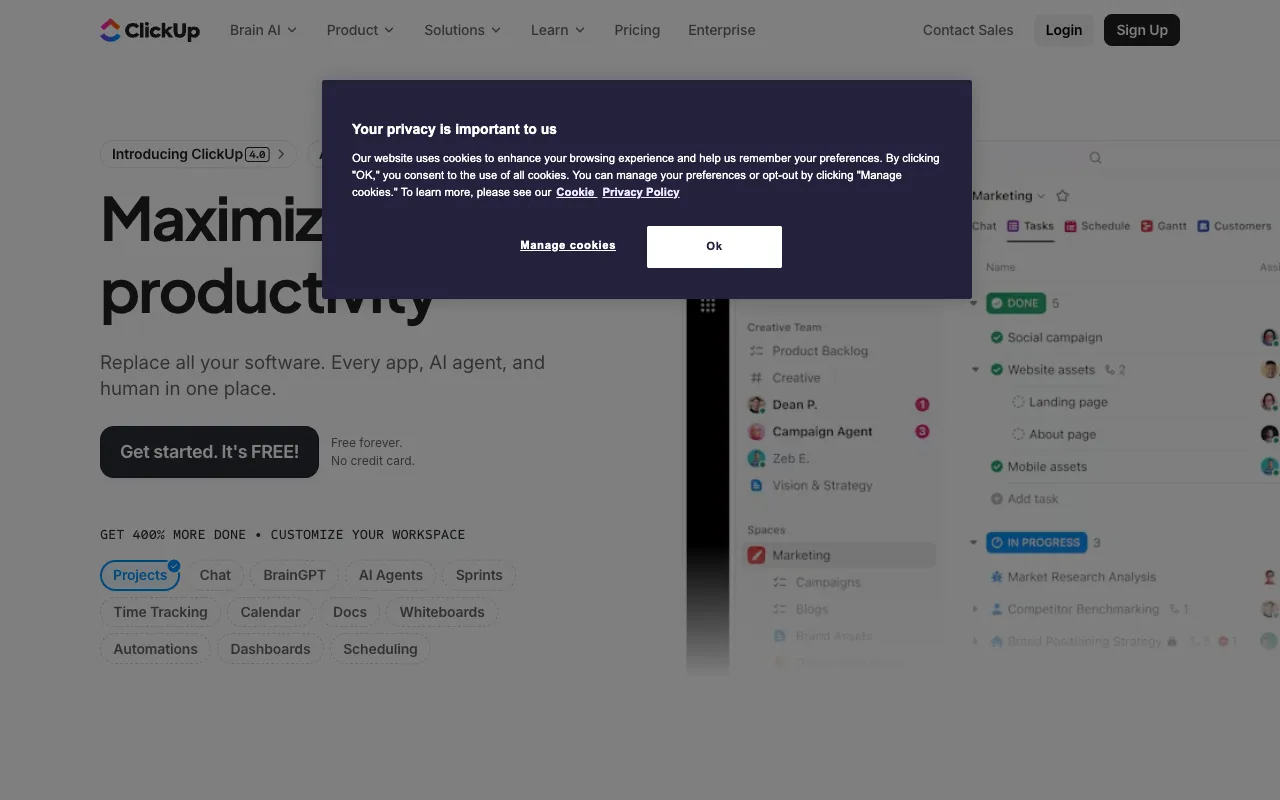
ClickUp – Best All-in-One Project Management Platform
ClickUp is the definitive all-in-one productivity platform engineered to consolidate your entire workflow. It replaces the need for separate task managers, document editors, goal trackers, and communication tools by integrating them into a single, cohesive environment. Designed specifically for project managers and teams seeking efficiency, ClickUp centralizes work, enhances visibility, and streamlines collaboration, making it the top choice for modern project management.
What is ClickUp?
ClickUp is a comprehensive productivity platform that functions as a unified workspace for teams and project managers. Its core purpose is to eliminate app sprawl by providing a single hub for task management, document creation, goal setting, and real-time chat. Unlike basic task managers, ClickUp offers deep customization, multiple views (like List, Board, Calendar, Gantt), and powerful automation, making it adaptable to any project methodology, from Agile to Waterfall. It's built for anyone who needs to organize work, track progress, and collaborate effectively without switching between countless tools.
Key Features of ClickUp
Customizable Tasks & Subtasks
Go beyond simple to-dos. Create highly detailed tasks with custom statuses, priorities, assignees, due dates, time tracking, and dependencies. Break down complex projects into manageable subtasks, ensuring nothing falls through the cracks and every team member knows their responsibilities.
Docs, Wikis, and Notepads
Create, share, and collaborate on rich documents directly within ClickUp. Embed tasks, goals, and other work items into your docs for live, contextual project wikis, meeting notes, and SOPs, centralizing knowledge and reducing information silos.
Goals & Targets (OKRs)
Set and track company, team, and personal goals with measurable Targets. Link tasks and documents directly to these goals, providing clear alignment between daily work and strategic objectives, which is crucial for effective project and performance management.
Integrated Chat & Collaboration
Communicate in context with built-in Chat and Comments. Discuss tasks directly on the relevant work item, tag teammates, and resolve conversations, reducing email clutter and keeping all project communication tied to actionable items.
15+ Customizable Views
Visualize work your way. Switch between List, Board (Kanban), Calendar, Gantt Chart, Timeline, Workload, and Mind Map views. Each view can be filtered, sorted, and customized, allowing every team member to work in the format that suits them best.
Who Should Use ClickUp?
ClickUp is ideal for project managers, product teams, marketing agencies, software developers, remote teams, and startups. It's perfect for any professional or team frustrated with juggling multiple apps like Asana, Trello, Confluence, Slack, and Google Docs. Use cases include managing complex product roadmaps, coordinating marketing campaigns, tracking software development sprints, maintaining company wikis, and aligning remote teams around shared goals. If your work involves planning, execution, and collaboration, ClickUp consolidates it all.
ClickUp Pricing and Free Tier
ClickUp offers a robust and generous Free Forever plan, making it accessible for individuals and small teams. The free tier includes unlimited tasks and members, 100MB of storage, real-time chat, and multiple views. Paid plans (Unlimited, Business, Enterprise) unlock advanced features like unlimited storage, integrations, dashboards, time tracking, goals, custom fields, and advanced automation. This tiered structure allows teams to start for free and scale their usage and capabilities as their project management needs grow in complexity.
Common Use Cases
- Managing agile software development sprints with ClickUp Gantt charts and dependencies
- Coordinating cross-functional marketing campaign launches with tasks, docs, and timelines
- Building a centralized company knowledge base and project wiki within ClickUp Docs
Key Benefits
- Eliminate app switching and reduce subscription costs by consolidating tools into one platform
- Improve project visibility and accountability with centralized tasks, docs, and communication
- Increase team alignment and productivity by linking daily tasks directly to strategic goals (OKRs)
Pros & Cons
Pros
- Unmatched all-in-one functionality reduces tool sprawl and simplifies workflows
- Highly customizable to fit virtually any team structure or project methodology
- Powerful free plan provides tremendous value for startups and small teams
Cons
- The vast array of features can have a learning curve for new users
- Performance may lag with extremely large workspaces or complex hierarchies on lower-tier plans
Frequently Asked Questions
Is ClickUp free to use?
Yes, ClickUp offers a powerful Free Forever plan that includes unlimited tasks, unlimited members, multiple project views, real-time chat, and 100MB of storage. It's fully functional for individual users and small teams.
Is ClickUp good for project managers?
Absolutely. ClickUp is one of the best tools for project managers due to its all-in-one nature. It consolidates task management, documentation, goal tracking, and team communication, providing the complete visibility and control project managers need to plan, execute, and report on projects efficiently.
Can ClickUp replace Trello, Asana, and Confluence?
Yes, that is its primary design goal. ClickUp combines the task management capabilities of Trello and Asana with the documentation features of Confluence (or Notion), and adds integrated chat and goal tracking. This allows teams to work from a single source of truth, reducing context switching and subscription costs.
Conclusion
For project managers and teams seeking to unify their workflow and escape the chaos of multiple disconnected apps, ClickUp stands as the premier all-in-one solution. Its unique combination of deep customization, comprehensive features—from tasks and docs to goals and chat—and a genuinely valuable free tier makes it an indispensable platform for modern work. Whether you're managing a small team or a large enterprise portfolio, ClickUp provides the centralized command center needed to drive productivity, alignment, and project success.