MeisterTask – Best Online Task Management Tool for Project Managers
MeisterTask is a powerful yet intuitive online task management tool designed specifically for teams and project managers who value visual workflow organization. By combining flexible kanban-style boards with smart automation and deep integrations, it transforms how teams track projects, collaborate, and hit deadlines. Whether you're managing agile sprints, marketing campaigns, or product development, MeisterTask provides the clarity and structure needed to keep everyone aligned and productive.
What is MeisterTask?
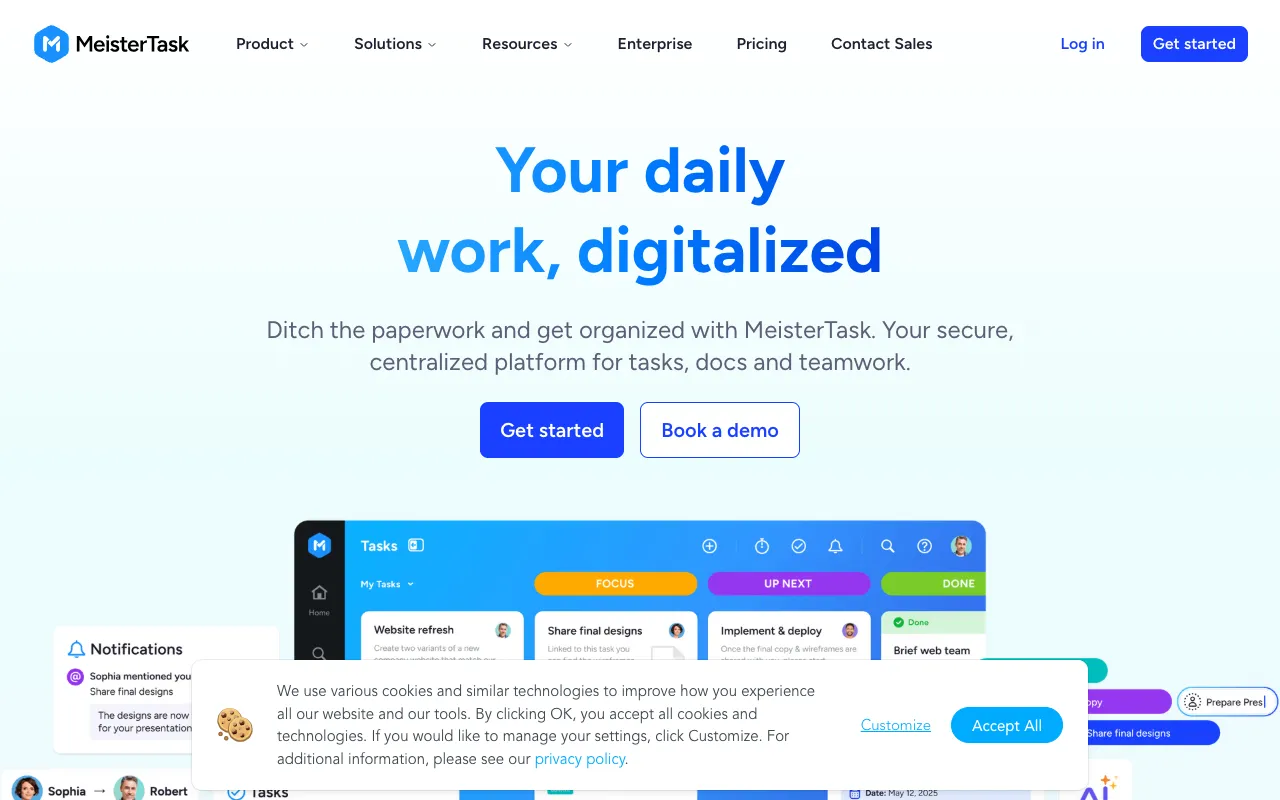
MeisterTask is a cloud-based project and task management application that uses the kanban methodology as its core visual framework. It goes beyond simple to-do lists by offering customizable boards, columns, and cards that represent your team's workflow stages and tasks. Designed for collaboration, it enables real-time updates, file attachments, comments, and assignee tracking, making it an ideal central hub for project execution. Its clean, user-friendly interface lowers the learning curve, allowing teams to adopt it quickly and focus on delivering work rather than navigating complex software.
Key Features of MeisterTask
Flexible Kanban-Style Boards
Create unlimited project boards with fully customizable columns to mirror your unique workflow—from 'To Do' and 'In Progress' to 'Review' and 'Done.' Drag-and-drop tasks between columns for intuitive progress tracking, providing everyone with an instant, visual overview of project status and bottlenecks.
Powerful Task Automation
Save time and reduce manual work with MeisterTask's automation rules. Automatically assign tasks, move cards between columns based on triggers, set due dates, or add tags when specific conditions are met. This feature is essential for standardizing processes and ensuring nothing falls through the cracks in repetitive workflows.
Comprehensive Integrations
Connect MeisterTask seamlessly with the tools your team already uses. Native integrations include Google Drive, Dropbox, Slack, GitHub, Zapier, and MindMeister (for mind mapping). This creates a connected ecosystem, centralizing communication and resources without constant app switching.
Real-Time Collaboration & Reporting
Enable seamless teamwork with @mentions, comments, file attachments, and activity streams on every task. For project managers, built-in reporting and time-tracking features (on paid plans) provide insights into team workload, project progress, and potential delays, facilitating data-driven decisions.
Who Should Use MeisterTask?
MeisterTask is ideally suited for agile teams, project managers, marketing departments, software developers, and remote or hybrid teams who need a visual system to manage work. It's perfect for those managing multiple concurrent projects, sprints, or campaigns who want to eliminate status update meetings through transparent boards. Small to medium-sized businesses looking for an affordable, scalable alternative to heavier project management suites will find its balance of power and simplicity particularly valuable.
MeisterTask Pricing and Free Tier
MeisterTask offers a robust free forever plan perfect for individuals or small teams starting with kanban. Paid plans (Basic, Pro, Business) unlock advanced features like unlimited projects, automation rules, custom fields, time tracking, and administrative controls. The Pro plan is the most popular for growing teams, offering extensive automation and integration capabilities at a competitive price point. All plans are subscription-based, billed monthly or annually for savings.
Common Use Cases
- Agile sprint and scrum task management for software development teams
- Visual content calendar and campaign management for marketing agencies
- Client project tracking and collaboration for freelance professionals and small agencies
Key Benefits
- Increases team transparency and accountability with visual workflow boards
- Boosts productivity by automating repetitive task management processes
- Reduces project delays through clear deadlines, assignments, and real-time progress tracking
Pros & Cons
Pros
- Exceptionally user-friendly and intuitive interface with minimal learning curve
- Strong free plan suitable for small teams or personal project management
- Excellent integration ecosystem connecting with popular productivity and development tools
- Highly flexible and customizable kanban boards to fit any workflow
Cons
- Advanced reporting and analytics are limited to higher-tier paid plans
- May lack some advanced features found in enterprise-grade project management suites for very large organizations
Frequently Asked Questions
Is MeisterTask free to use?
Yes, MeisterTask offers a feature-rich free forever plan. It includes up to 3 projects, basic integrations, and essential task management features, making it an excellent starting point for individuals, students, or small teams.
Is MeisterTask good for agile project management?
Absolutely. MeisterTask is an excellent tool for agile and scrum methodologies. Its kanban boards are ideal for visualizing sprint backlogs, managing 'To Do,' 'In Progress,' and 'Done' columns, and facilitating daily stand-ups with clear task status. Integration with GitHub further supports development workflows.
How does MeisterTask compare to Trello or Asana?
MeisterTask sits between Trello's simplicity and Asana's comprehensive feature set. It offers more built-in structure and automation than Trello out-of-the-box, while maintaining a cleaner, more visual interface than Asana. Its deep integration with MindMeister for mind mapping is also a unique differentiator for brainstorming phases.
Conclusion
For project managers and teams seeking a visual, intuitive, and collaborative task management solution, MeisterTask stands out as a top-tier choice. It successfully bridges the gap between simplicity and powerful functionality, offering the core benefits of kanban methodology enhanced by automation and integrations. Its generous free plan allows for risk-free experimentation, while its scalable paid tiers support growing business needs. If your priority is a tool that your team will actually use and enjoy—one that provides immediate clarity on project status and streamlines workflow—MeisterTask is a compelling and highly effective option to implement today.