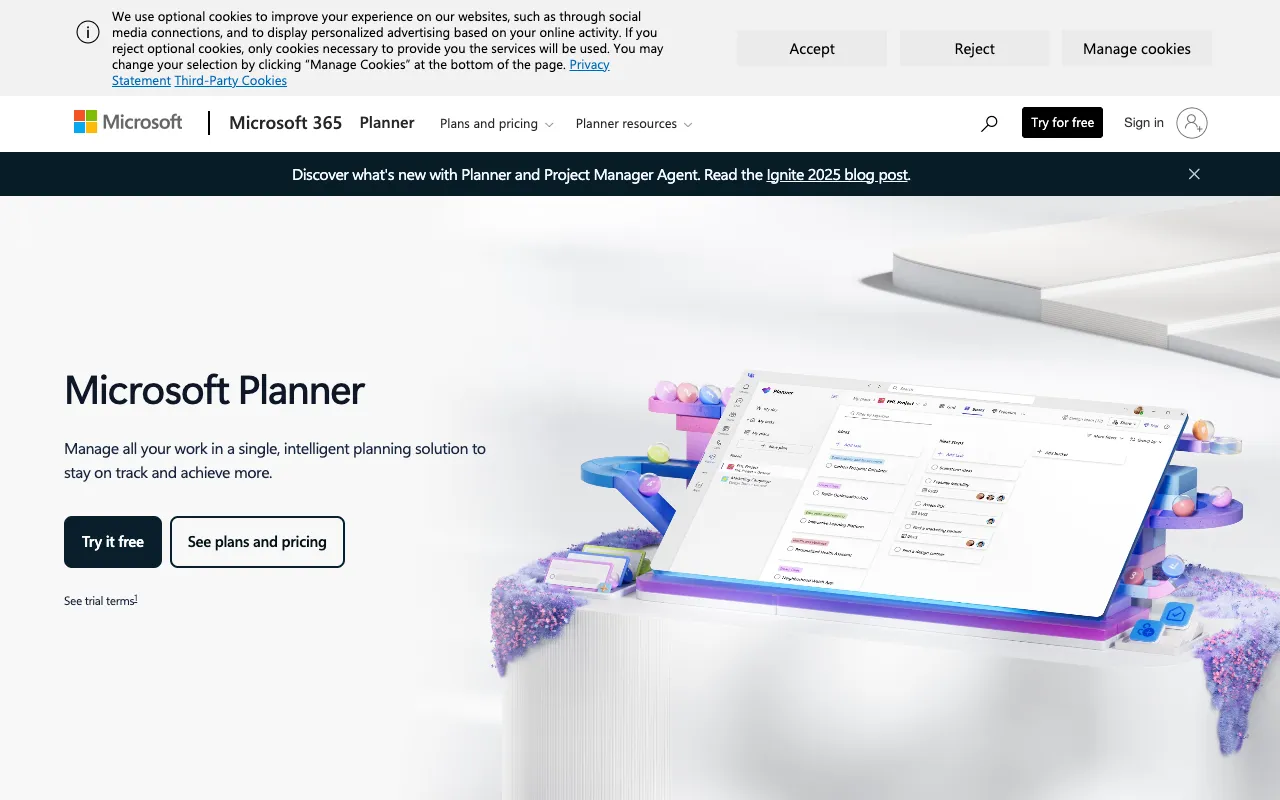
Microsoft Project – Best Desktop Software for Professional Project Managers
Microsoft Project is the definitive desktop application for professional project managers who need to plan, execute, and track complex initiatives with precision. As a core component of the Microsoft ecosystem, it provides powerful tools for resource allocation, timeline scheduling, budget management, and in-depth workload analysis, making it the go-to solution for enterprises and consultants managing large-scale projects.
Microsoft Project is a feature-rich, desktop-based project management software developed by Microsoft. It is designed specifically for professional project managers and teams handling intricate projects that require detailed planning, robust resource management, and advanced progress tracking. Its core purpose is to provide a centralized platform for creating project plans, assigning tasks, managing resources, monitoring budgets, and generating comprehensive reports to ensure project success and alignment with business goals.
Key Features of Microsoft Project
Advanced Project Planning & Scheduling
Create detailed project plans using Gantt charts, set dependencies, define critical paths, and establish realistic timelines. Microsoft Project's scheduling engine automatically calculates dates and resource requirements based on task relationships and constraints.
Comprehensive Resource Management
Efficiently allocate and manage team members, equipment, and materials. View resource workloads, identify over-allocations, and balance assignments to optimize team capacity and prevent burnout.
Powerful Progress Tracking & Reporting
Track project progress against the baseline plan in real-time. Use built-in dashboards and customizable reports to visualize status, analyze variances, forecast completion dates, and communicate updates to stakeholders.
Budget & Cost Management
Define project budgets, assign costs to resources and tasks, and track actual expenditures. Microsoft Project helps forecast total project costs and analyze financial performance to keep projects on budget.
Who Should Use Microsoft Project?
Microsoft Project is ideal for professional project managers, PMOs (Project Management Offices), and teams in industries like construction, engineering, software development, manufacturing, and consulting. It is best suited for organizations that manage complex, resource-intensive projects requiring formal methodologies (like Waterfall or Critical Path), detailed financial tracking, and rigorous reporting for stakeholders and clients.
Microsoft Project Pricing and Free Tier
Microsoft Project is a premium desktop application available through various Microsoft 365 subscription plans or as a standalone perpetual license. It does not offer a traditional free tier; however, potential users can often access a free trial period to evaluate the software. Pricing scales based on the chosen plan (Project Plan 1, 3, or 5), which offer different levels of cloud connectivity, portfolio management, and resource planning features.
Common Use Cases
Managing large-scale construction project timelines and subcontractor resources
Planning and tracking enterprise software development lifecycles and releases
Key Benefits
Deliver complex projects on time and within budget through precise planning and forecasting
Increase team productivity and resource utilization by eliminating bottlenecks and overallocations
Pros & Cons
Pros
Industry-standard tool with deep, advanced features for complex project management
Seamless integration with the broader Microsoft 365 ecosystem (Teams, SharePoint, Power BI)
Powerful reporting and analytics capabilities for data-driven decision making
Cons
Steep learning curve and can be overwhelming for simple projects or casual users
Higher cost point compared to many cloud-based or lightweight project management tools
Frequently Asked Questions
Is Microsoft Project free to use?
No, Microsoft Project is not a free tool. It is a professional-grade, licensed software available through paid Microsoft 365 subscription plans or as a standalone purchase. A limited-time free trial is often available for evaluation.
Is Microsoft Project good for Agile project management?
While traditionally strong for Waterfall and Critical Path methodologies, modern versions of Microsoft Project include features like task boards and sprints to support hybrid or Agile project management approaches, though dedicated Agile tools may offer a more streamlined experience for pure Scrum or Kanban teams.
Conclusion
For professional project managers and organizations dealing with the complexities of large-scale, resource-driven projects, Microsoft Project remains the authoritative desktop solution. Its unparalleled depth in planning, scheduling, resource management, and reporting provides the control and insight needed to navigate challenging initiatives successfully. If your work demands rigorous project governance, detailed financial tracking, and integration with the Microsoft enterprise stack, Microsoft Project is the definitive tool to ensure project delivery excellence.