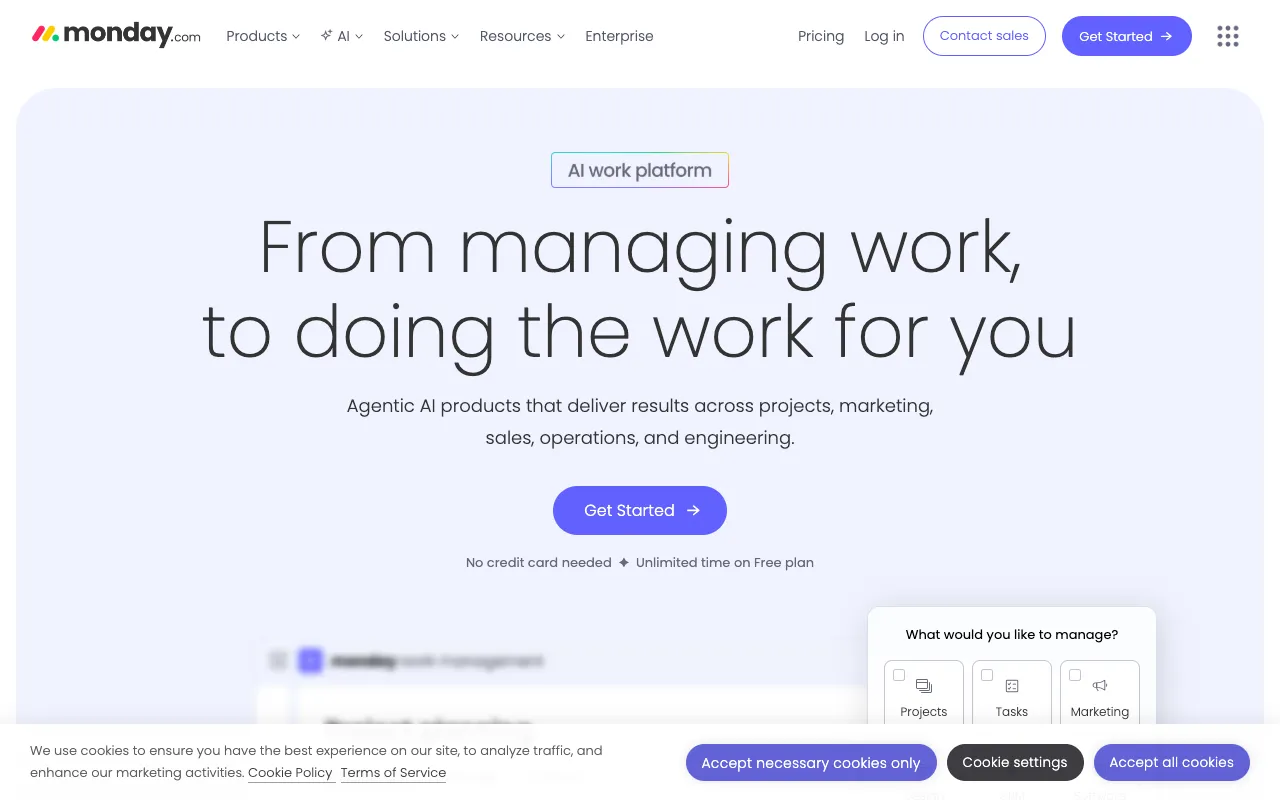
Monday.com – The Leading Work OS for Modern Project Management
Monday.com redefines project management with its intuitive Work Operating System (Work OS), designed to give teams unparalleled visibility and control over their workflows. More than just task tracking, it's a customizable platform where project managers can build, automate, and optimize processes to drive productivity. Whether you're managing agile sprints, marketing campaigns, or client projects, Monday.com provides the visual tools and automation needed to execute with confidence.
What is Monday.com?
Monday.com is a highly flexible Work Operating System (Work OS) that serves as a central command center for all team projects and processes. It moves beyond traditional project management software by offering a visual, no-code platform where teams can create custom workflows tailored to their specific needs. From simple task lists to complex operations with multiple dependencies and automations, Monday.com adapts to your methodology, making it ideal for project managers across IT, marketing, sales, operations, and more who need clarity and alignment.
Key Features of Monday.com
Visual & Customizable Workflows
Build your perfect workflow using highly visual boards with multiple views like Kanban, Gantt, Calendar, and Timeline. Customize columns for status, dates, people, and files to track exactly what matters.
Powerful Automation & Integrations
Eliminate manual work by automating repetitive tasks. Set up rules to notify stakeholders, update statuses, or create items automatically. Connect to hundreds of apps like Slack, Google Drive, and Jira for a unified ecosystem.
Real-Time Dashboards & Reporting
Gain instant insights with customizable dashboards that aggregate data from multiple boards. Visualize progress, track KPIs, and generate reports to make data-driven decisions and keep stakeholders informed.
Seamless Collaboration Tools
Centralize communication by commenting, tagging teammates, and sharing files directly on tasks. @mentions and updates ensure everyone is aligned, reducing context-switching and email clutter.
Who Should Use Monday.com?
Monday.com is built for any team or project manager seeking a centralized, visual system to manage work. It's exceptionally powerful for: Agile development teams managing sprints and product roadmaps; Marketing departments orchestrating campaigns, content calendars, and launches; Operations managers streamlining client onboarding, procurement, or hiring processes; Sales leaders tracking pipelines and customer relationships; Freelancers and agencies managing multiple client projects and deliverables. Its scalability makes it suitable for startups to large enterprises.
Monday.com Pricing and Free Tier
Monday.com offers a generous free forever plan for up to 2 seats, perfect for individuals or very small teams to get started. Paid plans begin with the Basic tier, which unlocks timeline views, guest access, and more automation. The Standard and Pro tiers add advanced features like time tracking, calendar view, formula columns, and private boards. Enterprise plans offer enhanced security, multi-level permissions, and premium support. Transparent, per-user pricing ensures you only pay for what you need.
Common Use Cases
- Managing agile software development sprints and product roadmaps
- Planning and executing integrated marketing campaigns across multiple channels
- Streamlining client onboarding processes for agencies and professional services
- Tracking sales pipelines and customer relationship management (CRM) visually
- Orchestrating event planning and logistics with cross-functional teams
Key Benefits
- Increase project visibility and reduce status update meetings by 50%
- Automate repetitive administrative tasks to save an average of 10+ hours per week
- Improve cross-team alignment and accelerate project delivery timelines
- Make data-driven decisions with real-time dashboards and customizable reports
Pros & Cons
Pros
- Highly visual and intuitive interface reduces the learning curve for new users
- Extremely flexible and customizable to fit virtually any workflow or process
- Robust automation builder eliminates manual, repetitive work
- Strong ecosystem of native integrations with popular business tools
- Comprehensive free plan allows for thorough testing before commitment
Cons
- Advanced features and automations are locked behind higher-tier plans
- Pricing can become expensive for large teams requiring premium features
- Extreme customizability may require initial setup time to optimize workflows
Frequently Asked Questions
Is Monday.com free to use?
Yes, Monday.com offers a free forever plan that supports up to 2 users. This plan includes unlimited boards, over 200 templates, and over 20 column types, making it a powerful starting point for individuals or very small teams to manage their work.
Is Monday.com good for project managers?
Absolutely. Monday.com is one of the top-rated project management platforms specifically designed for the needs of modern project managers. Its visual Work OS provides the clarity, automation, and reporting tools necessary to plan, track, and deliver projects successfully while keeping all stakeholders aligned.
What is the main difference between Monday.com and Trello or Asana?
While Trello excels at simple Kanban boards and Asana is strong for task management, Monday.com operates as a full Work OS. It offers deeper customization, more powerful native automations, advanced reporting dashboards, and greater flexibility to model complex business processes beyond basic task tracking.
Can Monday.com be used for CRM?
Yes, many teams use Monday.com as a visual Customer Relationship Management (CRM) system. Its customizable boards can be tailored to track leads, manage sales pipelines, log customer interactions, and automate follow-ups, providing a unified view of the customer journey.
Conclusion
For project managers seeking a platform that combines intuitive visual management with serious operational power, Monday.com stands out as a premier choice. Its core strength lies in transforming how teams see and interact with their work, turning complex projects into clear, actionable, and automated workflows. From its generous free tier to its enterprise-grade capabilities, Monday.com scales with your team's ambition. If your goal is to move beyond simple task lists and build a truly efficient, transparent, and agile work environment, Monday.com's Work OS delivers the tools to make that vision a reality.