Go back
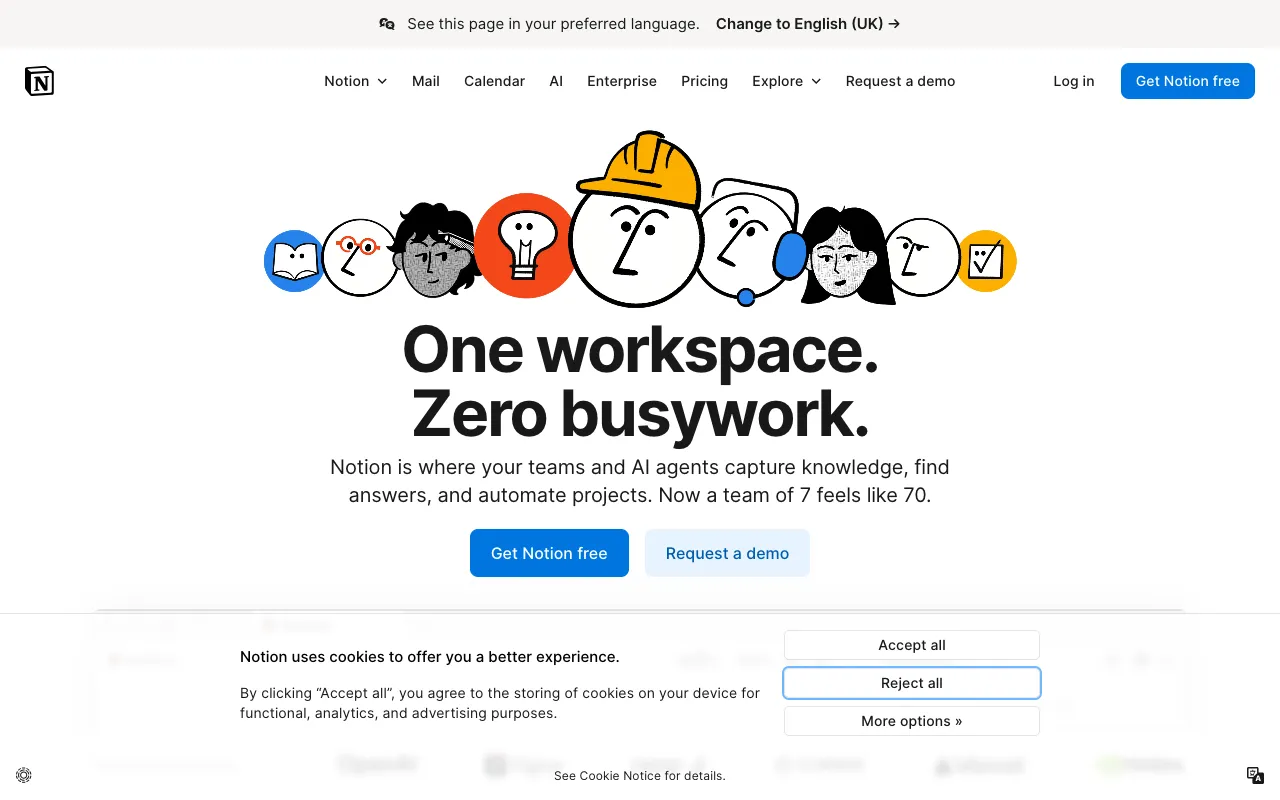
Image of Notion – The All-in-One Workspace for Modern Project Management

Notion – The All-in-One Workspace for Modern Project Management

Notion redefines project management by merging notes, documents, wikis, and tasks into a single, infinitely customizable workspace. Designed for teams and individuals who crave flexibility, it replaces a suite of disparate tools with one unified platform. Its powerful building blocks allow you to create anything from a simple to-do list to a complex company knowledge base, making it one of the most versatile tools for organizing work and driving projects forward.

What is Notion?

Notion is more than just a note-taking app or a project management tool—it's a unified workspace where you can write, plan, collaborate, and get organized. It combines the functions of documents, wikis, databases, and task managers into a single, seamless application. Built on a system of 'blocks' (text, headers, toggles, databases, media, and more), Notion empowers users to design their own workflows and systems without the constraints of pre-built templates. This makes it an ideal solution for project managers, product teams, startups, and creatives who need a tool that adapts to their unique processes.

Key Features of Notion

Unified Workspace with Blocks

Notion's foundational 'block' system lets you create rich, interactive pages by dragging and dropping elements like text, images, to-do lists, code snippets, and embedded files. This modular approach means every page, doc, or wiki is fully customizable to fit your exact project needs, eliminating the need to switch between multiple applications.

Powerful Databases and Views

Transform static lists into dynamic project hubs. Create databases for tasks, projects, clients, or resources, and view them as tables, Kanban boards, calendars, lists, or galleries. Link databases together to create relational systems, giving you a holistic, connected view of all your project information and dependencies.

Collaborative Project Wikis & Docs

Build a centralized source of truth for your team. Create living project wikis, onboarding guides, meeting notes, and product specs that everyone can edit and comment on in real-time. With @mentions, page history, and granular permissions, collaboration is seamless and organized.

Flexible Task & Project Management

Manage everything from personal tasks to complex team projects. Use database properties (status, owner, due date, tags) to filter, sort, and track progress. The Kanban view is perfect for agile workflows, while the calendar view ensures you never miss a deadline.

Extensive Templates & Integrations

Jumpstart your workflow with hundreds of community and official templates for project roadmaps, sprint planning, meeting notes, and more. While Notion is powerful on its own, it also connects with tools like Slack, Google Drive, and Figma via its API and native integrations.

Who Should Use Notion?

Notion is ideal for project managers, product teams, remote teams, startups, freelancers, and students. It's perfect for those managing complex projects requiring extensive documentation, those building internal knowledge bases, agile teams tracking sprints, and any individual or group tired of juggling separate apps for notes, tasks, and docs. Its flexibility suits both simple personal organization and large-scale enterprise collaboration.

Notion Pricing and Free Tier

Notion offers a generous free plan for individual use, which includes unlimited pages and blocks, sharing with up to 10 guests, and basic API access. For small teams needing collaboration features, the Plus plan is affordable and unlocks unlimited team members, a 30-day page history, and larger file uploads. Larger organizations can opt for the Business and Enterprise plans, which include advanced admin controls, security features (SSO, SCIM), and dedicated support. This tiered structure makes Notion accessible for solo users while scaling to meet the needs of growing companies.

Common Use Cases

Key Benefits

Pros & Cons

Pros

  • Unmatched flexibility and customization for any workflow
  • Combines notes, docs, wikis, and tasks eliminating app fatigue
  • Powerful relational databases connect all project information
  • Generous free plan suitable for individuals and small teams

Cons

  • Steeper learning curve due to its flexibility and vast feature set
  • Can feel slower to load compared to simpler, single-purpose tools
  • Advanced features and automation require familiarity with its systems

Frequently Asked Questions

Is Notion free to use?

Yes, Notion offers a robust free plan for individual users, which includes unlimited pages and blocks, basic collaboration features, and API access. This makes it an excellent starting point for personal project management or small team experimentation.

Is Notion good for agile project management?

Absolutely. Notion is highly effective for agile project management. Teams can use database views to create custom Kanban boards for sprints, backlogs using table views, and calendars for release planning. Its flexibility allows you to build a tailored agile workspace that matches your specific Scrum or Kanban methodology.

Can Notion replace tools like Trello, Confluence, and Google Docs?

For many teams, yes. Notion's core strength is consolidating functionality from multiple tools. Its databases can replace Trello for task management, its pages can serve as a more flexible Confluence for wikis, and its collaborative editing features offer a Google Docs-like experience—all within a single, connected environment.

How does Notion handle data security for project managers?

Notion provides enterprise-grade security on its paid plans, including SAML SSO, SCIM user provisioning, and granular page permissions. Data is encrypted in transit and at rest. For project managers handling sensitive information, the Business and Enterprise plans offer the admin controls and audit logs necessary for secure collaboration.

Conclusion

Notion stands out as a transformative tool for project managers seeking to break free from rigid, siloed software. Its unique combination of notes, docs, databases, and task management in one customizable environment offers unparalleled flexibility. While it requires an initial investment to learn its systems, the payoff is a tailored workspace that grows with your team. For project leaders aiming to consolidate tools, improve documentation, and build adaptable workflows, Notion is a top-tier, future-proof solution worthy of being your team's digital headquarters.