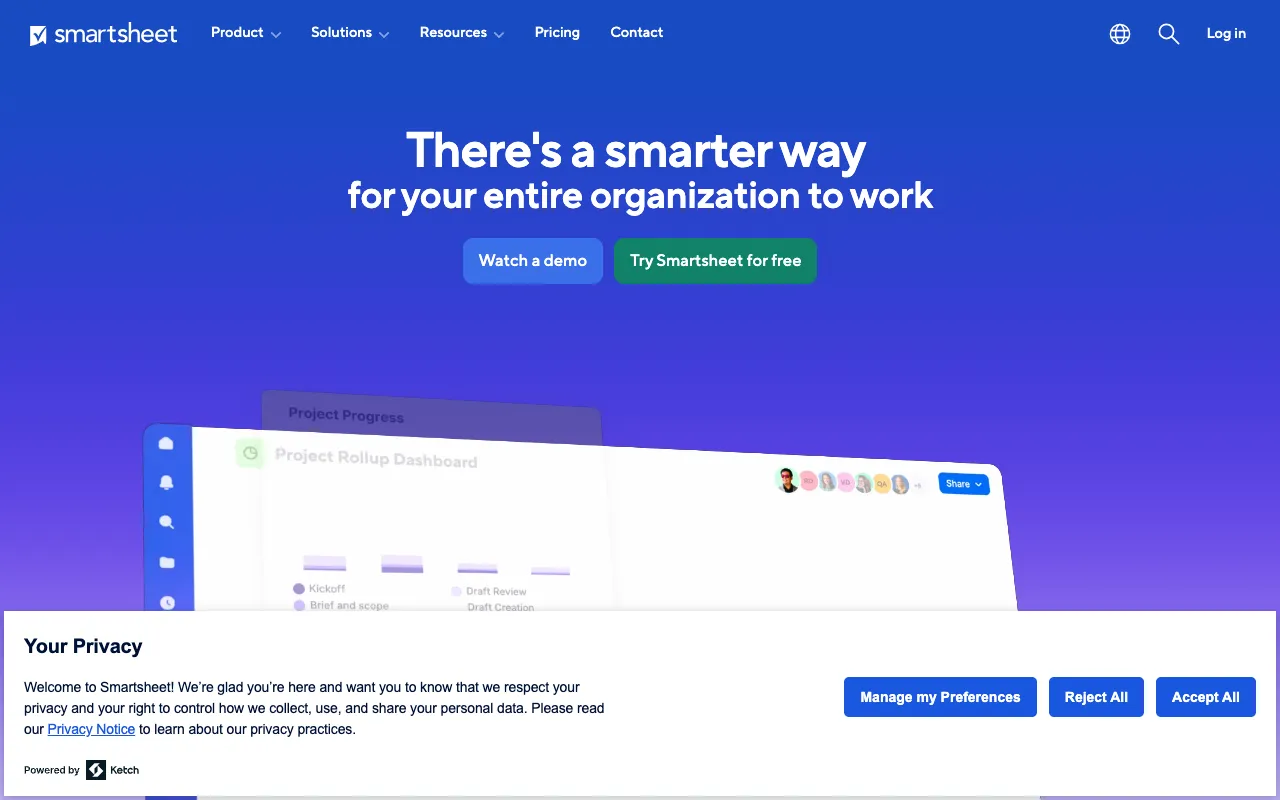
Smartsheet – The Best Dynamic Work Platform for Project Managers
Smartsheet redefines project management by merging the intuitive, grid-based interface of a spreadsheet with powerful work execution capabilities. Designed for project managers, operations teams, and business leaders, it transforms static data into a dynamic system for planning, tracking, automating, and reporting on work. Unlike rigid traditional tools, Smartsheet offers the flexibility to manage diverse projects—from simple task lists to complex portfolios—while automating workflows to save time and reduce errors.
What is Smartsheet?
Smartsheet is a cloud-based platform for dynamic work. At its core, it provides a familiar spreadsheet-like interface, but it is built specifically for managing and automating business processes and projects. It serves as a central hub where teams can plan projects, track tasks, manage calendars, store files, and automate repetitive workflows without needing complex coding. It bridges the gap between simple spreadsheet tools and overly complex enterprise software, making advanced project management accessible to teams of all sizes.
Key Features of Smartsheet
Grid, Card, Gantt & Calendar Views
Visualize your work the way that suits you best. Switch seamlessly between a traditional grid (spreadsheet), Kanban-style cards for agile workflows, Gantt charts for timeline management, and calendar views for scheduling. This flexibility ensures every team member can interact with the project data in the most intuitive way for their role.
Powerful Automation & Workflows
Eliminate manual updates and reminders. Smartsheet's automation engine allows you to set up rules to automatically send approval requests, update statuses, assign tasks, and trigger notifications based on changes in your sheet. This streamlines processes, ensures consistency, and keeps projects moving forward without constant manual intervention.
Real-Time Collaboration and Reporting
Enable true team collaboration with simultaneous editing, @mentions, comments, and attached file sharing directly within sheets. Build dynamic dashboards and reports that pull live data from multiple sheets, providing executives and stakeholders with a real-time, high-level view of project health, resource allocation, and KPIs.
Enterprise-Grade Security & Integrations
Built for the enterprise with robust security controls, admin reporting, and user management. Smartsheet connects with the tools you already use, including Microsoft 365, Google Workspace, Slack, Salesforce, Jira, and Tableau, creating a unified ecosystem for all your work.
Who Should Use Smartsheet?
Smartsheet is ideal for project managers, operations teams, marketing departments, IT service management, and business leaders across industries like construction, technology, healthcare, and finance. It's perfect for teams that have outgrown basic spreadsheets or shared documents but find traditional project management software too rigid or complex. Use cases include campaign planning, event management, product launches, agile sprint tracking, client onboarding, construction project scheduling, and strategic portfolio management.
Smartsheet Pricing and Free Tier
Smartsheet offers a generous Free Plan for individual users, which includes up to 2 editors, unlimited viewers, and core features like grid, card, and calendar views. Paid plans (Pro, Business, Enterprise) scale up with advanced features such as increased automations, forms, proofing, advanced reporting, and admin controls. This tiered structure makes it accessible for freelancers and small teams while providing the power and security required by large organizations.
Common Use Cases
- Managing marketing campaigns and content calendars with automated approval workflows
- Tracking construction project timelines, budgets, and deliverables using Gantt charts and dashboards
- Streamlining IT project management and agile development with Kanban card views and Jira integration
Key Benefits
- Increases operational visibility and accountability with centralized, real-time data and executive dashboards
- Boosts team productivity by automating repetitive tasks, reducing manual data entry, and minimizing errors
- Enhances cross-functional collaboration by providing a single source of truth that connects teams, files, and discussions
Pros & Cons
Pros
- Extremely flexible and adaptable to countless business processes beyond standard project management
- Powerful automation features save significant time on administrative tasks and process management
- Familiar spreadsheet interface reduces the learning curve for new users compared to complex PM software
Cons
- Can become expensive for large teams requiring advanced features on the Business or Enterprise plans
- Highly complex sheets with numerous dependencies and automations may require dedicated administration
Frequently Asked Questions
Is Smartsheet free to use?
Yes, Smartsheet offers a capable Free Plan for individual users. It supports 2 editors, unlimited viewers, and includes core features like grid, card, and calendar views, making it an excellent starting point for personal project management or small team collaboration.
Is Smartsheet good for agile project management?
Absolutely. Smartsheet's Card View functions as a powerful Kanban board, perfect for managing agile sprints, backlogs, and workflows. You can customize columns (To Do, In Progress, Done), assign tasks, set priorities, and use automations to move cards based on status changes, making it a robust tool for Scrum and Kanban methodologies.
How does Smartsheet compare to Microsoft Excel or Google Sheets?
While it uses a familiar grid interface, Smartsheet is built specifically for work execution. It adds native project management features like Gantt charts, automated workflows, formal request forms, approval processes, and robust reporting dashboards that standard spreadsheets lack. It's designed for collaboration and automation at scale, whereas Excel/Sheets are general-purpose calculation and data tools.
Conclusion
Smartsheet stands out as a top-tier solution for project managers and business teams seeking a dynamic, adaptable platform. It successfully bridges the gap between the simplicity of spreadsheets and the power of enterprise work management software. Its unique combination of flexibility, automation, and collaboration tools makes it an invaluable asset for managing projects of any complexity. Whether you're an individual planner on the free tier or a large enterprise managing a portfolio of strategic initiatives, Smartsheet provides the structure and intelligence needed to execute work efficiently and effectively.