Go back
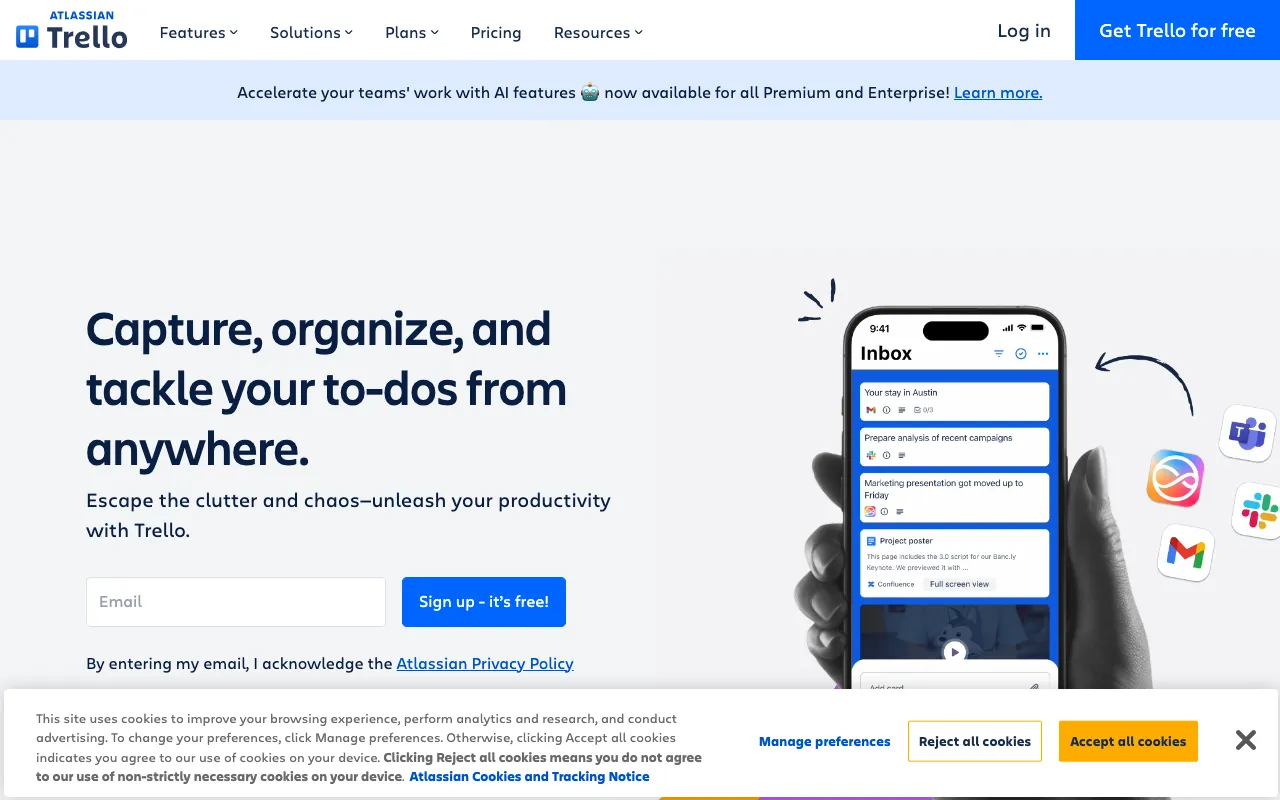
Image of Trello – The Best Visual Project Management Tool for Teams

Trello – The Best Visual Project Management Tool for Teams

Trello revolutionizes project management with its intuitive, card-based interface that turns complex workflows into simple, visual boards. Trusted by millions of teams worldwide, Trello provides the flexibility to manage anything from daily tasks to multi-phase projects. Whether you're a project manager coordinating a remote team, a marketing professional tracking campaigns, or a freelancer organizing client work, Trello's visual approach makes collaboration transparent and productivity effortless.

What is Trello?

Trello is a web-based visual collaboration tool that empowers teams and individuals to organize projects and tasks using the Kanban methodology. At its core, Trello uses boards (representing projects), lists (representing stages of a workflow), and cards (representing individual tasks). This simple yet powerful structure provides a bird's-eye view of any project's status, making it ideal for agile project management, sprint planning, content calendars, event planning, and personal task management. Its drag-and-drop interface eliminates complexity, allowing users to focus on execution rather than tool navigation.

Key Features of Trello

Boards, Lists, and Cards

The fundamental building blocks of Trello. Create a Board for any project, add Lists to represent workflow stages (like 'To Do', 'Doing', 'Done'), and populate them with Cards for every task. This visual hierarchy provides instant clarity on project progress and individual responsibilities.

Power-Ups and Integrations

Extend Trello's functionality by connecting it with your favorite tools. Power-Ups integrate services like Slack, Google Drive, Jira, Salesforce, and time-tracking apps directly into your boards, creating a centralized hub for all project-related activity and documents.

Automation with Butler

Trello's built-in automation tool, Butler, lets you create rules, buttons, and scheduled commands to eliminate manual work. Automatically move cards, assign members, set due dates, or post comments based on triggers you define, saving hours of repetitive administrative tasks.

Team Collaboration Tools

Invite team members to boards, assign tasks with @mentions, add comments, attach files, and set due dates directly on cards. Activity logs and notifications keep everyone in sync, making Trello perfect for remote and hybrid teams.

Customizable Templates

Jumpstart your projects with pre-built templates for common use cases like product launches, editorial calendars, bug tracking, onboarding checklists, and meeting agendas. Customize any template to fit your team's exact workflow.

Who Should Use Trello?

Trello is exceptionally versatile. It is the top choice for **Project Managers** and **Agile/Scrum Teams** needing a visual sprint backlog. **Marketing & Creative Teams** use it for campaign tracking and content calendars. **Software Developers** leverage it for bug tracking and feature planning. **Remote & Distributed Teams** rely on it for transparent asynchronous collaboration. **Small Business Owners**, **Freelancers**, **Event Planners**, **Teachers**, and even individuals managing personal goals find Trello's flexible system adapts perfectly to their needs.

Trello Pricing and Free Tier

Trello offers a generous free forever plan perfect for individuals and small teams starting with visual project management. For advanced features, paid plans (Trello Standard, Premium, and Enterprise) provide additional Power-Ups, larger file attachments, advanced automation, enhanced security, and admin controls. The free tier includes unlimited personal boards, cards, and lists, making Trello one of the most accessible and powerful free tools for project managers available today.

Common Use Cases

Key Benefits

Pros & Cons

Pros

  • Intuitive, visual interface with a minimal learning curve for new users
  • Highly flexible and customizable to fit virtually any workflow or project type
  • Extensive library of Power-Ups and integrations with popular business tools
  • Robust free plan that is fully functional for individual and small team use
  • Excellent for fostering transparency and collaboration in distributed teams

Cons

  • Can become visually cluttered and less optimal for managing extremely complex projects with hundreds of concurrent tasks
  • Advanced reporting and analytics features require a paid subscription
  • Primarily card-based view; Gantt charts and timeline views are available but as Power-Ups

Frequently Asked Questions

Is Trello free to use?

Yes, Trello offers a robust free forever plan. It includes unlimited personal boards, lists, cards, and members per board, one Power-Up per board, basic automation, and 10MB file attachments. This makes it an excellent starting point for individuals, freelancers, and small teams.

Is Trello good for project management?

Absolutely. Trello is one of the best visual project management tools available. Its board and card system, based on Kanban methodology, provides exceptional clarity on task status and workflow. When enhanced with Power-Ups for timelines, calendars, and reporting, Trello can manage sophisticated projects for teams of all sizes, making it a top choice for modern project managers.

What is the difference between Trello and Asana or Jira?

Trello excels in visual, flexible task management with a Kanban focus, ideal for workflows needing high-level visual tracking. Asana offers more structured task lists and project views, while Jira is deeply specialized for software development with advanced sprint and issue tracking. Trello often serves as a more accessible and adaptable starting point that can integrate with these tools when needed.

Can Trello handle large, complex projects?

Yes, with the right structure and use of Premium features. For large projects, teams use multiple connected boards, leverage advanced automation with Butler, and utilize Timeline or Calendar Power-Ups for Gantt-style views. Trello Enterprise provides additional controls for governance at scale.

Conclusion

Trello stands out as a definitive tool for visual project management, successfully balancing powerful functionality with remarkable ease of use. Its card-based system provides unmatched flexibility, allowing it to mold to the unique needs of project managers, agile teams, creative professionals, and solo operators alike. With a strong free tier, extensive integrations, and intelligent automation, Trello is not just a task manager—it's a platform for building more transparent, efficient, and collaborative workflows. For any team or individual seeking to visualize their work and streamline execution, Trello remains a premier, highly recommended solution.