Go back
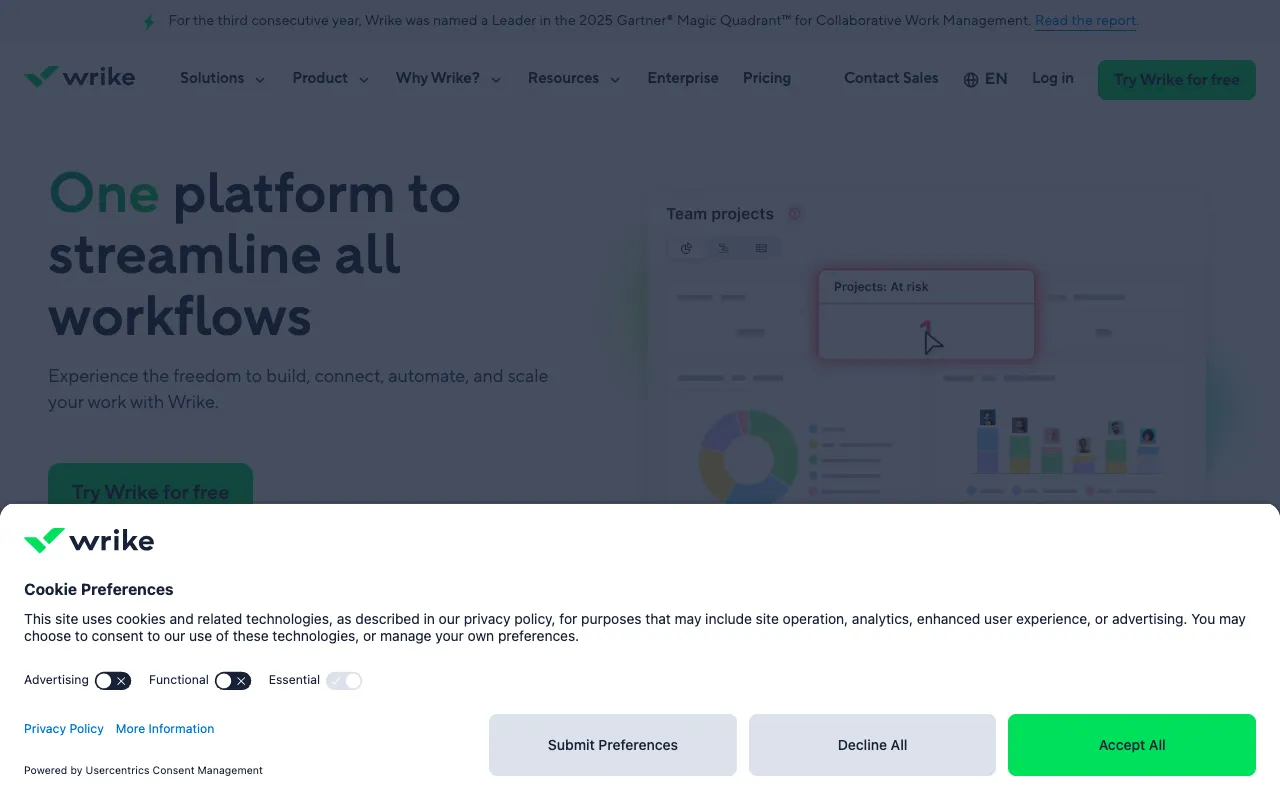
Image of Wrike – The Ultimate Collaborative Work Management Platform

Wrike – The Ultimate Collaborative Work Management Platform

Wrike stands out as a comprehensive, scalable work management solution built for modern teams that need more than basic task lists. It transforms how marketing teams, IT departments, professional services, and enterprises plan, track, and deliver work. By combining real-time collaboration, powerful automation, and deep customizations, Wrike moves teams from reactive task management to proactive, strategic project execution. Its robust free tier makes it accessible for growing teams to experience enterprise-grade capabilities.

What is Wrike?

Wrike is a cloud-based collaborative work management platform that serves as a centralized command center for all your team's projects and processes. Unlike simple to-do list apps, Wrike is designed to handle the complexity of modern work, connecting strategic goals to daily execution. It provides a unified space for planning with interactive Gantt charts, tracking progress with real-time dashboards, fostering collaboration with @mentions and proofing tools, and streamlining work through automated request forms and workflow builders. It's built for teams that manage multiple projects, stakeholders, and shifting priorities simultaneously.

Key Features of Wrike

Interactive Gantt Charts & Timeline Views

Visualize project timelines, manage dependencies, and adjust schedules with drag-and-drop ease. Wrike's dynamic Gantt charts update in real-time, allowing project managers to instantly see the impact of changes and keep critical paths on track.

Customizable Workflows & Automation

Automate repetitive processes like task assignments, status updates, and approval requests. Create custom workflow statuses and build automated rules that trigger actions, saving hours of manual work and reducing human error.

Real-Time Dashboards & Reporting

Gain instant visibility into project health, team workload, and overall performance with configurable dashboards. Generate detailed reports on progress, budgets, and resource allocation to make data-driven decisions.

Advanced Collaboration & Proofing

Go beyond comments with built-in proofing and approval tools for digital assets. Use @mentions, live editing, and discussion threads to keep all communication and feedback directly tied to the relevant task or file.

Intake Forms & Request Management

Streamline how work enters your team's pipeline. Create custom request forms that automatically generate tasks or projects in Wrike with predefined assignees, due dates, and folders, ensuring nothing falls through the cracks.

Who Should Use Wrike?

Wrike is ideal for mid-sized to large teams and enterprises that require structure, scalability, and deep integration into their work processes. Marketing and creative agencies benefit from its proofing and campaign management tools. IT and software development teams use it for agile sprint planning and bug tracking. Professional services firms leverage it for client project management and resource allocation. Essentially, any team managing complex projects with multiple stakeholders, dependencies, and a need for robust reporting will find Wrike a powerful ally. Its flexibility also suits hybrid methodologies, supporting both traditional waterfall and agile frameworks.

Wrike Pricing and Free Tier

Wrike offers a scalable pricing model. Its notable **Free Plan** supports an unlimited number of users and includes task and subtask management, board and table views, basic integrations, and 2GB of storage per account—ideal for small teams starting with work management. Paid plans (Professional, Business, and Enterprise) unlock advanced features like Gantt charts, custom workflows, dashboards, reporting, proofing, and increased automation limits. The Business plan is popular for its full feature set, while Enterprise offers advanced security, controls, and analytics. This tiered approach allows teams to start for free and grow into the platform as their needs evolve.

Common Use Cases

Key Benefits

Pros & Cons

Pros

  • Extremely powerful and customizable for complex project and work management needs
  • Offers a genuinely useful free plan for small teams and basic task tracking
  • Excellent real-time collaboration features, including built-in digital proofing
  • Strong automation engine to reduce manual administrative work significantly

Cons

  • The extensive feature set can have a steeper learning curve for new users
  • Advanced reporting and analytics are reserved for higher-tier paid plans
  • May be overkill for individuals or very small teams with simple task management needs

Frequently Asked Questions

Is Wrike free to use?

Yes, Wrike offers a robust free plan that supports an unlimited number of users. It includes core task management, board/table views, and basic integrations, making it a great starting point for small teams to manage collaborative work without upfront cost.

Is Wrike good for agile project management?

Absolutely. Wrike supports agile methodologies with features like custom workflows for sprints, board views for Kanban, time tracking, and backlog management. Its flexibility allows teams to tailor the platform for Scrum, Kanban, or hybrid approaches, making it a strong contender for software development and IT project management.

How does Wrike compare to tools like Asana or Monday.com?

Wrike is often positioned as more powerful and customizable than Asana, with stronger native reporting and workload management. Compared to Monday.com, Wrike offers deeper workflow automation and is traditionally stronger in enterprise-grade project management for professional services and marketing, while Monday.com excels in visual no-code app building for broader team workflows.

Conclusion

Wrike establishes itself as a top-tier solution for teams that have outgrown basic task managers and need a powerful, unified system for collaborative work management. Its strength lies in balancing deep functionality—like customizable workflows, advanced reporting, and real-time Gantt charts—with a scalable model that includes a valuable free tier. For marketing departments, IT teams, and professional service organizations managing intricate projects and processes, Wrike provides the structure, visibility, and automation necessary to work smarter and deliver results consistently. It's an investment in operational excellence for growing and established teams alike.