Go back
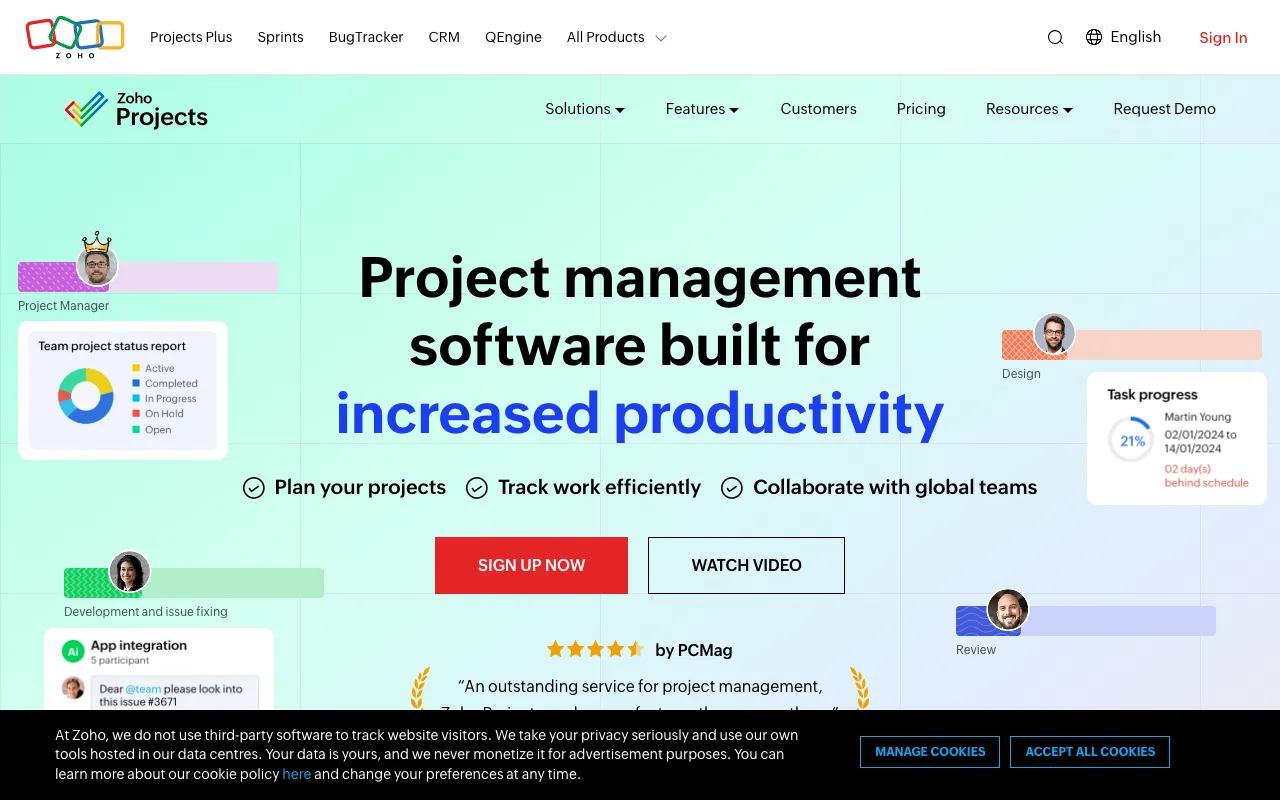
Image of Zoho Projects – Comprehensive Project Management Software

Zoho Projects – Comprehensive Project Management Software

Zoho Projects is a robust, cloud-based project management platform engineered to streamline project planning, execution, and collaboration. Designed for teams of all sizes, it consolidates task management, time tracking, document sharing, and communication into a single, intuitive interface. Whether you're managing agile sprints, client deliverables, or internal initiatives, Zoho Projects provides the structure and visibility project managers need to keep teams aligned and projects on track.

What is Zoho Projects?

Zoho Projects is a feature-rich project management application within the Zoho ecosystem. Its core purpose is to provide organizations with a centralized hub for managing the entire project lifecycle—from initial blueprint to final delivery. It serves project managers, team leads, and cross-functional teams by breaking down complex projects into manageable tasks, automating workflows, and fostering transparent communication, all accessible from any web browser or mobile device.

Key Features of Zoho Projects

Gantt Charts for Visual Planning

Create interactive Gantt charts to map out project timelines, set dependencies between tasks, and visualize the critical path. Drag-and-drop functionality makes it easy to adjust schedules and instantly see the impact on your project's completion date.

Task Management with Custom Workflows

Organize work with task lists, subtasks, and milestones. Implement custom statuses and automate task transitions using blueprint workflows, ensuring standardized processes and reducing manual oversight for recurring project types.

Integrated Time Tracking & Reporting

Log hours directly on tasks with built-in timers or manual entries. Generate detailed timesheets and leverage powerful reports on project progress, resource utilization, and budget variance to make data-driven decisions.

Team Collaboration Hub

Reduce context switching with integrated feeds, forums, and real-time chat. Share documents, pin important announcements, and @mention team members directly within the context of a task or project, keeping all discussions traceable.

Client & Stakeholder Portals

Provide controlled access to clients and external stakeholders. They can view project progress, approved tasks, and milestones, submit requests, and collaborate without seeing internal team communications or sensitive data.

Who Should Use Zoho Projects?

Zoho Projects is ideal for small to medium-sized businesses, remote teams, IT and software development teams, marketing agencies, and consultants. It's particularly valuable for project managers who need to balance detailed planning with agile execution, teams requiring strong client-facing features, and organizations already using other Zoho apps seeking a tightly integrated project management solution.

Zoho Projects Pricing and Free Tier

Zoho Projects offers a generous free forever plan for up to 3 users and 2 projects, perfect for small teams or testing the platform. Paid plans start with the Premium tier, which unlocks unlimited projects, custom fields, workflow rules, and 100GB of storage. The Enterprise tier adds advanced features like global Gantt charts, resource utilization charts, and issue tracking. This tiered structure makes it scalable from freelancers to large departments.

Common Use Cases

Key Benefits

Pros & Cons

Pros

  • Highly customizable with fields, layouts, and automated workflow rules.
  • Strong integration with the broader Zoho suite (CRM, Books, Mail) and popular third-party apps.
  • Comprehensive feature set including time tracking, invoicing, and budgeting in higher tiers.
  • Offers a legitimate free plan for small teams, lowering the barrier to entry.

Cons

  • The interface can feel dense and has a learning curve for new users compared to simpler tools.
  • Advanced reporting and resource management features are reserved for the highest-tier plan.
  • Mobile app experience, while functional, is not as robust as the desktop web application.

Frequently Asked Questions

Is Zoho Projects free to use?

Yes, Zoho Projects offers a free forever plan that supports up to 3 users and 2 projects. This plan includes core features like task management, basic Gantt charts, and mobile apps, making it an excellent starting point for small teams or individuals.

Is Zoho Projects good for agile project management?

Absolutely. Zoho Projects supports agile methodologies with features like Scrum boards (task lists viewed as Kanban), sprints, user stories, and burndown charts. It allows teams to plan iterations, track velocity, and manage backlogs effectively within a structured framework.

Can Zoho Projects integrate with other tools?

Yes, Zoho Projects has extensive integration capabilities. It connects natively with other Zoho applications like CRM, Desk, and Analytics. It also offers integrations via Zapier and APIs for tools like Slack, Google Drive, Dropbox, and Microsoft Teams, creating a connected work ecosystem.

How does Zoho Projects compare to Asana or Trello?

Zoho Projects is generally more comprehensive and complex than Trello and more structured than Asana for certain use cases. It excels in traditional project management with deep features like Gantt charts, time tracking, and invoicing, whereas Trello is simpler for visual task management, and Asana strikes a balance for team coordination. Zoho Projects is ideal when you need an all-in-one suite with financial and client management aspects.

Conclusion

Zoho Projects stands out as a formidable, all-in-one project management suite that successfully bridges the gap between detailed project planning and dynamic team collaboration. Its strength lies in its customizability, depth of features—especially for time and resource management—and seamless integration within the Zoho ecosystem. While the interface may require an initial investment in learning, the payoff is a highly capable platform that can scale with your team's needs. For project managers seeking a tool that can handle complex projects, provide client visibility, and offer a viable free starting point, Zoho Projects is a top-tier contender worthy of serious consideration.