Go back
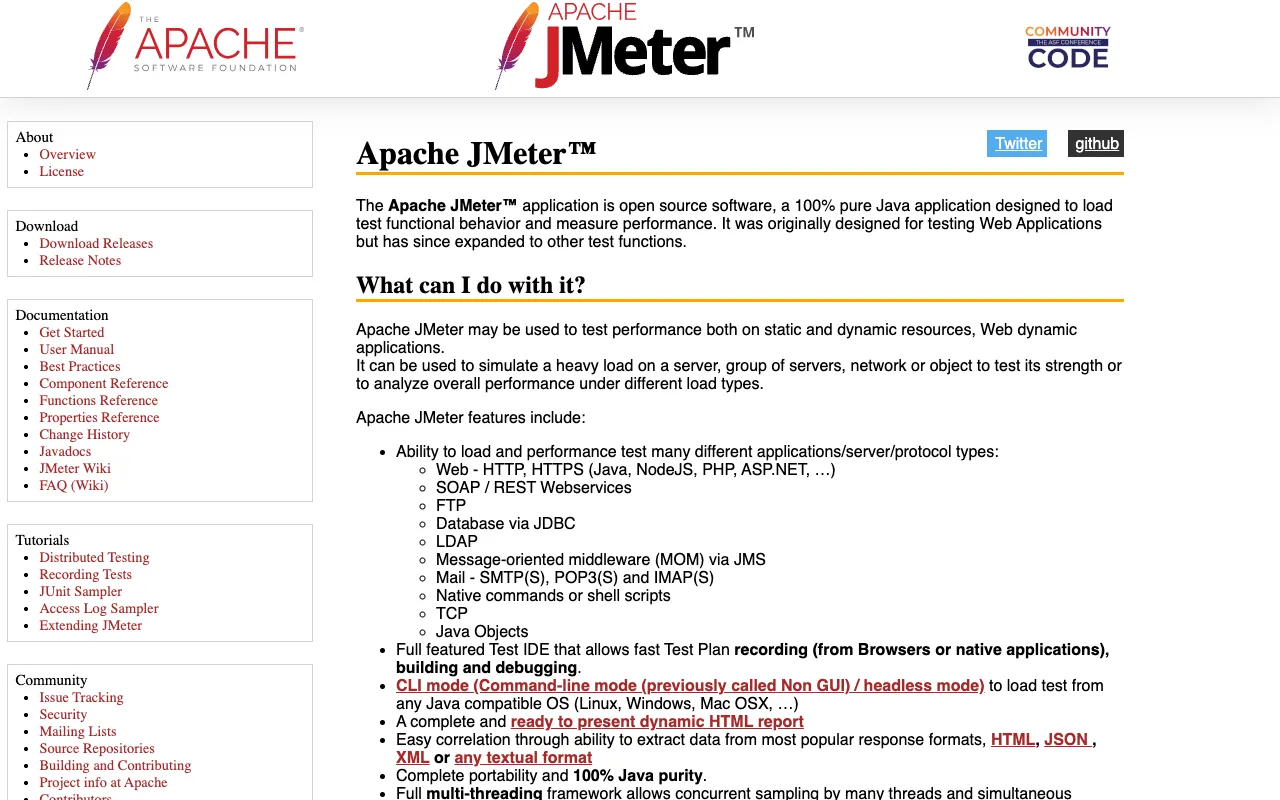
Image of Apache JMeter – The Essential Load Testing Tool for QA Testers

Apache JMeter – The Essential Load Testing Tool for QA Testers

Apache JMeter is the industry-standard, open-source solution for performance and load testing, trusted by QA engineers worldwide. As a desktop application, it enables testers to simulate heavy user traffic on web applications, APIs, and databases to measure performance, identify bottlenecks, and ensure scalability before deployment. For QA teams seeking a powerful, free tool to validate application robustness under stress, JMeter provides enterprise-grade capabilities without the enterprise price tag.

What is Apache JMeter?

Apache JMeter is a 100% Java-based, open-source desktop application specifically designed for load testing functional behavior and measuring the performance of web applications. Initially created for testing web applications, it has expanded to test other functions like database performance and API calls. It simulates a group of users sending requests to a target server, network, or object, then returns performance statistics that allow QA testers to analyze an application's strength and capacity under various load conditions. Its core purpose is to provide quantitative data on how a system performs, helping teams prevent performance-related failures in production.

Key Features of Apache JMeter for QA Testing

Multi-Protocol Support

JMeter supports testing for web HTTP/HTTPS, SOAP/REST, FTP, JDBC database connections, LDAP, JMS, and more. This versatility allows QA testers to performance test the entire application stack, not just the front-end, from a single tool, streamlining the testing process for complex systems.

Full-Featured Test IDE

The intuitive desktop GUI allows testers to rapidly create and debug test plans. You can record browser actions to generate test scripts, parameterize requests with different data sets using CSV files, and use logic controllers to create complex test flows that mimic real user behavior.

Dynamic Reporting & Analysis

JMeter generates comprehensive graphs and reports, including Aggregate Report, Summary Report, Response Times Graph, and more. These visualizations help QA engineers quickly pinpoint performance issues like slow response times, errors under load, and throughput degradation.

Distributed Load Generation

For large-scale tests, JMeter can be run in a distributed mode, using multiple machines to generate a massive load that a single system cannot produce. This is critical for QA teams needing to simulate thousands or millions of concurrent users to test enterprise application limits.

Who Should Use Apache JMeter?

Apache JMeter is ideal for Performance QA Engineers, DevOps engineers integrating performance tests into CI/CD pipelines, and development teams practicing shift-left testing. It's perfect for organizations that need to validate SLA compliance, prepare for traffic spikes (like sales events), or diagnose performance regression between releases. Whether you're a startup ensuring your MVP can handle growth or an enterprise validating a critical system upgrade, JMeter provides the necessary firepower.

Apache JMeter Pricing and Free Tier

Apache JMeter is completely free and open-source, released under the Apache License 2.0. There is no free tier—the entire tool is free to use for commercial and personal projects without any restrictions on virtual users, test duration, or reporting features. This makes it an unbeatable value proposition for QA teams of all sizes looking to implement professional performance testing without budget constraints.

Common Use Cases

Key Benefits

Pros & Cons

Pros

  • Completely free and open-source with no user or feature limitations
  • Extremely flexible and extensible via plugins for virtually any testing scenario
  • Large, active community providing extensive documentation, tutorials, and support
  • Platform-independent (Java-based), running on Windows, Linux, and macOS

Cons

  • Has a learning curve, especially for creating complex, realistic test scenarios
  • The GUI can consume significant memory when recording or running very large tests
  • Primarily focuses on protocol-level tests rather than real browser rendering performance

Frequently Asked Questions

Is Apache JMeter free to use?

Yes, Apache JMeter is 100% free and open-source software. There are no licensing fees, subscription costs, or limitations on its use for commercial or personal performance testing projects.

Is Apache JMeter good for API load testing?

Absolutely. Apache JMeter is one of the most popular tools for REST API and SOAP web service load testing. It can simulate concurrent users, handle authentication (OAuth, JWT, Basic), parse JSON/XML responses, and validate API performance under stress.

What skills do I need to use JMeter for QA?

A basic understanding of web protocols (HTTP), your application's architecture, and the testing lifecycle is essential. While scripting knowledge (like Beanshell or JSR223) helps for advanced scenarios, the GUI allows you to create powerful load tests without deep programming expertise.

How does JMeter compare to paid load testing tools?

JMeter offers comparable core load generation capabilities to many paid enterprise tools. While commercial tools may offer more polished reporting, easier test script creation, or superior customer support, JMeter's zero-cost, extensible nature makes it the top choice for QA teams prioritizing power and flexibility over budget.

Conclusion

For QA testers tasked with ensuring application performance and resilience, Apache JMeter is an indispensable, professional-grade tool. Its combination of powerful load generation, multi-protocol support, detailed reporting, and zero cost is unmatched in the testing landscape. By integrating JMeter into your QA process, you gain the ability to proactively prevent performance failures, build user confidence, and deliver scalable, high-quality software. It remains the definitive open-source choice for performance validation.