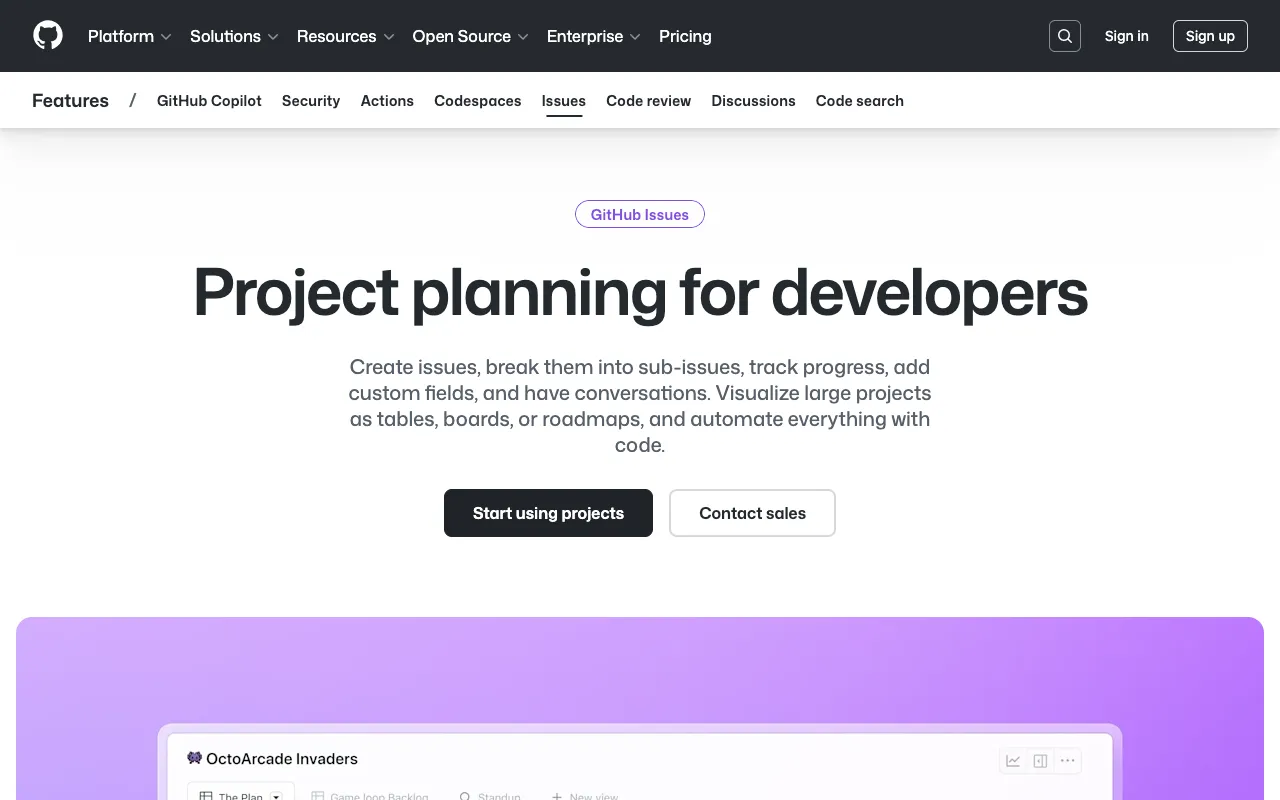
GitHub Issues – The Essential Bug Tracking Tool for QA Testers
GitHub Issues is the native, integrated issue tracker built directly into the GitHub platform. For QA testers, it provides a seamless, code-adjacent environment to report bugs, track progress, and collaborate with developers without switching contexts. Its tight integration with repositories, pull requests, and commits makes it a top choice for teams practicing modern DevOps and Agile methodologies.
What is GitHub Issues?
GitHub Issues is a lightweight but powerful issue and project tracking system natively built into every GitHub repository. It serves as the central hub for managing bugs, feature requests, tasks, and documentation todos. Unlike standalone bug trackers, GitHub Issues lives directly within your development ecosystem, creating a direct link between reported issues and the code changes that fix them. This intrinsic connection is what makes it exceptionally valuable for QA professionals who need to provide clear, actionable feedback to developers.
Key Features of GitHub Issues for QA
Repository-Native Bug Tracking
Every bug report is created and stored within the relevant GitHub repository. This eliminates external tool sprawl and ensures all project context—code, discussions, and history—is in one place, making it easier for QA to provide precise reproduction steps and for developers to understand the full scope of an issue.
Labels, Milestones, and Assignees
Organize your QA workflow efficiently. Use customizable labels (e.g., 'bug', 'high-priority', 'regression') to categorize issues. Group related bugs into milestones for sprint planning or release management, and assign issues directly to developers for clear accountability and workflow management.
Rich Text and Markdown Support
Create detailed, well-formatted bug reports. QA testers can use Markdown to include code snippets, create numbered steps for reproduction, add screenshots and GIFs, and structure information clearly, leading to faster developer comprehension and resolution.
Linking to Code and Pull Requests
The most powerful feature for QA. Directly reference commits, code lines, or pull requests within an issue. When a developer creates a pull request to fix a bug, they can link it, automatically showing the QA tester the exact changes made. This enables precise verification and regression testing.
Project Boards (Kanban)
Visualize your QA pipeline with built-in Project Boards. Create custom Kanban-style boards (To Do, In Progress, Done) to track the status of bugs from discovery through to verification, providing real-time visibility into the testing backlog for the entire team.
Who Should Use GitHub Issues?
GitHub Issues is ideal for QA testers, engineers, and managers working in teams that already use GitHub for version control. It's perfect for startups, open-source projects, and agile development teams looking for a simple, integrated solution that avoids the complexity and cost of separate enterprise bug-tracking systems. It's especially powerful for teams where QA is deeply involved in the development lifecycle and requires close collaboration with developers.
GitHub Issues Pricing and Free Tier
GitHub Issues is completely free. It is a core feature included with every GitHub repository, whether public or private. There are no user limits, issue caps, or restricted features within the Issues system itself. Access is tied to your GitHub plan (Free, Team, or Enterprise), all of which include full functionality for Issues. This makes it one of the most accessible and cost-effective bug-tracking solutions available, especially for teams already invested in the GitHub ecosystem.
Common Use Cases
- Tracking software defects and regression bugs during sprint cycles
- Managing QA test cases and validation tasks for a new feature release
- Collaborating with remote developers on open-source project bug triage
Key Benefits
- Eliminates context switching by keeping bug reports next to the code, speeding up developer fix time.
- Provides full audit trail and history for every bug, linking discussions, commits, and PRs for complete traceability.
- Reduces software tooling costs by leveraging an existing platform (GitHub) instead of paying for a separate tracker.
Pros & Cons
Pros
- Tightly integrated with GitHub codebase and development workflow
- Completely free with no hidden costs or user limits
- Simple, intuitive interface with a low learning curve
- Excellent for collaboration with markdown, mentions, and threaded discussions
- Powerful search and filtering to manage large issue backlogs
Cons
- Lacks advanced QA-specific features like test case management or detailed reporting dashboards
- Primarily designed for bug tracking, not a full-fledged Quality Management System (QMS)
- Tied exclusively to the GitHub platform, not ideal for teams using other version control systems
Frequently Asked Questions
Is GitHub Issues free to use for QA teams?
Yes, GitHub Issues is completely free. It is a core feature of GitHub and is available with unlimited usage on all account types, including free personal and organization accounts. This makes it an outstanding value for QA teams of any size.
Is GitHub Issues good for QA and bug tracking?
Absolutely. For teams using GitHub, it is one of the most efficient bug-tracking tools available. Its seamless integration means bugs are reported where the code lives, enabling faster triage, clearer communication between QA and development, and a direct link from issue to fix. It excels at the core tracking and collaboration needs of modern QA workflows.
Can you attach files and screenshots to GitHub Issues?
Yes, you can easily drag and drop or upload files directly into an issue comment. This is essential for QA testers who need to include screenshots, screen recordings (GIFs/MP4), log files, or other assets to visually demonstrate a bug or its reproduction steps.
How does GitHub Issues compare to Jira for QA?
GitHub Issues is lighter and more integrated with code than Jira. It's ideal for teams that prefer simplicity, speed, and a developer-centric workflow. Jira offers more advanced project management, custom workflows, and reporting features suited for large enterprises. For many QA teams, especially in software startups, GitHub Issues provides the perfect balance of power and simplicity.
Conclusion
For QA testers embedded in a GitHub-centric development environment, GitHub Issues is not just a tool—it's a strategic advantage. It bridges the gap between testing and development by placing the conversation about quality directly inside the repository. While it may not replace comprehensive test management suites for large enterprises, its simplicity, zero cost, and powerful integration make it the default and often best choice for agile teams seeking a streamlined, collaborative, and effective bug-tracking workflow. If your team codes on GitHub, your QA process should start with GitHub Issues.