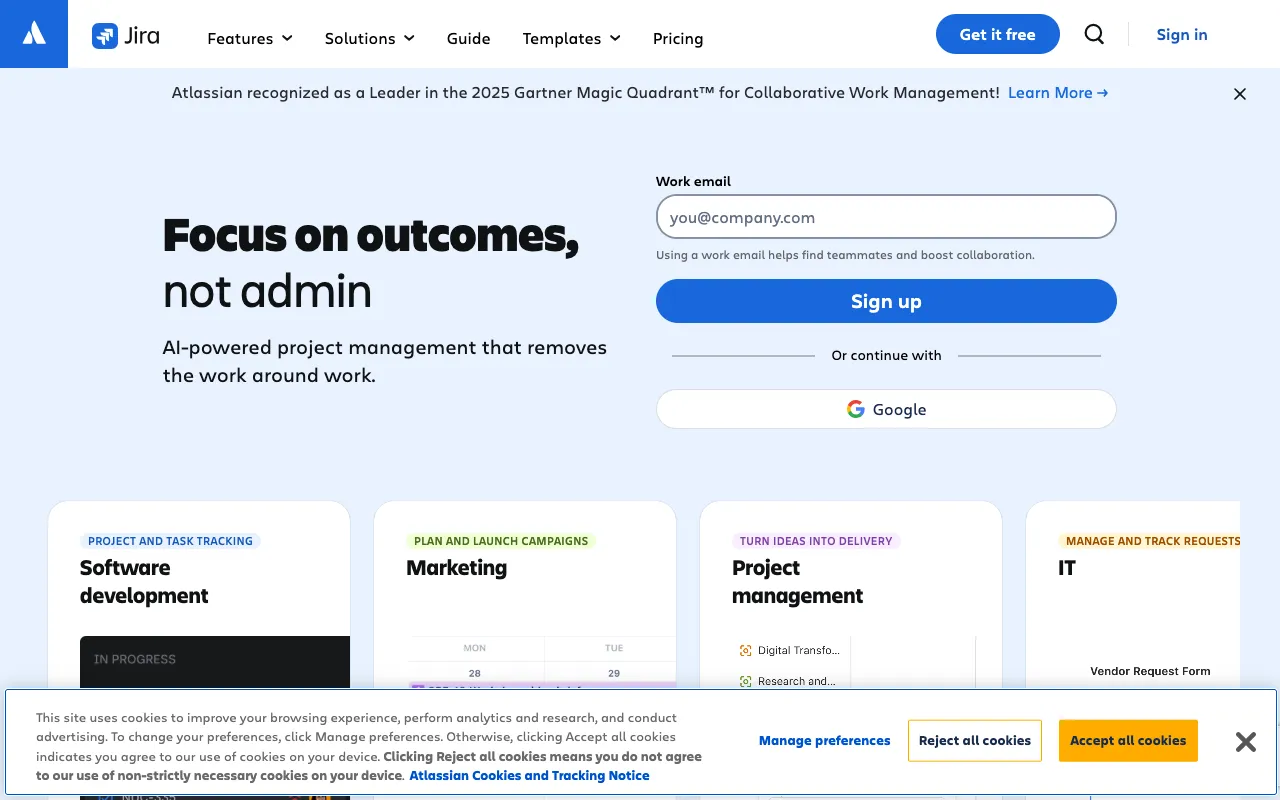
Jira – Best Project Management & Bug Tracking Tool for QA Testers
Jira by Atlassian is the industry-standard project and issue tracking platform trusted by QA teams worldwide. It transforms how testers manage bug reports, collaborate with developers, and track the entire software testing lifecycle within agile frameworks. As a central hub for quality assurance, Jira enables structured workflows, real-time visibility, and seamless integration with the development pipeline, making it an indispensable tool for modern QA professionals.
What is Jira for QA Testing?
Jira is a powerful, flexible platform specifically engineered for agile software development and project management. For QA testers, it serves as the primary system for logging, tracking, prioritizing, and resolving software defects and issues. Beyond simple bug tracking, Jira facilitates the entire QA process—from creating test cases and planning test cycles in dedicated projects to monitoring sprint progress and generating actionable reports. Its customizable workflows and deep integration capabilities make it the backbone of collaborative quality assurance in tech teams of all sizes.
Key Features of Jira for QA Teams
Customizable Bug & Issue Tracking
Create detailed bug reports with custom fields, attachments, and steps to reproduce. Jira's flexible issue types and status workflows allow QA teams to mirror their exact testing process, from 'Open' and 'In Progress' to 'Verified' and 'Done'.
Agile Project Management (Scrum & Kanban Boards)
Visualize your testing backlog and active work with intuitive Scrum and Kanban boards. Plan sprints, assign testing tasks, and track velocity to ensure QA efforts are aligned with development cycles and release dates.
Advanced Filtering, Searching & Reporting
Use Jira Query Language (JQL) to build complex filters and dashboards. Generate real-time reports on bug trends, test coverage, sprint burndown, and team performance to make data-driven QA decisions.
Powerful Integrations & Ecosystem
Connect Jira with your entire toolchain. Native integrations with Confluence for documentation, Bitbucket/GitHub for code, and hundreds of apps via the Atlassian Marketplace (like Zephyr, Xray) extend its functionality for comprehensive test management.
Role-Based Permissions & Workflows
Define clear roles for testers, developers, and product managers. Configure automated workflow transitions to enforce process integrity, such as automatically reassigning a bug from 'Fixed' to a QA tester for verification.
Who Should Use Jira for QA?
Jira is ideal for QA engineers, test automation specialists, QA managers, and any professional involved in software quality assurance within an agile environment. It is perfectly suited for teams practicing Scrum or Kanban, those requiring robust audit trails and reporting for compliance, and organizations that need a single source of truth connecting development, testing, and product management. From fast-moving startups to large enterprises, Jira scales to meet complex testing demands.
Jira Pricing and Free Tier
Jira offers a generous free tier for up to 10 users, which includes core project management, Scrum and Kanban boards, backlog prioritization, and basic reporting—perfect for small QA teams or startups. Paid plans (Standard, Premium, Enterprise) unlock advanced features like increased storage, audit logs, granular permissions, 24/7 support, and guaranteed uptime SLAs, scaling with your team's needs and complexity.
Common Use Cases
- Managing a centralized bug repository for a cross-functional agile team
- Tracking test execution progress and defects during a software release cycle
- Creating and monitoring a QA sprint backlog alongside development work
Key Benefits
- Improves defect resolution time by providing developers with structured, actionable bug reports
- Increases QA process transparency with real-time dashboards visible to all stakeholders
- Reduces miscommunication between testers and developers through integrated comments and @mentions
Pros & Cons
Pros
- Unmatched flexibility and customization for complex QA workflows
- Extensive ecosystem of integrations for test management and CI/CD
- Powerful reporting and search capabilities with JQL for deep insights
- Strong brand recognition and community support, easing team onboarding
Cons
- Can have a steep learning curve for new users due to its vast feature set
- Performance may slow with very large projects or complex customizations
- Advanced features and higher user limits require a paid subscription
Frequently Asked Questions
Is Jira free for QA testers?
Yes, Jira offers a free forever plan for up to 10 users, which includes essential bug tracking, agile boards, and 2 GB of storage. This is sufficient for many small to mid-sized QA teams to manage their core testing workflows.
Is Jira good for bug tracking and QA?
Absolutely. Jira is one of the most widely adopted tools specifically for bug tracking and QA project management. Its customizable workflows, detailed issue creation, and integration with developer tools make it an excellent choice for maintaining quality throughout the software development lifecycle.
Can Jira be used for test case management?
While Jira's core functionality is issue and project tracking, it excels at test case management when extended with dedicated apps from the Atlassian Marketplace, such as Xray or Zephyr. These integrations allow you to create, organize, execute, and report on test cases directly within the Jira environment.
How does Jira help with agile QA processes?
Jira is built for agility. QA teams can use Scrum boards to plan testing sprints, Kanban boards to visualize continuous testing flow, and backlogs to prioritize bugs and test tasks. This keeps QA work tightly synchronized with development sprints and release goals.
Conclusion
For QA testers seeking a powerful, scalable, and integrated solution to manage the complexities of modern software testing, Jira remains a top-tier choice. Its combination of robust bug tracking, agile project management, and a vast integration ecosystem provides a centralized platform that bridges the gap between testing and development. Whether you're leveraging the free plan for a small team or the advanced features of a paid tier for enterprise-scale operations, Jira delivers the structure, visibility, and collaboration tools necessary to uphold high-quality standards and drive efficient release cycles.