Go back
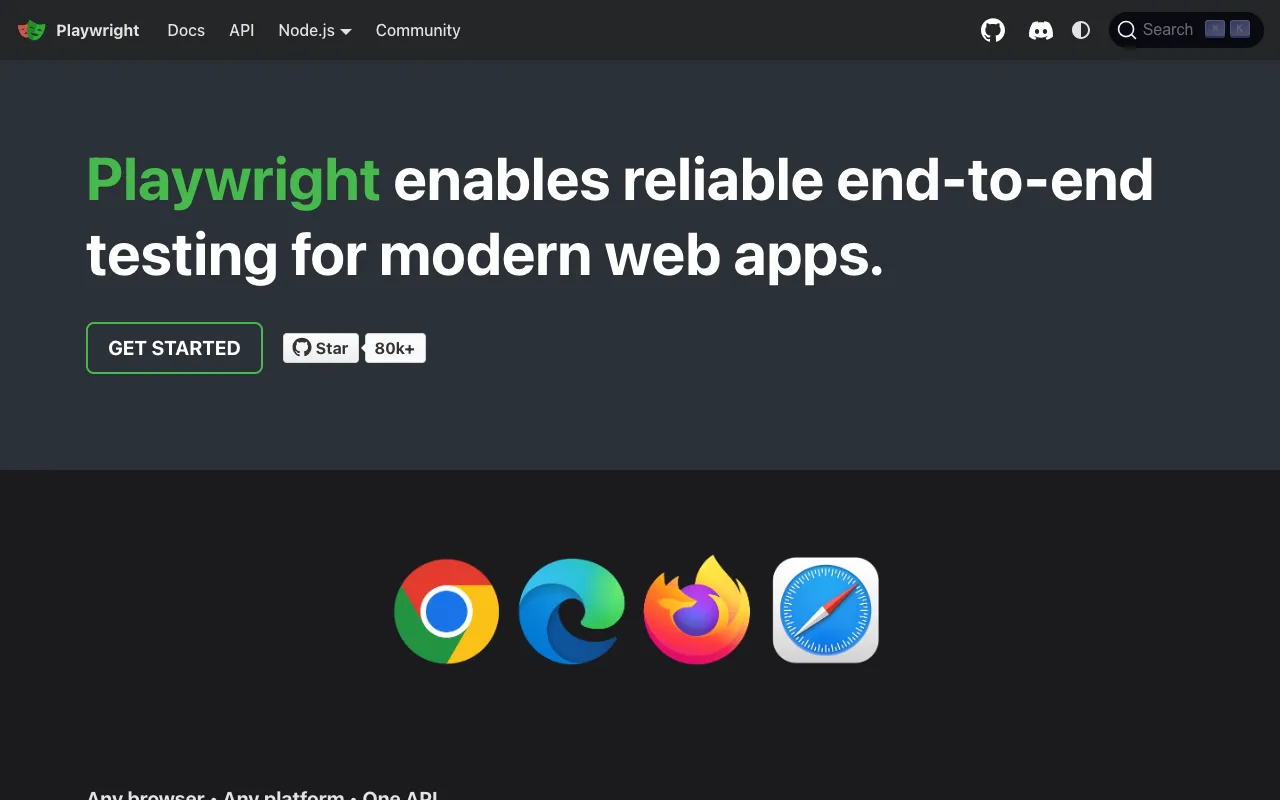
Image of Playwright – The Best Cross-Browser Testing Library for QA Engineers

Playwright – The Best Cross-Browser Testing Library for QA Engineers

Playwright is a modern, open-source Node.js library built by Microsoft for automating web browsers. It enables QA testers and developers to write reliable, fast, and resilient end-to-end tests for web applications across all major browser engines—Chromium, Firefox, and WebKit—using a single, consistent API. Unlike fragmented solutions, Playwright provides built-in auto-waiting, network interception, and mobile emulation out of the box, making it the go-to choice for testing complex, dynamic applications.

What is Playwright?

Playwright is a powerful automation framework specifically designed for end-to-end testing of modern web applications. It goes beyond simple UI interaction by providing deep control over browsers, including multi-page scenarios, iframes, and network activity. Its core purpose is to enable QA teams to create stable, maintainable, and cross-browser compatible test suites that accurately simulate real user behavior. Its primary audience includes QA engineers, SDETs, and full-stack developers who need a robust, feature-rich tool to ensure application quality across the entire development lifecycle.

Key Features of Playwright

True Cross-Browser Testing

Playwright supports Chromium, Firefox, and WebKit (Safari) with a unified API. This means you write your test scripts once and run them seamlessly across all major browser engines, ensuring consistent behavior and catching browser-specific bugs early in the development cycle.

Auto-Waiting and Resilient Selectors

Eliminate flaky tests with built-in auto-waiting. Playwright automatically waits for elements to be actionable (visible, enabled, stable) before performing operations. Combined with resilient selectors that pierce shadow DOM and auto-retry on failure, this feature dramatically increases test reliability.

Network Interception and Mocking

Gain complete control over network requests. Playwright allows you to intercept, modify, block, or mock HTTP requests and responses. This is invaluable for testing application behavior under different network conditions, testing error states, or stubbing out API dependencies for faster, more isolated tests.

Mobile and Device Emulation

Test responsive designs and mobile-specific interactions with comprehensive device emulation. Playwright simulates viewport sizes, device pixel ratios, geolocation, permissions, and even touch events, allowing you to validate your app's mobile experience directly from your test suite.

Powerful Debugging and Trace Viewer

Debug complex test failures with ease. Playwright can capture screenshots, videos, and detailed execution traces. The built-in Trace Viewer provides a step-by-step visual timeline of test execution, including network calls, console logs, and DOM snapshots, making root cause analysis significantly faster.

Who Should Use Playwright?

Playwright is ideal for QA teams and engineers working on complex, dynamic web applications that require robust, cross-browser test coverage. It is particularly well-suited for Agile and DevOps teams integrating testing into CI/CD pipelines. Front-end developers writing component or integration tests, SDETs building advanced automation frameworks, and manual testers transitioning to automation will find its intuitive API and powerful features transformative. Use cases include testing single-page applications (SPAs), progressive web apps (PWAs), applications with iframes or multiple tabs, and any project where test stability and browser compatibility are critical.

Playwright Pricing and Free Tier

Playwright is completely free and open-source software (MIT License). There is no paid tier, subscription, or usage limits. The entire feature set—including cross-browser automation, network mocking, mobile emulation, and trace viewing—is available at zero cost. This makes it an exceptionally cost-effective solution for startups, enterprises, and individual developers alike, removing financial barriers to implementing a world-class end-to-end testing strategy.

Common Use Cases

Key Benefits

Pros & Cons

Pros

  • Single, powerful API for Chromium, Firefox, and WebKit eliminates the need for multiple testing tools
  • Superior speed and stability compared to older tools like Selenium WebDriver
  • Rich feature set including auto-waiting, network interception, and mobile emulation built-in
  • Excellent documentation, an active community, and strong corporate backing from Microsoft
  • Completely free and open-source with no hidden costs or usage limits

Cons

  • Primarily focused on Node.js/JavaScript/TypeScript ecosystems (though other language bindings exist)
  • Has a learning curve for teams new to modern JavaScript tooling and async/await patterns
  • Being a newer tool, some legacy corporate environments may have policies favoring more established solutions

Frequently Asked Questions

Is Playwright free to use?

Yes, Playwright is 100% free and open-source under the MIT License. All its features, including cross-browser automation, mobile emulation, and advanced debugging tools, are available at no cost with no usage restrictions.

Is Playwright good for end-to-end testing?

Absolutely. Playwright is specifically engineered for modern end-to-end testing. Its capabilities like auto-waiting, network control, and cross-browser support make it one of the most reliable and feature-complete tools available for testing complete user workflows in web applications.

Can Playwright replace Selenium?

For many modern web testing scenarios, yes. Playwright offers significant advantages over Selenium WebDriver, including faster execution, built-in auto-waiting, a more intuitive API, and native support for modern browser features. Teams starting new automation projects or struggling with Selenium's flakiness often find Playwright to be a superior replacement.

What programming languages does Playwright support?

While Playwright's core and primary API is for Node.js (JavaScript/TypeScript), it also provides official language bindings for Python, Java, and .NET (C#). This allows teams to leverage Playwright's powerful engine within their existing tech stack.

Conclusion

Playwright represents a significant leap forward in end-to-end testing technology. By combining a single, powerful API for all major browsers with intelligent features like auto-waiting and network interception, it solves the primary pain points of test flakiness and maintenance. Its open-source nature and zero-cost model make it accessible to teams of all sizes. For QA engineers and developers building modern web applications who need reliable, fast, and comprehensive test automation, Playwright is not just a tool—it's the foundational framework for a mature, scalable testing strategy. It is the definitive choice when test stability, cross-browser coverage, and developer experience are top priorities.