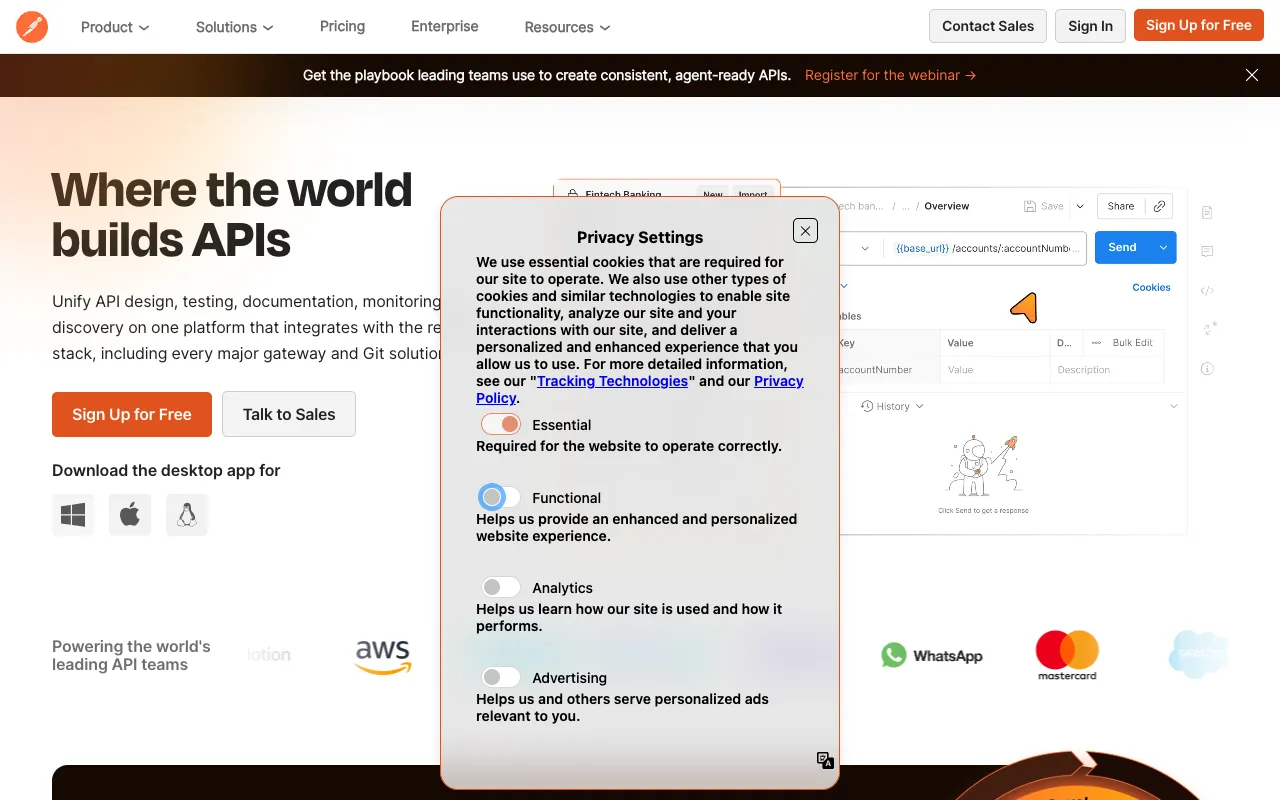
Postman – The Essential API Testing Platform for QA Testers
Postman has evolved from a simple API client into a full-featured API platform, becoming an indispensable tool for modern QA testers. It provides a unified workspace to design, debug, test, document, and monitor APIs, dramatically accelerating testing cycles and improving collaboration between QA teams and developers. For professionals seeking to master API testing and automation, Postman offers the most comprehensive and user-friendly solution on the market.
What is Postman?
Postman is a collaborative API development and testing environment used by millions of developers and QA engineers worldwide. It simplifies every step of the API lifecycle, allowing testers to send requests, inspect responses, create automated test suites, generate documentation, and monitor API performance—all from a single application. Its intuitive interface lowers the barrier to entry for API testing while providing powerful features for advanced automation and integration into CI/CD pipelines.
Key Features of Postman for QA Testing
Comprehensive API Client
Send HTTP requests (GET, POST, PUT, DELETE, etc.) with ease. Configure headers, authentication, parameters, and body data using a clean UI. Save requests into collections for organized testing and reuse.
Automated Testing with JavaScript
Write test scripts in JavaScript to validate API responses automatically. Check status codes, response times, data schemas, and specific values. Postman's built-in test runner allows you to execute entire collections as test suites.
Environment and Variables
Manage different configurations (like development, staging, production) using environments. Use variables to dynamically change endpoints, API keys, and data values, making your tests portable and maintainable.
Powerful Test Automation & CI/CD Integration
Run your test collections from the command line using the Newman CLI tool or integrate directly into Jenkins, GitLab CI, GitHub Actions, and other CI/CD platforms. Schedule automated runs and get detailed reports.
API Documentation & Mock Servers
Generate beautiful, interactive API documentation automatically from your collections. Create mock servers to simulate API behavior before the backend is complete, enabling parallel development and testing.
Team Collaboration & Workspaces
Share collections, environments, and documentation with your team in real-time. Use team workspaces to coordinate on API testing strategies, review changes, and maintain a single source of truth.
API Monitoring
Schedule periodic checks for your APIs from Postman's cloud. Monitor uptime, response times, and functionality, receiving alerts for any failures to ensure your APIs are always reliable.
Who Should Use Postman?
Postman is essential for QA Testers, Automation Engineers, API Developers, and DevOps professionals. It is particularly valuable for teams practicing Agile, DevOps, or microservices architectures where APIs are the backbone of the application. Whether you're manually exploring a new API, building a regression test suite, or integrating API checks into a deployment pipeline, Postman scales from individual exploration to enterprise-grade collaboration.
Postman Pricing and Free Tier
Postman offers a robust Free tier perfect for individual QA testers and small teams. It includes core features like the API client, collections, automated testing, and mock servers with some usage limits. For advanced needs, paid plans (Basic, Professional, Enterprise) unlock higher limits, role-based access control, advanced monitoring, custom integrations, and dedicated support. The free tier alone is powerful enough for most personal and small-project API testing needs.
Common Use Cases
- Automating regression test suites for REST API endpoints
- Testing and validating microservices architecture in a QA environment
- Performance testing APIs by scripting iterative requests and analyzing response times
- Collaborating with developers by sharing test collections and documenting API contracts
Key Benefits
- Dramatically reduces the time required to test and validate APIs compared to manual methods.
- Improves test coverage and reliability through automated, repeatable test scripts.
- Enhances team collaboration and reduces silos between development and QA departments.
- Provides a centralized platform for the entire API lifecycle, from design to monitoring.
Pros & Cons
Pros
- Extremely user-friendly interface that requires minimal coding knowledge to start.
- Unmatched ecosystem with extensive documentation, a large community, and many integrations.
- Powerful free tier that covers the needs of most individual testers and students.
- Continuous innovation with regular updates adding new features like gRPC and GraphQL support.
Cons
- Can become resource-intensive with very large collections or complex test scripts.
- Some advanced collaboration and deployment features are locked behind higher-tier paid plans.
- The shift towards a web-based client may require adjustment for users of the legacy desktop app.
Frequently Asked Questions
Is Postman free to use for QA testing?
Yes, Postman offers a comprehensive Free plan that includes the core API client, collections, automated testing with JavaScript, mock servers, and basic monitoring. This is more than sufficient for individual QA testers, students, and small teams to perform robust API testing.
Is Postman good for automated API testing?
Absolutely. Postman is one of the leading tools for automated API testing. Its built-in test scripting, collection runner, and command-line integration via Newman allow QA teams to create, manage, and execute sophisticated automated test suites as part of their CI/CD pipelines.
Can Postman test SOAP, GraphQL, or gRPC APIs?
Yes. While initially famous for REST APIs, Postman has expanded support to include SOAP (via XML requests), GraphQL (with a dedicated interface for queries and variables), and gRPC. This makes it a versatile tool for testing various API protocols used in modern applications.
How does Postman help with team collaboration in QA?
Postman enables team collaboration through shared workspaces, version control for collections, the ability to comment on requests, and integrated documentation. QA teams can work together on test suites, share environments for different stages (dev/QA/prod), and ensure everyone is testing against the same API specifications.
Conclusion
For QA testers in today's API-driven development landscape, Postman is not just a tool—it's a foundational platform. Its perfect blend of an accessible interface for beginners and deep, powerful features for experts makes it the undisputed leader in API testing. By centralizing the design, testing, documentation, and monitoring of APIs, Postman empowers QA teams to deliver higher-quality software faster and with greater confidence. Whether you're starting your first API test or managing a complex microservices ecosystem, Postman is an investment that will pay continuous dividends in efficiency and reliability.