Go back
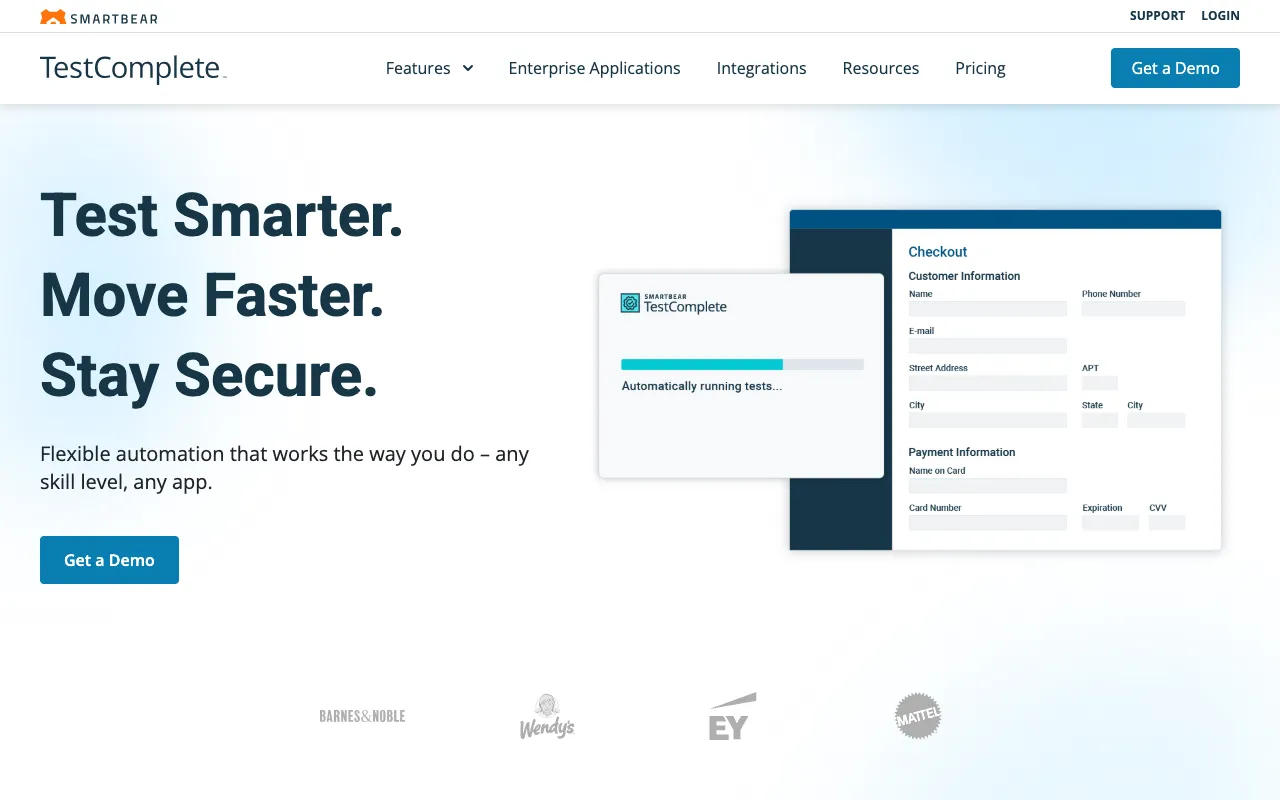
Image of TestComplete – Best Automated UI Testing Tool for QA Testers

TestComplete – Best Automated UI Testing Tool for QA Testers

TestComplete by SmartBear is a comprehensive, commercial-grade automated UI testing platform designed for modern QA teams. It enables testers to create, manage, and execute robust functional tests across desktop applications, web browsers, and mobile devices from a single interface. By combining powerful object recognition, a flexible scripting environment, and integrated AI capabilities, TestComplete accelerates testing cycles, improves test coverage, and helps deliver higher-quality software faster.

What is TestComplete?

TestComplete is a feature-rich, commercial automated UI testing tool specifically built for quality assurance professionals. Its core purpose is to automate the functional testing of user interfaces across a diverse technology landscape, including native desktop applications (Windows, macOS), modern web applications across multiple browsers, and native/hybrid mobile apps (iOS, Android). Unlike many open-source frameworks, TestComplete provides a unified, integrated environment that reduces the complexity of managing different testing technologies, making it an ideal solution for teams seeking enterprise-grade reliability and support.

Key Features of TestComplete

Cross-Platform Testing

TestComplete's standout feature is its ability to automate tests for desktop, web, and mobile applications within the same project. This unified approach eliminates the need for separate tools, simplifies test maintenance, and allows QA teams to leverage shared skills and scripts across different platforms.

Advanced Object Recognition Engine

The tool utilizes a powerful AI-powered object recognition engine that can reliably identify UI elements even when their properties change (like dynamic IDs or classes). This significantly reduces test script maintenance overhead and increases test resilience against application updates.

Multiple Scripting Language Support

Catering to diverse team skills, TestComplete supports scripting in JavaScript, Python, VBScript, and its own keyword-driven operation. This flexibility allows both technical and non-technical testers to contribute to the automation effort effectively.

Record and Playback & Data-Driven Testing

Accelerate test creation with intuitive record-and-playback functionality. Combine this with robust data-driven testing capabilities to run the same test logic with multiple datasets from Excel, CSV files, or databases, maximizing test coverage efficiently.

Who Should Use TestComplete?

TestComplete is ideally suited for professional QA teams and software development companies that require a reliable, scalable, and supported automated testing solution. It is perfect for: Enterprise teams testing complex desktop applications (like those built with .NET, Java, WPF). Web development teams needing cross-browser compatibility testing across Chrome, Firefox, Edge, and Safari. Mobile app teams delivering applications for both iOS and Android platforms. Organizations looking to move from manual testing or fragmented open-source frameworks to a unified, commercially-supported automation platform.

TestComplete Pricing and Free Tier

TestComplete is a commercial product with no permanent free tier. SmartBear offers a fully-functional, time-limited free trial (typically 30 days) that allows teams to evaluate all features. After the trial, it operates on a paid licensing model, which is typically based on the number of users (named licenses) and may include additional costs for concurrent test execution or advanced add-ons. For specific pricing, users should contact SmartBear sales or check their official website, as costs can vary based on team size and required modules.

Common Use Cases

Key Benefits

Pros & Cons

Pros

  • Unified platform for desktop, web, and mobile UI testing reduces tool sprawl
  • AI-powered object recognition minimizes test script maintenance
  • Flexible scripting options cater to both coders and keyword-testers
  • Strong commercial support and regular updates from SmartBear

Cons

  • Requires a commercial license with no free permanent plan, representing an ongoing cost
  • Can have a steeper initial learning curve compared to simpler, single-purpose tools
  • The desktop application interface may feel heavy compared to modern web-based SaaS testing tools

Frequently Asked Questions

Is TestComplete free to use?

No, TestComplete is not free. It is a commercial automated testing tool from SmartBear. However, they offer a full-featured free trial for a limited period (usually 30 days) so teams can evaluate its capabilities before purchasing a license.

Is TestComplete good for automated UI testing?

Yes, TestComplete is considered one of the leading tools for automated UI testing, especially for teams that need to test across multiple platforms (desktop, web, mobile). Its combination of robust object recognition, scripting flexibility, and cross-platform support makes it an excellent choice for comprehensive UI automation in professional QA environments.

What programming languages does TestComplete support?

TestComplete supports several popular scripting languages, including JavaScript, Python, and VBScript. This allows test automation engineers to use the language they are most comfortable with. It also offers a keyword-driven testing approach for teams with less coding experience.

Conclusion

For QA teams and organizations serious about implementing scalable, reliable, and cross-platform UI test automation, TestComplete presents a compelling, enterprise-ready solution. While its commercial nature requires a budget investment, the payoff comes in the form of reduced testing time, higher application quality, and the peace of mind that comes with professional support. If your testing scope includes desktop, web, and mobile applications, and you need a single, powerful tool to manage it all, TestComplete is undoubtedly a top-tier contender that deserves a thorough evaluation during your trial period.