Go back
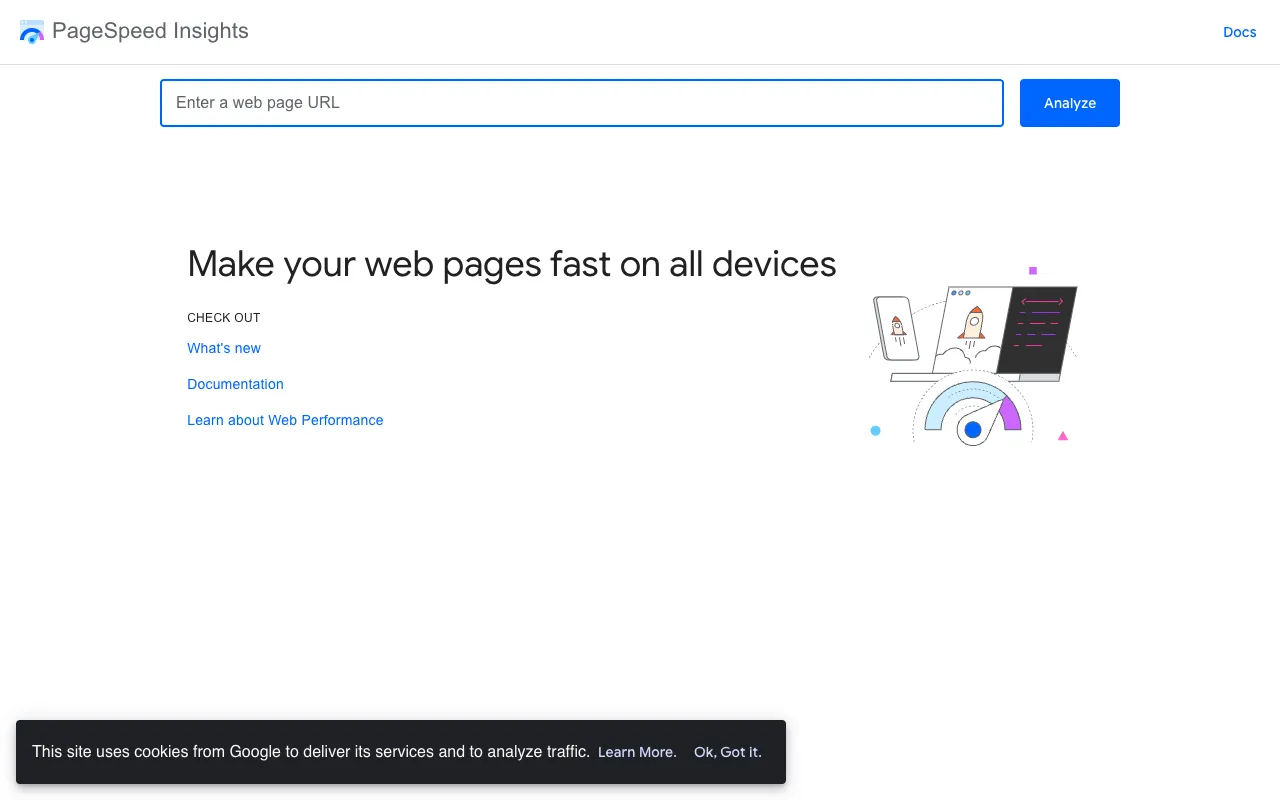
Image of Google PageSpeed Insights – Essential Website Speed Analyzer for SEO

Google PageSpeed Insights – Essential Website Speed Analyzer for SEO

Google PageSpeed Insights is the definitive free tool for SEO specialists and developers to audit website performance. It provides a comprehensive analysis of any URL's loading speed on both mobile and desktop, directly from Google's infrastructure. By generating prioritized suggestions based on real-world data (CrUX) and lab simulations, it empowers you to directly target and improve Core Web Vitals—critical ranking factors that impact user experience and search visibility.

What is Google PageSpeed Insights?

Google PageSpeed Insights is an official, free web performance tool developed by Google. It analyzes the content of a web page, evaluates its loading speed, and generates a detailed report with specific, actionable suggestions to make that page faster. It goes beyond simple speed scores by providing Core Web Vitals assessments (LCP, FID, CLS), which are key Google ranking signals. The tool combines real-world field data from the Chrome User Experience Report with lab data from Lighthouse to give a holistic view of performance.

Key Features of Google PageSpeed Insights

Core Web Vitals Assessment

Get an immediate, clear evaluation of your Largest Contentful Paint (LCP), First Input Delay (FID), and Cumulative Layout Shift (CLS). The tool flags these metrics as 'Good,' 'Needs Improvement,' or 'Poor,' directly tying your site's performance to Google's most important user-centric ranking factors.

Lab and Field Data Analysis

Access both simulated (Lab) and real-user (Field) performance data. Lab data helps diagnose issues in a controlled environment, while Field data from the CrUX report shows how actual users experience your site, providing crucial context for prioritization.

Prioritized, Actionable Suggestions

Receive a categorized list of opportunities and diagnostics, complete with estimated impact scores. Each suggestion includes detailed explanations and links to documentation, enabling developers to implement fixes efficiently without guesswork.

Mobile & Desktop Audits

Run separate, detailed analyses for both mobile and desktop devices. This is essential for optimizing the mobile experience, which is critical as Google primarily uses mobile-first indexing for ranking.

Who Should Use Google PageSpeed Insights?

This tool is indispensable for SEO specialists, technical SEO auditors, web developers, digital marketers, and site owners. It's perfect for anyone conducting a technical SEO audit, pre-launch site checks, post-update performance monitoring, or competitive analysis. Agencies use it to provide data-backed performance reports to clients, proving the value of optimization work.

Google PageSpeed Insights Pricing and Free Tier

Google PageSpeed Insights is completely free to use. There is no registration, account creation, or usage limits. You can analyze any publicly accessible URL as often as needed, making it an accessible and powerful resource for continuous website performance monitoring and improvement.

Common Use Cases

Key Benefits

Pros & Cons

Pros

  • Completely free with no usage limits or account required.
  • Provides data directly from Google, ensuring alignment with their ranking algorithms.
  • Offers clear, actionable recommendations with estimated impact scores.

Cons

  • Primarily a diagnostic tool; it does not automatically implement fixes.
  • Field data (CrUX) may take up to 28 days to update, so recent changes aren't immediately reflected.
  • Can be technical; some recommendations require developer knowledge to implement.

Frequently Asked Questions

Is Google PageSpeed Insights free to use?

Yes, Google PageSpeed Insights is 100% free. There are no hidden costs, usage limits, or requirements to create an account. You can analyze any public URL instantly.

Is Google PageSpeed Insights good for technical SEO?

Absolutely. It is one of the best free tools for technical SEO. It provides direct analysis of Core Web Vitals—key Google ranking factors—and offers specific fixes to improve page speed, which directly impacts crawl budget, user experience, and search rankings.

How often should I run a PageSpeed Insights check?

For ongoing sites, run checks monthly for monitoring. Run them immediately after any major site update, plugin installation, or new page launch. Regular auditing helps catch performance regressions before they impact rankings.

What's the difference between Lab Data and Field Data in the report?

Lab Data comes from a controlled Lighthouse simulation, ideal for diagnosing root causes of performance issues. Field Data (from CrUX) reflects the real-world experience of actual Chrome users over the past 28 days, showing how your site performs for visitors globally.

Conclusion

Google PageSpeed Insights remains a non-negotiable tool in the modern SEO specialist's toolkit. Its direct lineage to Google's ranking algorithms, comprehensive Core Web Vitals reporting, and completely free access make it unparalleled for diagnosing and prioritizing website speed issues. For any professional serious about improving search visibility through technical excellence, regular use of this tool is essential to stay competitive and deliver optimal user experiences.