Go back
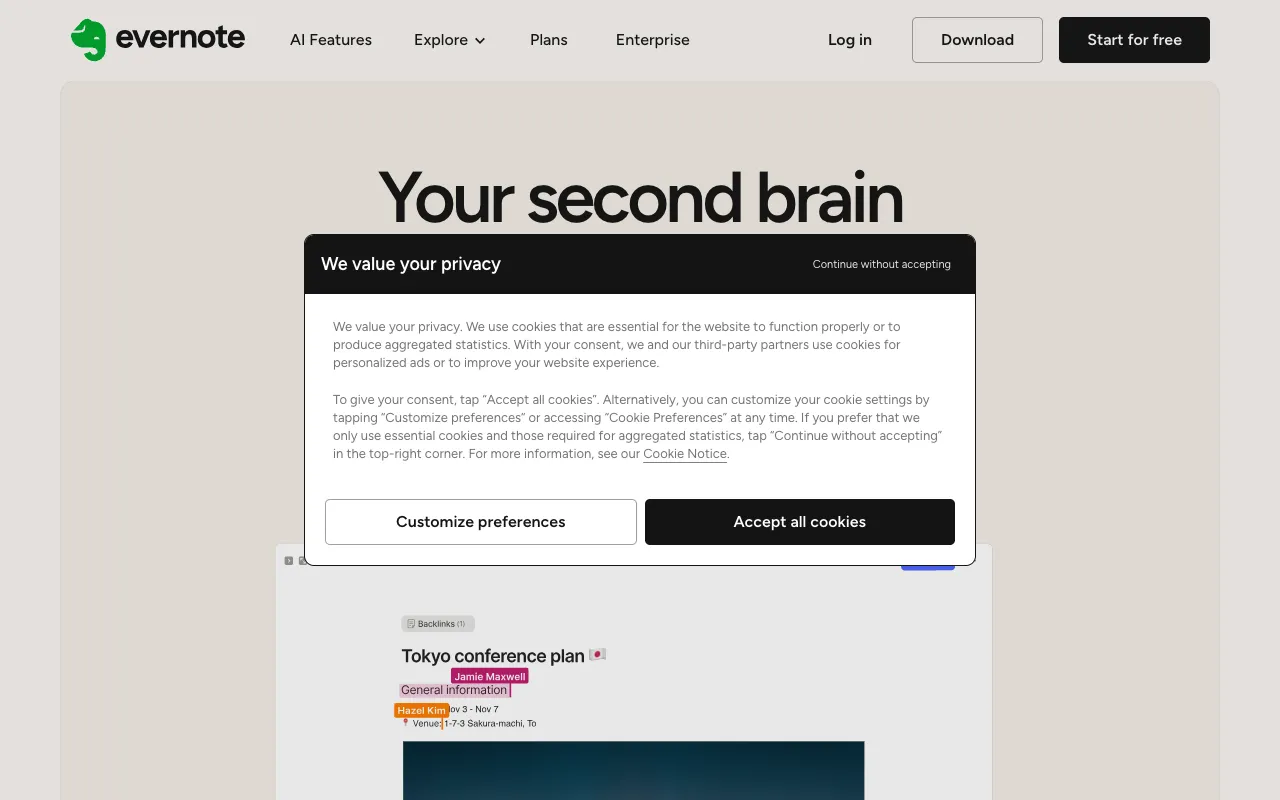
Image of Evernote – The Best Note-Taking App for Small Business Owners

Evernote – The Best Note-Taking App for Small Business Owners

For small business owners, ideas are currency and organization is survival. Evernote transforms scattered thoughts, meeting notes, project plans, and reference materials into a structured, searchable, and accessible digital brain. It’s more than a note-taking app; it’s a central hub for your business intelligence, designed to work seamlessly across your computer, phone, and tablet, ensuring you never lose a critical piece of information again.

What is Evernote?

Evernote is a versatile digital workspace and productivity platform that functions as an external brain for busy professionals. At its core, it allows you to create notes in various formats—text, checklists, web clippings, audio recordings, and file attachments. These notes are organized into customizable notebooks and tagged for easy retrieval. Its powerful search capability can even find text within images and handwritten notes. For the small business owner, this means everything from client meeting minutes and product brainstorming sessions to receipts and operational checklists can be stored in one universally accessible location, breaking down information silos and streamlining daily workflows.

Key Features of Evernote for Business

Universal Capture & Sync

Instantly capture ideas in any format, anywhere. Use your phone to snap a photo of a whiteboard, record a voice memo during your commute, clip a webpage for research, or type detailed notes on your laptop. Everything syncs automatically across all your devices, ensuring your latest business plans and notes are always at your fingertips, whether you're at your desk or on the go.

Powerful Organization with Notebooks & Tags

Move beyond messy folders. Organize projects by client, department, or initiative using dedicated Notebooks. Apply multiple Tags (like '#Q4-Planning', '#Invoice', '#Marketing-Idea') for cross-referencing and lightning-fast filtering. This system mirrors how a business owner thinks, making it intuitive to categorize and retrieve information related to specific tasks or goals.

Advanced Search & Document Scanning

Find anything in seconds. Evernote's search goes beyond note titles to find text within PDFs, Office documents, images, and even handwritten notes. The built-in document scanner turns physical receipts, business cards, and contracts into searchable digital files, creating a paperless filing system that saves time and physical space.

Task Management & Integration

Turn notes into action. Create task checklists within any note, set due dates, and flag priorities. While not a full project management suite, this feature is perfect for managing the daily to-do lists and action items that stem from meetings and planning sessions. Evernote also integrates with calendar apps, Google Drive, Slack, and Salesforce, fitting into your existing business ecosystem.

Who Should Use Evernote?

Evernote is ideal for solopreneurs, freelancers, small team leaders, and any business owner who juggles multiple projects and wears many hats. It's perfect for consultants managing client notes, creatives collecting inspiration, startup founders documenting processes, and retail owners tracking inventory ideas. If you find yourself drowning in sticky notes, buried in browser bookmarks, or constantly searching for that 'one file,' Evernote provides the structured yet flexible system to bring order to chaos.

Evernote Pricing and Free Tier

Evernote offers a generous Free plan perfect for getting started, which includes 60 MB of monthly uploads, syncing across 2 devices, and core note-taking features. For serious business use, the Personal plan removes device limits, offers 10 GB monthly uploads, and unlocks offline access and more powerful search. The Professional plan, designed for business owners, adds integration with Google Calendar, PDF annotation, and a dashboard to connect related notes. This tiered approach allows you to start for free and scale your usage as your business and organizational needs grow.

Common Use Cases

Key Benefits

Pros & Cons

Pros

  • Unmatched flexibility in capturing information in virtually any format (text, web, audio, image).
  • Industry-leading search functionality that makes finding information incredibly fast and reliable.
  • Strong cross-platform sync ensures your business notes are always accessible, fostering continuity.
  • A robust free tier allows for substantial testing before any financial commitment.

Cons

  • The free plan has upload limits and device restrictions that may be constraining for heavy business users.
  • Can become disorganized without a consistent tagging and notebook strategy, requiring initial setup discipline.
  • While it has task features, it is not a dedicated project management tool like Asana or Trello for complex workflows.

Frequently Asked Questions

Is Evernote free to use for a small business?

Yes, Evernote offers a capable free plan that includes core note-taking, organization, and syncing across two devices. This is sufficient for individual solopreneurs to test and use basic functions. For teams or owners who need unlimited devices, more storage, and advanced business features like Google Calendar integration, a paid Personal or Professional plan is recommended.

Is Evernote good for small business project management?

Evernote excels as a complementary information hub and lightweight task manager for small business projects. It's perfect for storing project briefs, meeting notes, research, and related documents, and managing associated checklists. For complex project management with timelines, dependencies, and detailed team collaboration, it's best used alongside a dedicated tool like Trello or Asana, with Evernote serving as the central knowledge base.

How does Evernote help with business organization?

Evernote replaces physical notebooks, random files, and browser bookmarks with a unified digital system. By using Notebooks for major areas (e.g., 'Marketing,' 'Finance,' 'Product Development') and Tags for specific topics or statuses, you create a personalized, searchable library of all your business intelligence. This reduces mental clutter, ensures nothing is lost, and dramatically speeds up information retrieval.

Conclusion

For the small business owner seeking to conquer information overload, Evernote remains a category-defining solution. Its strength lies in its simplicity for capture and its powerful depth for organization. By serving as a single source of truth for ideas, notes, and reference materials, it eliminates friction from daily operations and empowers you to build a more organized, efficient, and agile business. Whether you're starting with the free plan to manage personal tasks or upgrading to streamline company-wide knowledge, Evernote is an investment in productivity that pays continuous dividends.