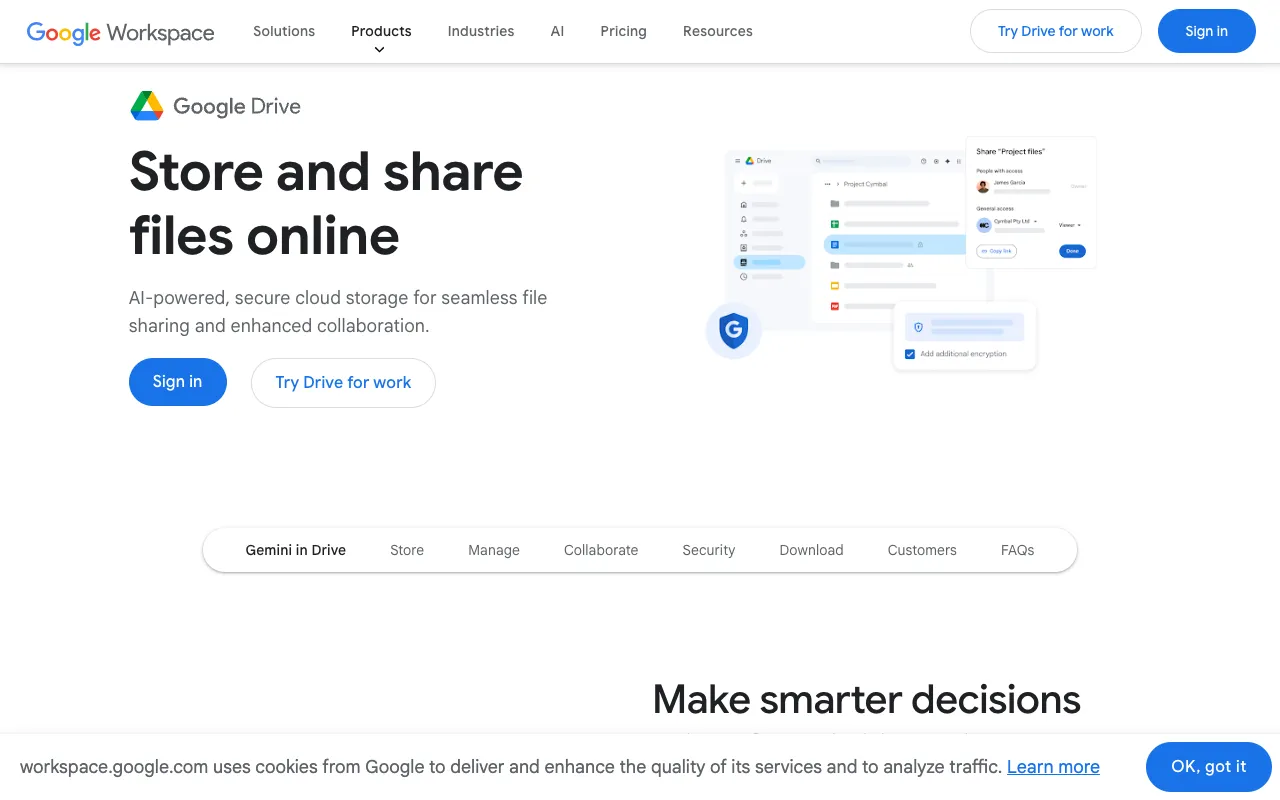
Google Drive – Best Cloud Storage & Collaboration Tool for Small Business Owners
Google Drive is the essential cloud storage and file synchronization service for small business owners looking to streamline collaboration and secure their data. Seamlessly integrated with Google Workspace apps like Docs, Sheets, and Slides, it provides a central hub for storing, sharing, and co-editing files from anywhere. Its generous free tier and scalable paid plans make it the top choice for bootstrapped startups and growing teams.
What is Google Drive?
Google Drive is a powerful cloud-based file storage and synchronization platform developed by Google. It acts as a digital filing cabinet in the cloud, allowing small business owners to store documents, spreadsheets, presentations, photos, and more. Its core purpose is to enable secure access to files from any device—desktop, laptop, tablet, or smartphone—while facilitating real-time collaboration with team members, clients, and contractors. As the foundation of Google Workspace, it eliminates version control issues and email attachments, centralizing your business's digital assets.
Key Features of Google Drive for Small Business
Seamless Google Workspace Integration
Create, edit, and store files directly within Google Docs, Sheets, Slides, and Forms. Changes are saved automatically to Drive, ensuring everyone always has the latest version. This deep integration removes friction from your workflow.
Real-Time Collaboration & Sharing
Share files or entire folders with specific people or teams. Grant view, comment, or edit permissions. Multiple users can work on the same document simultaneously, with changes visible in real-time, dramatically boosting team productivity.
Robust File Synchronization
The 'Drive for Desktop' app syncs a chosen folder (or folders) between your computer's hard drive and the cloud. Work offline, and files will update across all your devices once you're back online, ensuring you're never without critical documents.
Advanced Search & Organization
Find files instantly using powerful search that can scan text within images (OCR) and PDFs. Organize with color-coded folders, star important files, and use shared drives to keep team projects neatly structured.
Strong Security & Admin Controls
For business plans, admins can manage devices, set sharing policies, and use Vault for eDiscovery and archiving. Two-factor authentication and encryption in transit and at rest protect your sensitive business data.
Who Should Use Google Drive?
Google Drive is ideal for small business owners, freelancers, startups, and remote teams who need a simple yet powerful way to manage documents and collaborate. It's perfect for consultants who share proposals, marketing agencies co-creating content, retail businesses managing inventory lists, or any team that relies on frequent feedback and document iteration. If your business already uses Gmail or other Google services, Drive is the natural, productivity-boosting extension.
Google Drive Pricing and Free Tier
Google Drive offers a compelling free tier with 15 GB of shared storage across Drive, Gmail, and Google Photos. For growing businesses, Google Workspace plans start with the Business Starter plan, which provides 30 GB of cloud storage per user, a custom business email, and enhanced support. Higher-tier plans (Business Standard and Plus) offer more storage (2 TB to 5 TB per user), advanced security features, and meeting recording capabilities. This scalable model allows you to pay only for what you need as your team expands.
Common Use Cases
- Secure client portal for sharing contracts and project deliverables
- Centralized brand asset library for marketing and sales teams
- Real-time budget tracking and financial forecasting with shared spreadsheets
Key Benefits
- Eliminates costly data loss from hardware failure with automatic cloud backup
- Reduces project timelines by enabling instant feedback and simultaneous editing
- Cuts IT overhead with an intuitive, managed platform requiring minimal training
Pros & Cons
Pros
- Unbeatable integration with the popular Google Workspace app suite
- Generous 15GB free storage tier is perfect for testing and very small needs
- Industry-leading real-time collaboration features for documents and sheets
- Accessible from any web browser or via mobile apps for on-the-go management
Cons
- The free storage quota is shared across Gmail and Google Photos, which can fill up quickly
- Advanced admin and security features are locked behind paid Google Workspace plans
- Offline editing functionality requires prior setup and the desktop app
Frequently Asked Questions
Is Google Drive free for small business use?
Yes, Google Drive offers a robust free plan with 15 GB of storage, which is suitable for individual entrepreneurs or testing. For team features like a custom business email (@yourcompany.com) and more storage, paid Google Workspace plans are required.
Is Google Drive the best cloud storage for small business collaboration?
For teams that frequently co-edit documents, spreadsheets, and presentations, Google Drive is arguably the best choice due to its native, seamless integration with Google Docs, Sheets, and Slides. Its real-time editing and commenting features are specifically designed for collaborative work.
How secure is Google Drive for sensitive business files?
Google Drive employs strong security measures including encryption in transit and at rest. For added protection, paid Google Workspace plans offer administrative controls, detailed audit logs, data loss prevention (DLP) rules, and secure team drives where files are owned by the organization, not individual employees.
Can I access Google Drive files without an internet connection?
Yes, by using the 'Drive for Desktop' application and marking files or folders for offline access. You can then view and edit these files offline. Changes will automatically sync and update across all devices once your computer reconnects to the internet.
Conclusion
For small business owners seeking a unified platform for storage, synchronization, and collaboration, Google Drive stands out as a premier solution. Its frictionless integration with essential productivity tools, combined with a strong free tier and scalable business plans, makes it an invaluable asset for streamlining operations and enhancing team productivity. Whether you're a solo founder or managing a growing team, implementing Google Drive is a strategic move towards a more organized, collaborative, and efficient digital workspace.