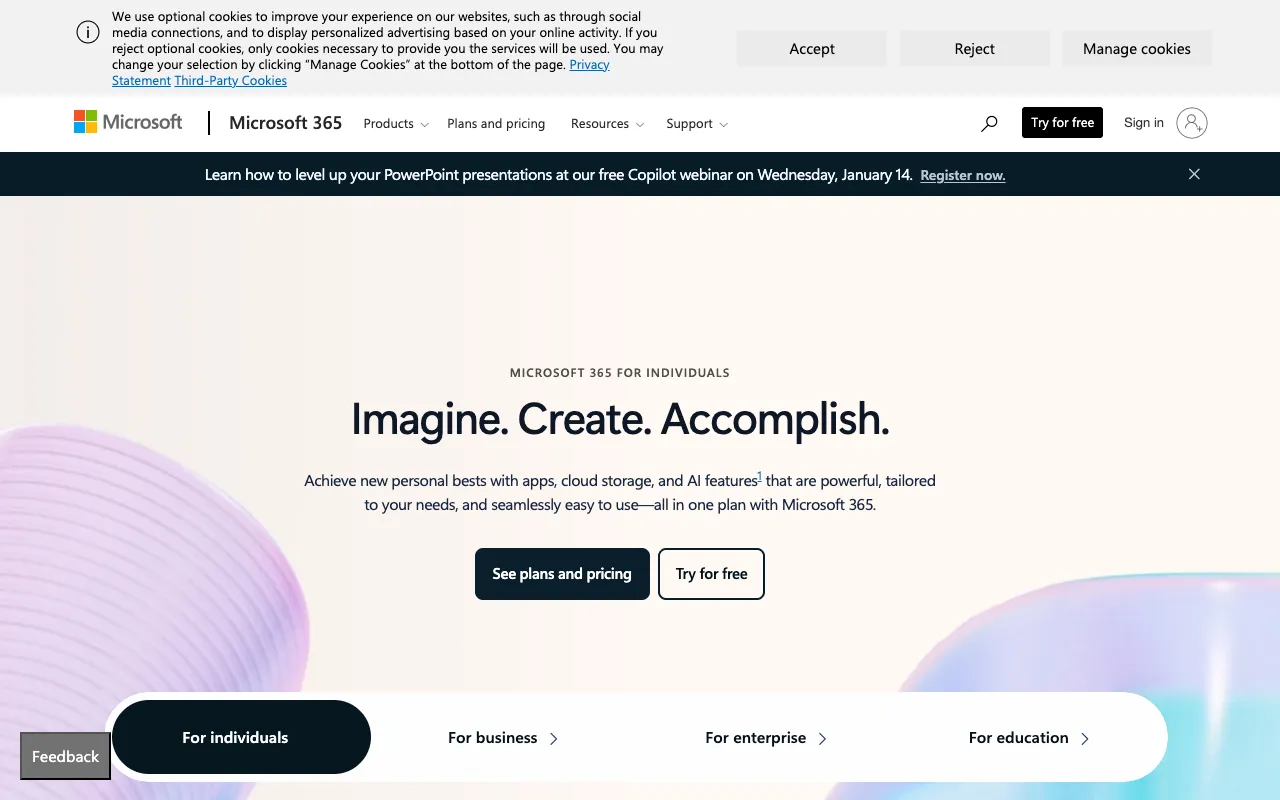
Microsoft 365 – Best Productivity Suite for Small Business Owners
For small business owners seeking a reliable, all-in-one solution for daily operations, Microsoft 365 stands as the industry-standard productivity suite. This subscription service delivers the familiar power of Office applications—Word, Excel, PowerPoint, and Outlook—directly to your desktop, seamlessly integrated with robust cloud storage and collaboration tools. It’s more than just software; it’s a foundational platform for creating documents, analyzing data, communicating professionally, and securing your business files, all designed to help small teams operate with enterprise-grade efficiency.
Microsoft 365 is a comprehensive, cloud-connected subscription service from Microsoft. It provides continuous access to the latest versions of core Office desktop applications, including Word for document creation, Excel for spreadsheets and data analysis, PowerPoint for presentations, and Outlook for email and calendar management. Beyond the apps, it includes OneDrive for Business cloud storage, enabling file backup, sharing, and syncing across devices. This integrated ecosystem is specifically engineered to support the dynamic needs of small businesses, offering professional tools, enhanced security, and the flexibility to work from anywhere.
Key Features of Microsoft 365
Always-Up-to-Date Desktop Applications
Get the latest versions of Word, Excel, PowerPoint, and Outlook installed directly on your PC or Mac. Updates are delivered automatically, ensuring you always have access to new features, security patches, and performance improvements without any extra cost or hassle.
Professional Email & Calendar with Outlook
Manage your business communications with a custom domain email address ([you@yourbusiness.com]) through Outlook. Integrated calendar, task management, and contact lists help you schedule meetings, set reminders, and stay organized, projecting a polished, professional image.
1 TB OneDrive Cloud Storage Per User
Securely store, sync, and share business files with 1 TB of OneDrive cloud storage per user. Access documents from any device, automatically back up important folders from your desktop, and easily share large files with clients or team members via secure links.
Real-Time Co-Authoring & Collaboration
Multiple team members can work on the same Word, Excel, or PowerPoint file simultaneously. See edits in real-time, chat within the document, and track changes, streamlining workflows for proposals, financial models, and project plans.
Who Should Use Microsoft 365?
Microsoft 365 is indispensable for small business owners, freelancers, consultants, and startup teams who require professional, reliable, and interconnected tools. It's ideal for those creating client reports and contracts in Word, managing finances and forecasts in Excel, delivering pitches with PowerPoint, and needing a business-class email system. It's particularly valuable for teams that are remote or hybrid, as the cloud features enable seamless collaboration regardless of location.
Microsoft 365 Pricing and Free Tier
Microsoft 365 operates on a per-user, per-month subscription model and does not have a permanent free tier for business use. However, a one-month free trial is typically available for new users to test the full suite. Paid plans start with Microsoft 365 Business Basic, which offers web and mobile versions of apps, Outlook, and 1 TB of storage. Microsoft 365 Business Standard includes the full desktop applications, making it the most popular plan for small businesses that need the complete, installed Office experience.
Common Use Cases
Creating professional business proposals and client contracts in Microsoft Word
Managing small business bookkeeping, invoices, and financial projections in Excel
Key Benefits
Projects a professional image with custom domain email and industry-standard document formats
Increases team productivity through seamless file sharing and real-time collaboration on documents
Pros & Cons
Pros
Unmatched compatibility and familiarity; the global standard for document formats
Integrated ecosystem where email, storage, and apps work seamlessly together
Regular automatic updates ensure you always have the latest features and security
Cons
Requires an ongoing subscription fee; no option for a one-time perpetual license purchase
The full feature set can have a learning curve for new users unfamiliar with advanced Office functions
Frequently Asked Questions
Is Microsoft 365 free to use?
No, Microsoft 365 for business is a paid subscription service. It does not offer a permanent free plan, but prospective users can often access a one-month free trial to evaluate the platform. Personal/family plans are available separately.
Is Microsoft 365 good for small business owners?
Absolutely. Microsoft 365 is one of the best productivity investments a small business owner can make. It consolidates essential tools—professional document creation, data analysis, email, and file storage—into one reliable, secure, and collaborative platform, eliminating the need to juggle multiple disparate services.
Can I use Microsoft 365 offline?
Yes. With plans that include desktop applications (like Business Standard), you can install and use Word, Excel, and PowerPoint fully offline. Your files will sync to OneDrive cloud storage once you reconnect to the internet. Web and mobile app access require an internet connection.
Conclusion
For small business owners, operational efficiency and professional presentation are non-negotiable. Microsoft 365 delivers precisely that by bundling the world's most recognized productivity software with essential cloud services. It removes IT complexity, fosters team collaboration, and provides tools trusted by enterprises worldwide. If your business relies on creating documents, analyzing data, and professional communication, a Microsoft 365 subscription is not just a software choice—it's a strategic foundation for growth and credibility.