Go back
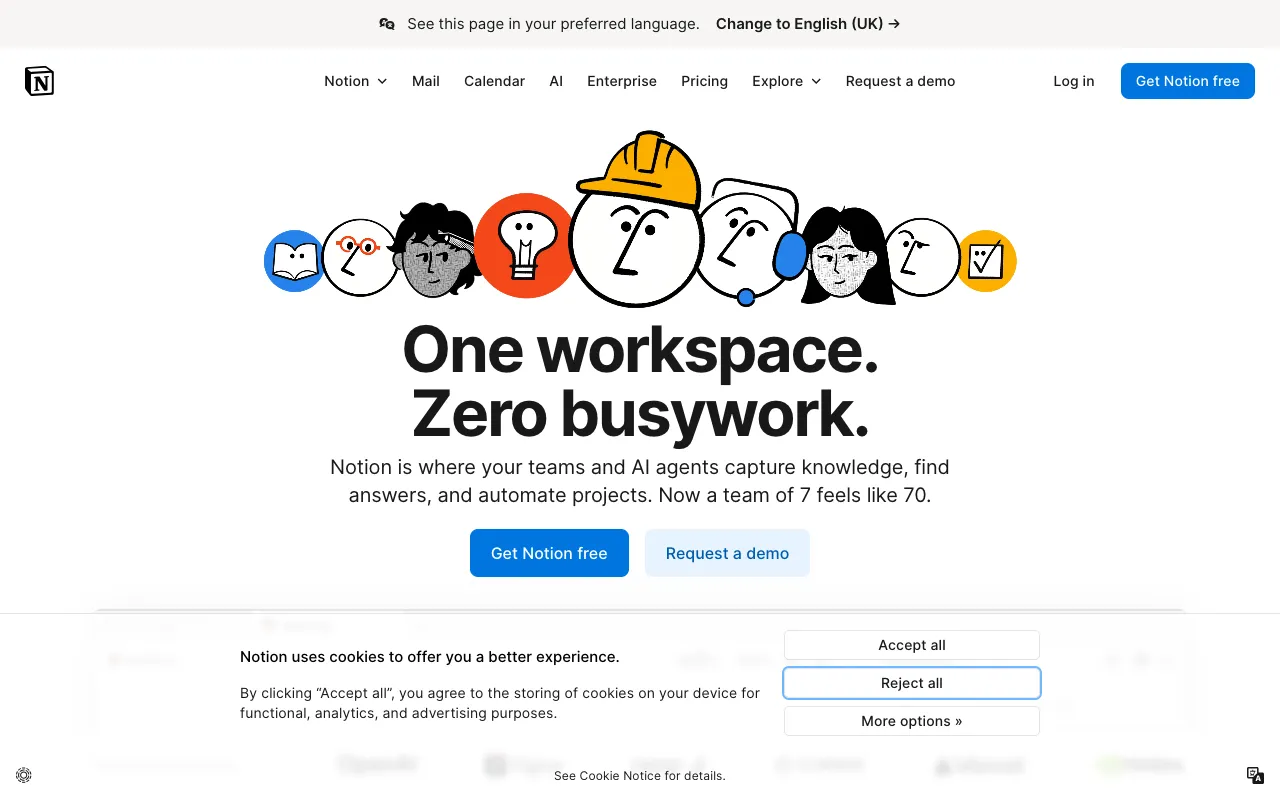
Image of Notion – The Best All-in-One Workspace for Small Business Owners

Notion – The Best All-in-One Workspace for Small Business Owners

Notion is the definitive all-in-one workspace that empowers small business owners to organize their entire operation in one flexible platform. More than just a note-taking app, Notion combines project management, task tracking, knowledge base creation, and document collaboration into a single, intuitive interface. For entrepreneurs juggling multiple roles, Notion eliminates app-switching chaos by providing a centralized hub for planning, execution, and documentation.

What is Notion?

Notion is a powerful, unified workspace platform designed to replace multiple business tools. It functions as a digital Swiss Army knife for small business owners, offering a modular system of pages, databases, and templates. At its core, Notion provides a blank canvas that can be shaped into anything from a simple to-do list to a complex project management dashboard, an internal company wiki, or a client relationship manager. Its flexibility makes it uniquely suited to the evolving needs of small businesses, allowing owners to build custom systems without coding.

Key Features of Notion

Unified Workspace & Databases

Notion's block-based editor and relational databases let you connect notes, tasks, projects, and people. Create a master database for clients, link it to project timelines and meeting notes, and view everything in tables, boards, calendars, or galleries. This interconnectedness ensures all business information is linked and searchable.

Customizable Templates for Business

Jumpstart your organization with hundreds of pre-built templates tailored for small business needs, including product roadmaps, meeting agendas, SOPs (Standard Operating Procedures), content calendars, and OKR (Objectives and Key Results) trackers. Customize any template to fit your exact workflow.

Powerful Project & Task Management

Manage everything from daily tasks to multi-phase projects. Assign tasks to team members, set deadlines, track status with Kanban boards, and visualize timelines with calendar views. All project-related notes, files, and discussions are kept in context on the same page.

Internal Knowledge Base & Wiki

Build a living company wiki to document processes, onboarding materials, and policies. This central source of truth reduces repetitive questions for the owner and ensures consistency as the team grows, preserving institutional knowledge.

Who Should Use Notion?

Notion is ideal for solopreneurs, startup founders, and small business teams who need a scalable system to manage chaos. It's perfect for consultants managing client work, agencies tracking creative projects, e-commerce owners planning product launches, and service-based businesses organizing client information. If you're currently using separate apps for notes (Evernote), tasks (Trello), docs (Google Docs), and wikis (Confluence), Notion consolidates them all.

Notion Pricing and Free Tier

Notion offers a generous free plan for individuals, which includes unlimited pages and blocks, sharing with up to 10 guests, and basic page analytics—perfect for a solo business owner. Paid plans start with the Plus plan for small teams, offering unlimited file uploads, unlimited guests for sharing, and a 30-day version history. The Business and Enterprise plans add advanced permissions, admin tools, and increased collaboration features for growing companies.

Common Use Cases

Key Benefits

Pros & Cons

Pros

  • Extremely flexible and customizable to fit nearly any business process
  • Strong free tier makes it accessible for bootstrapped entrepreneurs
  • Reduces context-switching by keeping all work in one connected environment

Cons

  • The sheer flexibility can be overwhelming for new users without a clear starting template
  • Advanced database relations and formulas have a learning curve

Frequently Asked Questions

Is Notion free for small business owners?

Yes, Notion's free plan is robust and suitable for most individual business owners and solopreneurs. It includes unlimited pages, basic sharing capabilities, and core features like task lists and databases, making it a powerful standalone tool at no cost.

Is Notion good for project management?

Absolutely. Notion excels at project management for small businesses due to its customizable views (Kanban boards, timelines, calendars) and ability to integrate tasks with relevant notes, files, and databases. It adapts to your project methodology rather than forcing you into a rigid system.

Can I use Notion as a CRM for my small business?

Yes, many small business owners build effective, lightweight CRMs in Notion using its database features. You can create a client database, track interactions, manage pipelines with board views, and link clients to projects and documents—all within your workspace.

Conclusion

For small business owners seeking to streamline their operations and reduce digital clutter, Notion stands out as a top-tier, all-in-one workspace solution. Its unique combination of flexibility, power, and a strong free tier makes it an indispensable tool for organizing the multifaceted demands of running a business. Whether you're planning your next product launch, managing client work, or building a company handbook, Notion provides the adaptable foundation to structure your work your way. It's more than an app; it's a customizable operating system for your business.