Go back
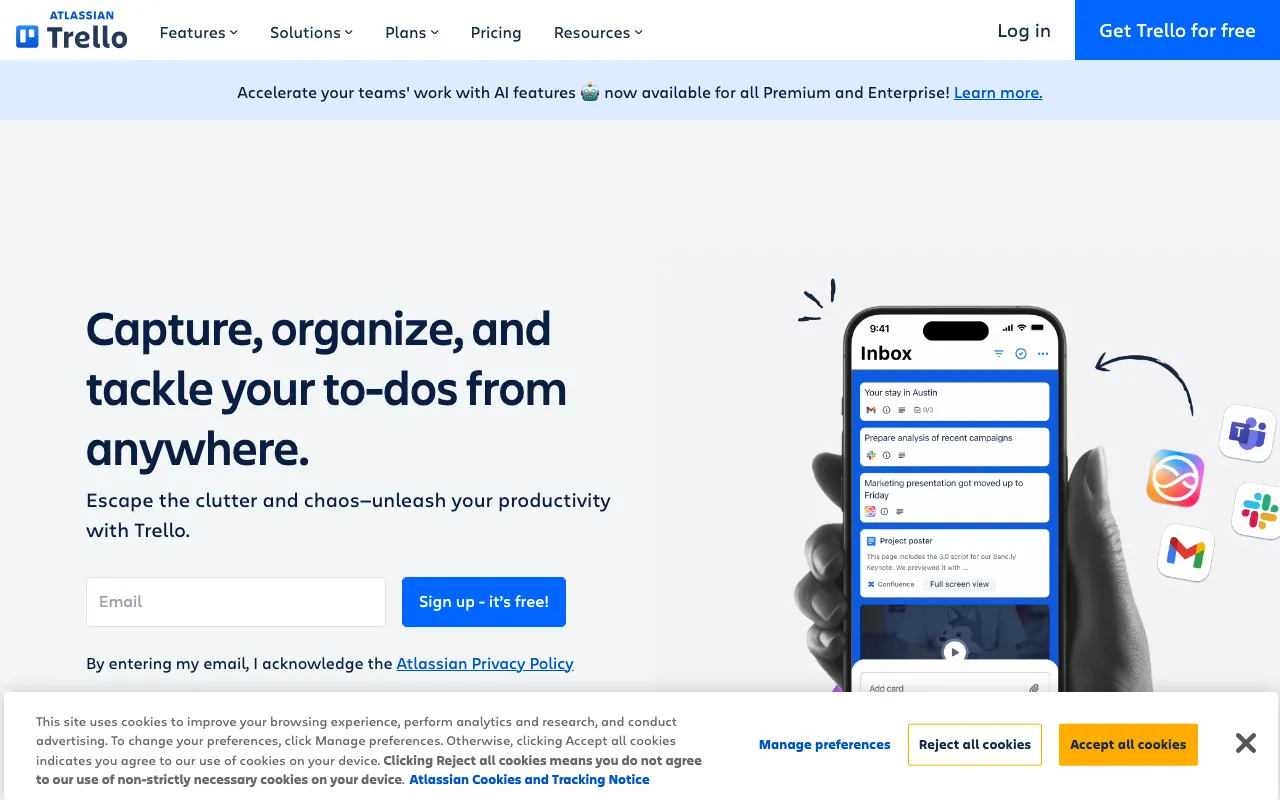
Image of Trello – The Best Visual Project Management Tool for Small Business Owners

Trello – The Best Visual Project Management Tool for Small Business Owners

Trello transforms how small business teams organize work and collaborate. As a premier visual project management tool, it uses the intuitive concept of boards, lists, and cards to map out projects, track tasks, and manage workflows in a flexible, drag-and-drop interface. Perfect for entrepreneurs, agencies, and small teams, Trello cuts through complexity, replacing messy spreadsheets and endless email chains with a clear, visual system that keeps everyone aligned and productive.

What is Trello?

Trello is a highly visual web-based project management application designed to simplify task and workflow organization. At its core, Trello uses a system of boards (representing projects), lists (representing stages of a workflow), and cards (representing individual tasks). This Kanban-style approach provides an at-a-glance overview of project status, making it exceptionally effective for small business owners who need clarity without overhead. It enables teams to coordinate work, set deadlines, assign responsibilities, and share files from a single, centralized platform.

Key Features of Trello

Boards, Lists, and Cards

The foundational building blocks of Trello. Create a Board for any project, add Lists for workflow stages (like 'To Do', 'Doing', 'Done'), and populate them with Cards for specific tasks. This visual hierarchy makes project progress transparent and manageable for everyone on the team.

Drag-and-Drop Interface

Manage tasks intuitively by dragging cards between lists as they progress. This simple action updates status instantly, eliminating the need for status update meetings and keeping information current with minimal effort.

Power-Ups and Integrations

Extend Trello's functionality with Power-Ups—integrations with tools like Google Drive, Slack, Calendar, and time tracking apps. This allows small businesses to connect Trello to their existing tech stack, creating a customized project management hub.

Team Collaboration Tools

Assign team members to cards, add comments, create checklists, attach files, and set due dates. All activity is logged on the card, providing full context and history, which is essential for remote teams and asynchronous work.

Automation with Butler

Trello's built-in automation tool, Butler, lets you create rules, buttons, and commands to automate repetitive actions. Automatically move cards, assign members, set due dates, or add labels based on triggers you define, saving valuable time.

Who Should Use Trello?

Trello is ideal for small business owners, startup founders, marketing teams, creative agencies, freelancers, and operational managers. It's perfect for anyone who needs a flexible system to manage client projects, product launches, content calendars, hiring pipelines, event planning, or daily task lists without the steep learning curve of complex enterprise software.

Trello Pricing and Free Tier

Trello offers a robust free plan perfect for individuals and small teams getting started. The free tier includes unlimited personal boards, cards, and lists, along with 10 team boards. For advanced features like unlimited Power-Ups, advanced automation, and enhanced security, paid plans (Standard, Premium, and Enterprise) are available at competitive monthly rates, scaling with your business needs.

Common Use Cases

Key Benefits

Pros & Cons

Pros

  • Extremely intuitive and quick to learn, minimizing team training time.
  • Highly visual interface provides immediate clarity on project status.
  • Powerful free plan covers the essential needs of most small businesses.
  • Extensive library of integrations connects to popular business tools.

Cons

  • Can become visually cluttered for very large, complex projects with hundreds of cards.
  • Advanced reporting and timeline views are limited compared to some dedicated project management suites.

Frequently Asked Questions

Is Trello free to use for small businesses?

Yes, Trello offers a powerful free plan that is more than sufficient for many small businesses and startups. It includes unlimited personal boards and cards, making it an excellent cost-effective solution for task and project management.

Is Trello good for small business project management?

Absolutely. Trello is one of the top-rated project management tools for small businesses due to its simplicity, flexibility, and visual approach. It helps small teams stay organized, collaborate effectively, and manage workflows without the complexity of enterprise-grade software, making it ideal for growing businesses.

Can Trello handle multiple projects for my small business?

Yes, you can create separate boards for each project, client, or department. This allows you to keep all work organized and siloed while maintaining a consistent management methodology across your entire business.

How does Trello compare to other tools like Asana or Monday.com?

Trello excels in visual, card-based project management with superior ease of use. While tools like Asana offer more structured task lists and Monday.com provides advanced spreadsheet-like views, Trello's strength lies in its intuitive, flexible Kanban system, making it a favorite for teams that prefer a highly visual and adaptable workflow.

Conclusion

For small business owners seeking a project management solution that is both powerful and approachable, Trello stands out as a premier choice. Its visual methodology aligns perfectly with the need for clarity and agility in a growing business. By centralizing tasks, enhancing team collaboration, and providing a scalable platform from a free tier upward, Trello empowers small businesses to execute projects more efficiently and with greater confidence. If your priority is an intuitive tool that your team will actually use to get organized, Trello is an investment that delivers immediate productivity returns.