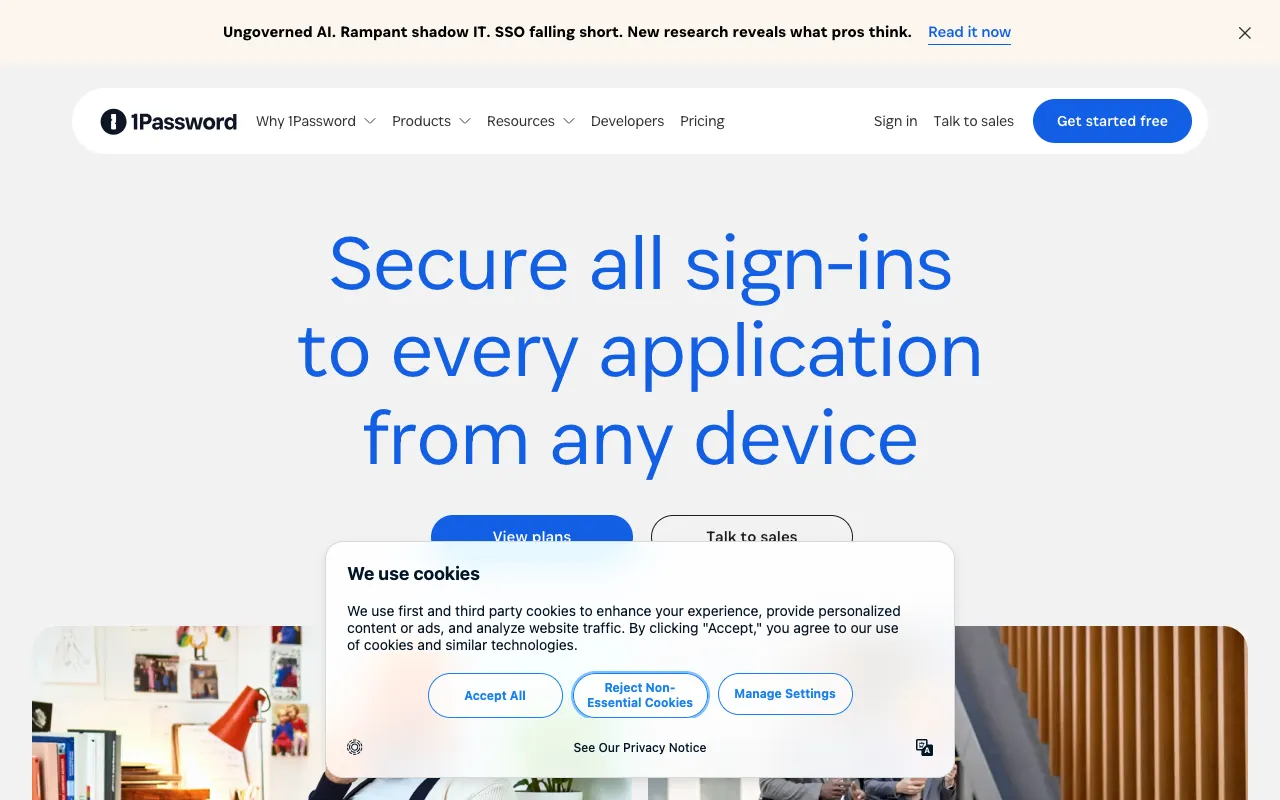
1Password – The Ultimate Password Manager for Software Engineers
1Password is not just a password manager; it's a critical security layer for modern software development. Designed with developers in mind, it provides a secure vault for storing passwords, API keys, SSH keys, database credentials, and other sensitive secrets. By centralizing and protecting access to this critical data, 1Password helps engineering teams prevent breaches, streamline onboarding, and enforce security best practices without sacrificing productivity.
What is 1Password?
1Password is a premium password management and digital vault application trusted by individuals and enterprises worldwide. For software engineers, it transcends basic password storage, acting as a centralized secrets management solution. It encrypts all data with robust cryptography before it leaves your device, ensuring that passwords, secure notes, software licenses, and infrastructure credentials are protected against leaks and unauthorized access. Its core purpose is to eliminate the risky practice of hardcoding secrets, using shared spreadsheets, or relying on memory for critical access codes.
Key Features of 1Password for Developers
Secure Item Types & Templates
Beyond standard logins, 1Password offers dedicated templates for Software Licenses, API Credentials, Database connections, SSH Keys, and Secure Notes. This structured approach ensures all necessary fields (like hostnames, ports, and usernames) are captured securely, making secret retrieval fast and consistent for your entire team.
Secrets Automation & Integrations
1Password integrates directly into the developer workflow. Use the 1Password CLI tool to inject secrets into local development environments, CI/CD pipelines, and deployment scripts. Browser extensions auto-fill login forms and 2FA codes, while integrations with Slack, GitHub, and other platforms facilitate secure sharing without exposing plain-text secrets.
Advanced Team Management & Permissions
Create shared vaults for projects, environments (dev, staging, prod), or entire teams. Granular permission controls allow you to define who can view, edit, or manage items. The 'Travel Mode' feature can temporarily remove sensitive vaults from your devices when crossing borders, adding an extra layer of security.
Watchtower Security Dashboard
Proactively manages your security posture. Watchtower alerts you to reused, weak, or compromised passwords, expiring SSL certificates on saved websites, and accounts affected by known data breaches. This feature is invaluable for maintaining the hygiene of hundreds of development-related credentials.
Who Should Use 1Password?
1Password is essential for any software engineer, development team, or tech company handling sensitive data. It is particularly valuable for: DevOps and SRE teams managing cloud infrastructure credentials; Backend developers working with multiple databases and API services; Frontend and full-stack developers with numerous SaaS tool logins; Engineering managers who need to securely onboard/offboard team members; Freelancers and consultants who must protect client credentials. If you manage more than a handful of secrets, 1Password transforms security from a chore into a seamless part of your workflow.
1Password Pricing and Free Tier
1Password operates on a subscription model and does not offer a permanent free tier. However, they provide a generous 14-day free trial for all plans, allowing full access to all features for individuals and teams to evaluate the platform thoroughly. Paid plans start with 1Password Families for personal use, while teams should look at the 1Password Business plan, which is priced per user per month and includes advanced administration, activity reporting, custom security policies, and 5GB of secure document storage per person. For larger organizations, enterprise-grade plans with dedicated support and onboarding are available.
Common Use Cases
- Securely sharing AWS access keys and database passwords with a distributed development team
- Managing and auto-filling two-factor authentication (2FA) codes for GitHub, Google Workspace, and other development accounts
- Storing and deploying environment variables and API secrets in CI/CD pipelines using the 1Password CLI
Key Benefits
- Eliminates secret sprawl and hard-coded credentials in source code, significantly reducing security risks.
- Dramatically speeds up developer onboarding and context switching between projects with instant, secure access to all necessary credentials.
- Provides a single, auditable source of truth for team secrets, with detailed logs of who accessed or changed what and when.
Pros & Cons
Pros
- Unmatched security model with end-to-end encryption and a secret key architecture.
- Exceptional user experience and design, making complex security simple for entire teams.
- Powerful features specifically tailored for developers and tech-savvy users (CLI, SSH agent, integrations).
- Regular, transparent security audits and a strong public track record.
Cons
- No permanent free plan, which may deter individual hobbyists or very small projects on a strict budget.
- Primarily a cloud-synced service, which requires trust in their security model, though an offline mode is available.
Frequently Asked Questions
Is 1Password free to use for software developers?
1Password is a premium service and does not have a permanent free tier. However, they offer a full-featured 14-day free trial for individuals and teams, which is ample time to evaluate its fit for your development workflow. For professional use, the productivity and security gains typically justify the subscription cost.
Is 1Password good for managing API keys and development secrets?
Yes, 1Password is one of the best tools available for managing API keys, database credentials, SSH keys, and other development secrets. Its dedicated item types, secure sharing via vaults, and command-line interface (CLI) make it far superior to generic password managers or insecure methods like spreadsheets for this specific use case.
How does 1Password compare to open-source password managers like Bitwarden?
1Password prioritizes a polished, intuitive user experience and advanced team management features, making it easier to adopt across less technical team members. Bitwarden is a fantastic open-source alternative, often favored for its self-hosting options. 1Password's specific developer integrations (like its seamless SSH agent) and robust commercial support make it a top choice for professional engineering teams focused on security and workflow efficiency.
Conclusion
For software engineers and development teams, 1Password is more than a convenience—it's a foundational component of a professional and secure development environment. By providing a robust, user-friendly platform for secret management, it addresses a critical pain point in modern software delivery. While the lack of a free plan is a consideration, the investment in 1Password pays dividends in enhanced security, reduced onboarding friction, and the peace of mind that comes from knowing your team's most sensitive data is protected by one of the most trusted names in the industry. If you're serious about securing your development process, 1Password is an essential tool to adopt.