Asana – The Best Project & Work Management Tool for Software Engineers
Asana transforms how engineering teams organize and execute work. More than just a simple to-do list, it's a powerful work management platform built to handle the complexity of software development. From tracking individual tasks and bugs to managing multi-team agile sprints and product roadmaps, Asana provides the structure, visibility, and automation developers need to ship quality code efficiently. With deep integrations into the developer toolkit, it serves as the central hub connecting your code, communication, and project tracking.
What is Asana for Software Engineers?
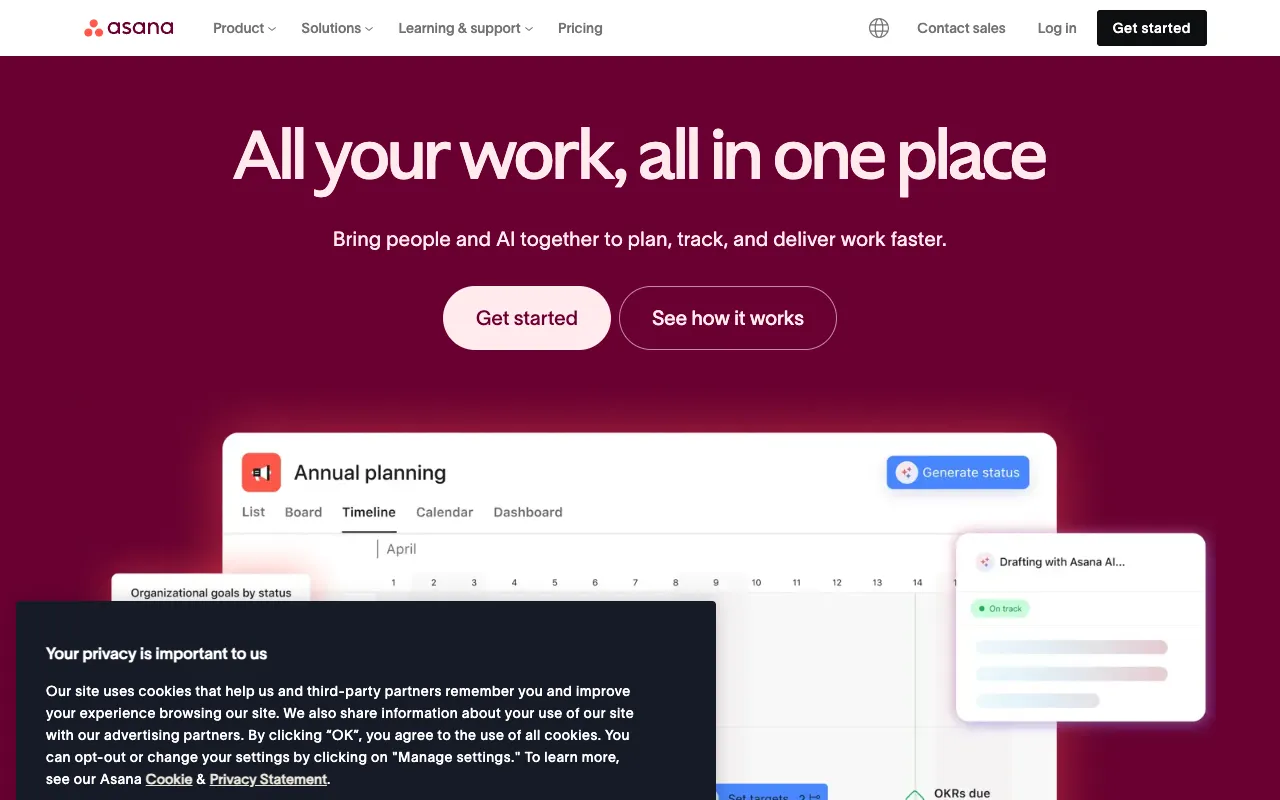
Asana is a versatile work management platform that empowers software engineering teams to plan, track, and manage their work from idea to deployment. It goes beyond basic task management by offering structured workflows, multiple project views (like Lists, Boards, Timelines, and Calendars), and powerful automation. For developers, it acts as the single source of truth for project requirements, sprint backlogs, bug reports, and release timelines, seamlessly syncing with tools like GitHub, Slack, Jira, and Figma to create a cohesive development ecosystem.
Key Features of Asana for Development Teams
Multiple Project Views (List, Board, Timeline, Calendar)
Visualize work the way your team works best. Use a List for detailed backlogs, a Board (Kanban) for sprint management, a Timeline (Gantt chart) for release planning and dependencies, and a Calendar for deadline tracking. Switch between views instantly to keep everyone aligned.
Automation & Custom Rules
Eliminate manual, repetitive work. Create rules to automatically assign tasks, set due dates, move items between project sections, or add followers when a task status changes. Automate sprint kick-offs, code review assignments, or bug triage processes to save engineering hours.
Advanced Integrations with Dev Tools
Connect Asana directly to your development workflow. Sync tasks with GitHub commits and pull requests, trigger notifications in Slack, attach Figma mockups, or bi-directionally sync with Jira. Centralize context and reduce tool-switching overhead.
Portfolios & Goals for Strategic Planning
Align engineering work with business objectives. Use Portfolios to monitor the status of multiple projects (like epics or initiatives) and track progress towards quarterly Goals. Ensure your team's effort directly contributes to product and company milestones.
Forms & Standardized Request Intake
Create structured forms for bug reports, feature requests, or IT tickets. Submissions automatically create correctly formatted tasks in the right project with all necessary fields populated, streamlining intake from other departments or users.
Who Should Use Asana?
Asana is ideal for software engineers, engineering managers, product managers, and agile teams of all sizes seeking to improve project visibility and execution. It's perfect for startups needing scalable structure, mid-sized teams managing complex sprints, and enterprise engineering organizations coordinating across multiple squads. Whether you practice Scrum, Kanban, or a hybrid methodology, Asana adapts to your workflow.
Asana Pricing and Free Tier for Engineers
Asana offers a robust free forever plan perfect for small engineering teams or side projects, supporting up to 15 collaborators with basic features. For teams needing advanced workflows, the Premium plan ($10.99/user/month) unlocks Timeline view, custom fields, and advanced search. The Business plan ($24.99/user/month) is tailored for scaling engineering orgs with Portfolios, Goals, advanced integrations, and admin controls. Enterprise plans offer enhanced security, SAML, and dedicated support.
Common Use Cases
- Managing agile software development sprints and backlogs in Asana
- Tracking software bugs and feature requests from identification to resolution
- Planning and visualizing product release timelines with dependencies
- Creating a centralized engineering roadmap aligned with company goals
- Automating developer workflow from code commit to deployment
Key Benefits
- Increases engineering team velocity by reducing administrative overhead and meeting clutter
- Improves on-time delivery rates through clear visibility into deadlines, blockers, and dependencies
- Enhances cross-functional alignment by connecting engineering work to product and business objectives
- Reduces context-switching by centralizing tasks, conversations, and files from integrated tools
- Scales efficiently with your team and project complexity without sacrificing usability
Pros & Cons
Pros
- Highly intuitive and user-friendly interface reduces onboarding time
- Extremely flexible, adapting to various project management methodologies (Scrum, Kanban, etc.)
- Powerful native automation (Rules) eliminates manual process work
- Best-in-class integrations with the modern software development stack
- Strong free tier allows teams to test drive core functionality extensively
Cons
- Can become expensive for large engineering organizations on paid tiers
- Advanced reporting and analytics require higher-tier Business or Enterprise plans
- May have feature overlap or integration complexities if also using Jira at scale
Frequently Asked Questions
Is Asana free for software engineering teams?
Yes, Asana offers a free forever plan that supports up to 15 team members. It includes unlimited tasks, projects, messages, and file storage (up to 100MB per file), along with List, Board, and Calendar views. This is sufficient for small engineering teams or startups to manage their backlogs and sprints.
Is Asana better than Jira for software engineers?
Asana and Jira serve different primary audiences. Jira is deeply specialized for software development with robust issue tracking. Asana is a broader work management platform that excels at cross-team coordination, strategic planning, and user-friendliness. Many engineering teams use Asana for high-level project/portfolio management and roadmap planning, while using Jira or GitHub for granular issue tracking, syncing the two via integration for a best-of-both-worlds approach.
Can Asana handle agile sprint planning for developers?
Absolutely. Using the Board view, you can create columns for 'Backlog', 'To Do', 'In Progress', 'Code Review', and 'Done' to visualize your sprint. Combine this with custom fields for story points, automations to move tasks, and the Timeline view to manage dependencies. Asana is highly effective for managing Scrum or Kanban workflows.
How does Asana integrate with GitHub?
The Asana for GitHub integration allows you to link GitHub commits, pull requests, and branches directly to Asana tasks. You can create tasks from GitHub issues, see commit statuses in Asana, and have bidirectional updates. This keeps your code and project management in sync, providing full context on the development status of any task.
Conclusion
For software engineering teams looking to move beyond fragmented spreadsheets, overwhelming email threads, or overly complex specialist tools, Asana strikes an ideal balance. It provides the necessary structure and power for technical project management while remaining accessible for product managers, designers, and stakeholders. Its strength lies in unifying the entire product development lifecycle—from strategic planning in Portfolios to daily task tracking in Boards—all while connecting seamlessly with the tools developers already use. If your goal is to improve visibility, automate busywork, and ensure your engineering efforts drive meaningful business outcomes, Asana is a top-tier work management solution worthy of adoption.