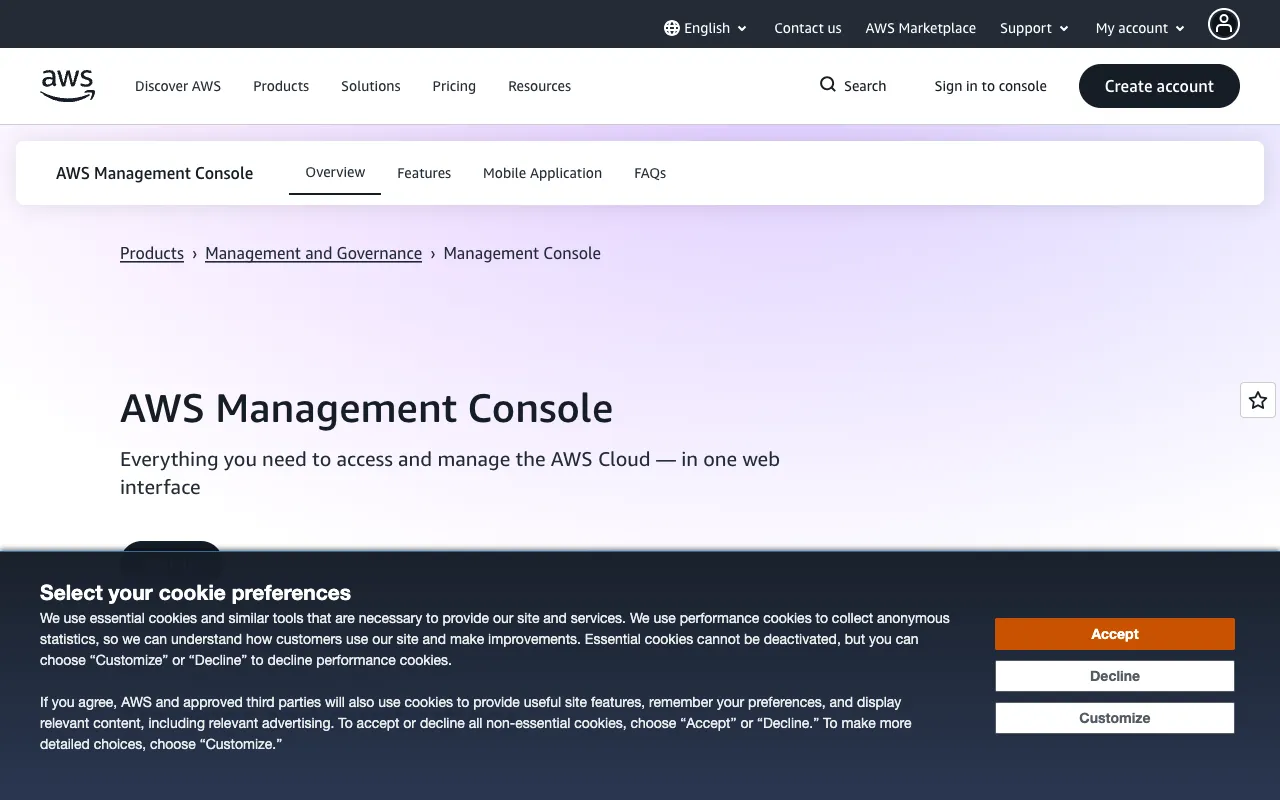
AWS Management Console – The Essential Cloud Management Tool for Software Engineers
The AWS Management Console is the foundational web interface for interacting with Amazon Web Services. It provides software engineers, DevOps professionals, and cloud architects with a centralized dashboard to provision, configure, and monitor every aspect of their cloud infrastructure. From launching EC2 instances and managing S3 buckets to configuring IAM roles and viewing CloudWatch metrics, the Console transforms complex cloud operations into an accessible, visual workflow, making it an indispensable tool for anyone building on AWS.
What is the AWS Management Console?
The AWS Management Console is the official web-based application provided by Amazon for interacting with its cloud platform. It serves as the primary graphical user interface (GUI) for accessing over 200 fully-featured services, including computing power, storage, databases, networking, machine learning, and analytics. Unlike command-line tools, the Console offers an intuitive, point-and-click environment for deploying resources, setting up architectures, managing security, and monitoring performance. It is designed for both newcomers learning AWS fundamentals and seasoned engineers managing complex, production-grade environments.
Key Features of the AWS Management Console
Unified Service Dashboard
Access and manage all AWS services from a single, organized homepage. Quickly navigate to EC2, S3, Lambda, RDS, and hundreds of other services with a consistent layout, reducing context switching and streamlining your management workflow.
Visual Resource Management
Deploy and configure cloud resources using intuitive wizards and forms. Visually create VPCs, launch instances, set up load balancers, and manage permissions without writing infrastructure code, accelerating prototyping and manual configuration tasks.
Integrated Billing and Cost Management
Monitor your AWS spending in real-time directly from the Console. Use the Cost Explorer and Budgets tools to visualize expenses, set alerts, and identify cost-optimization opportunities across all your services and accounts.
Built-in Documentation and Guidance
Access context-sensitive help, service documentation, and AWS best practice recommendations directly within the interface. This embedded guidance helps engineers make informed configuration decisions and learn about service capabilities on the fly.
Who Should Use the AWS Management Console?
The AWS Management Console is essential for any software professional working within the AWS ecosystem. It is particularly valuable for: Full-stack and backend developers deploying applications; DevOps and Site Reliability Engineers (SREs) managing infrastructure and monitoring; Cloud Architects designing and auditing system architectures; Solutions Architects demonstrating AWS capabilities to clients; and IT Administrators overseeing user access, security, and compliance. It's the perfect starting point for learning AWS and remains a critical tool for daily administrative and exploratory tasks, even in heavily automated environments.
AWS Management Console Pricing and Free Tier
The AWS Management Console itself is completely free to access and use. There is no charge for the web interface. Costs are incurred only for the AWS resources you provision and use through the Console (e.g., running EC2 instances, storing data in S3). New AWS accounts benefit from the AWS Free Tier, which offers free usage limits on many popular services for 12 months, as well as a selection of services that are always free. You can manage all Free Tier-eligible resources directly from the Console, making it easy to stay within budget while learning and experimenting.
Common Use Cases
- Rapidly prototype and deploy a web application on AWS EC2 and RDS
- Monitor application performance and troubleshoot issues using AWS CloudWatch metrics and logs
- Manage user permissions and security policies with AWS Identity and Access Management (IAM)
Key Benefits
- Accelerates cloud onboarding and learning with a visual, guided interface
- Centralizes control of diverse cloud services, reducing management overhead
- Provides immediate visibility into system health, costs, and security configuration
Pros & Cons
Pros
- Zero-cost access to the primary management interface for AWS
- Intuitive visual interface ideal for learning, exploration, and manual tasks
- Deep integration with all AWS services and account management features
- Includes built-in cost management, security checks, and documentation
Cons
- Manual configuration via the Console is not scalable for large, complex infrastructure (Infrastructure as Code tools like AWS CDK or Terraform are recommended)
- Can be slower for repetitive tasks compared to AWS CLI or SDKs
- The vast number of services and options can be overwhelming for complete beginners without guided learning
Frequently Asked Questions
Is the AWS Management Console free to use?
Yes, accessing and using the AWS Management Console web interface is completely free. You only pay for the AWS cloud resources (like servers, storage, and databases) that you choose to provision and run through the Console.
Is the AWS Management Console good for software engineers?
Absolutely. It is the essential tool for any software engineer working with AWS. It provides the fastest way to visually explore services, manually deploy resources for testing, monitor running applications, manage security settings, and understand billing—all crucial skills for cloud development and operations.
Can I automate tasks in the AWS Management Console?
While the Console itself is for manual interaction, it seamlessly integrates with AWS's automation ecosystem. You can use the Console to generate CLI commands, view CloudFormation templates, and trigger AWS SDK code samples, making it a powerful companion to Infrastructure as Code (IaC) and scripting workflows.
Conclusion
For software engineers building on Amazon Web Services, the AWS Management Console is non-negotiable. It serves as the central nervous system for your cloud operations, bridging the gap between high-level architecture and granular resource management. While automation tools are critical for production scalability, the Console remains the most effective way to learn, visualize, and manually control the vast AWS ecosystem. Its free access and comprehensive feature set make it the best starting point and daily driver for cloud management, solidifying its position as a top tool for any engineer in the AWS cloud.