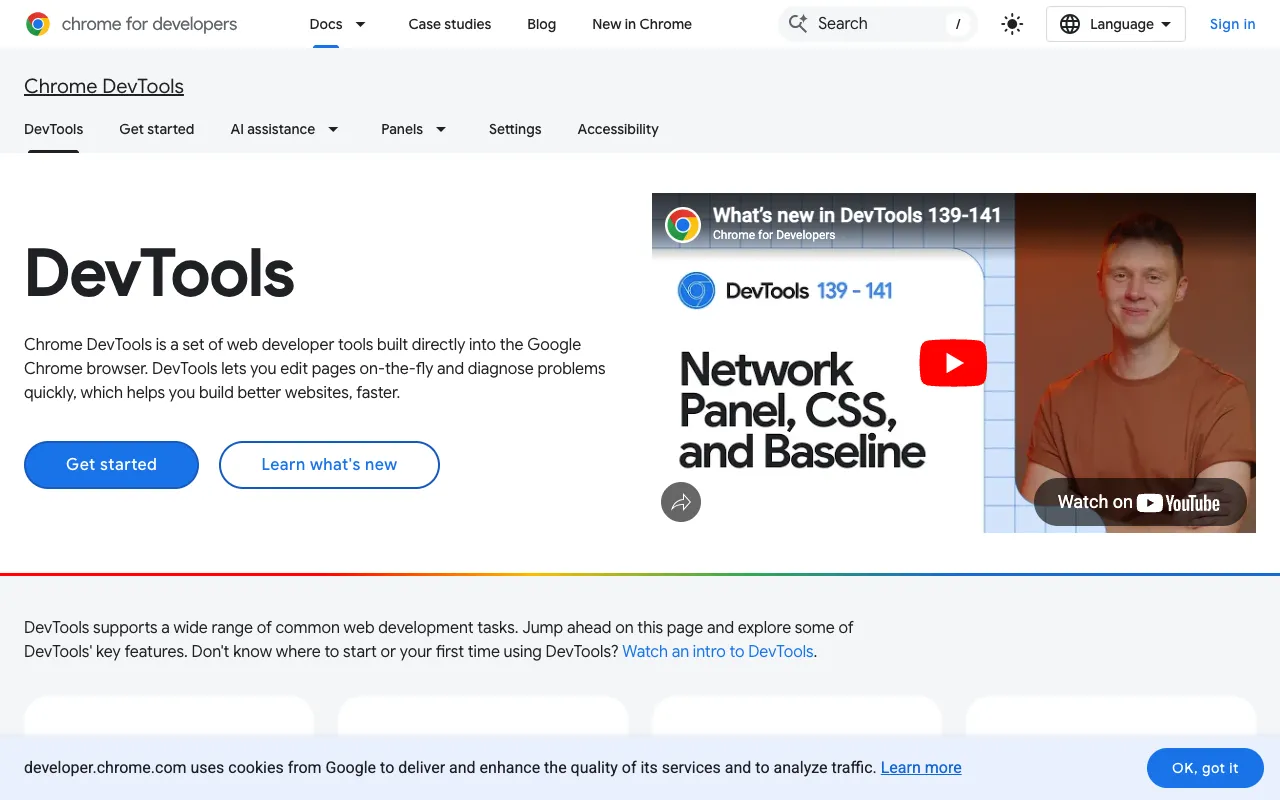
Chrome DevTools – The Essential Toolkit for Web Developers
Chrome DevTools is an indispensable, integrated suite of debugging and profiling utilities built directly into the Google Chrome browser. For software engineers, front-end developers, and full-stack developers, it provides a real-time laboratory for inspecting, editing, and optimizing web applications. It transforms your browser from a simple viewer into a powerful development environment, making it the de facto standard for modern web development workflows.
What is Chrome DevTools?
Chrome DevTools is a set of web developer tools natively integrated into the Google Chrome and Chromium-based browsers. Its core purpose is to provide deep visibility and control over every aspect of a web page or application. From inspecting HTML elements and debugging complex JavaScript to analyzing network requests and diagnosing performance bottlenecks, DevTools offers a unified interface for the entire development lifecycle. Its primary audience includes front-end developers, JavaScript engineers, web performance specialists, and any software engineer working on client-side code.
Key Features of Chrome DevTools
Elements Panel & DOM Inspector
Inspect and manipulate the HTML and CSS of any webpage in real-time. You can edit styles, test layouts, and see how changes affect the page instantly without refreshing, accelerating UI development and debugging.
Console for JavaScript Debugging
Execute JavaScript, log diagnostic information, and interact with the page's JavaScript context. It's the primary tool for debugging scripts, viewing errors, and testing code snippets on the fly.
Sources Panel for Advanced Debugging
Set breakpoints, step through code, watch variables, and debug complex JavaScript applications with precision. It supports source maps, allowing you to debug minified or compiled code in its original source form.
Network Panel for Performance Analysis
Monitor all network activity, including requests, responses, headers, and timing. Identify slow-loading resources, analyze API calls, and optimize your application's loading performance.
Performance & Memory Profilers
Record runtime performance to find jank and visual stutters. The Memory panel helps track down memory leaks and optimize your application's memory footprint for better stability.
Application Panel for PWA & Storage
Inspect and manage client-side storage (LocalStorage, IndexedDB, Cookies), service workers, and cache. Essential for developing and debugging Progressive Web Apps (PWAs).
Device Mode & Mobile Emulation
Simulate various mobile devices, screen sizes, and network conditions (like 3G) to test responsive design and performance on different hardware.
Who Should Use Chrome DevTools?
Chrome DevTools is a non-negotiable skill for any software engineer involved in web technologies. It is ideal for: Front-end developers building interactive UIs with JavaScript frameworks (React, Vue, Angular); Full-stack developers debugging client-server interactions; Web performance engineers optimizing page load speed and runtime efficiency; QA engineers and testers investigating UI bugs and functional issues; Students and educators learning the fundamentals of how the web works. Its use cases span from fixing a simple CSS alignment issue to diagnosing a complex single-page application memory leak.
Chrome DevTools Pricing and Free Tier
Chrome DevTools is completely free. It is built directly into the Google Chrome browser, which is itself free to download and use. There are no tiers, subscriptions, or paid features. This makes it one of the most accessible and powerful tools available to software engineers worldwide, with its full capabilities available to everyone from students to enterprise developers.
Common Use Cases
- Debugging JavaScript errors in a React or Vue.js single-page application
- Optimizing Core Web Vitals like Largest Contentful Paint (LCP) and Cumulative Layout Shift (CLS)
- Inspecting and editing CSS for responsive web design across breakpoints
- Profiling runtime performance to eliminate jank in complex animations
- Testing website functionality under simulated slow 3G network conditions
Key Benefits
- Dramatically reduces debugging time with real-time inspection and editing capabilities
- Improves website performance and user experience by identifying bottlenecks before deployment
- Enhances developer productivity by providing an all-in-one environment within the browser
- Empowers developers to build more robust, efficient, and visually consistent web applications
Pros & Cons
Pros
- Completely free and integrated directly into the world's most popular browser
- Unmatched depth for debugging, styling, and performance analysis
- Continuously updated by Google with new features aligned with web standards
- Essential for modern web development workflows and framework debugging
Cons
- Exclusive to Chromium-based browsers (Chrome, Edge, Brave, etc.), not available in Firefox or Safari natively
- The vast array of features can have a steep initial learning curve for beginners
Frequently Asked Questions
Is Chrome DevTools free to use?
Yes, Chrome DevTools is 100% free. It is a built-in feature of the free Google Chrome browser. There are no hidden costs, subscriptions, or premium tiers.
Is Chrome DevTools good for software engineers?
Absolutely. Chrome DevTools is considered an essential, industry-standard tool for any software engineer working on web applications. Its capabilities for debugging, performance profiling, and real-time editing are fundamental to modern front-end and full-stack development.
Do I need to install Chrome DevTools separately?
No separate installation is required. Once you install Google Chrome (or a Chromium-based browser like Microsoft Edge), DevTools is automatically available. You can access it by right-clicking on any webpage and selecting 'Inspect' or by pressing F12 (or Cmd+Option+I on Mac).
Can I use Chrome DevTools for mobile web development?
Yes, extensively. The Device Mode allows you to emulate a wide range of mobile devices, screen resolutions, and touch interactions. You can also throttle the CPU and network to simulate real-world mobile conditions, making it a powerful tool for mobile-first development.
Conclusion
For software engineers building for the web, proficiency with Chrome DevTools is not just an advantage—it's a necessity. It stands as the most comprehensive, accessible, and powerful toolkit for understanding, debugging, and optimizing web applications. While other browser developer tools exist, Chrome DevTools' deep integration, constant innovation, and widespread adoption make it the undisputed leader. Whether you're fixing a visual bug, optimizing for speed, or debugging complex JavaScript, mastering Chrome DevTools is a critical investment in your development skill set.