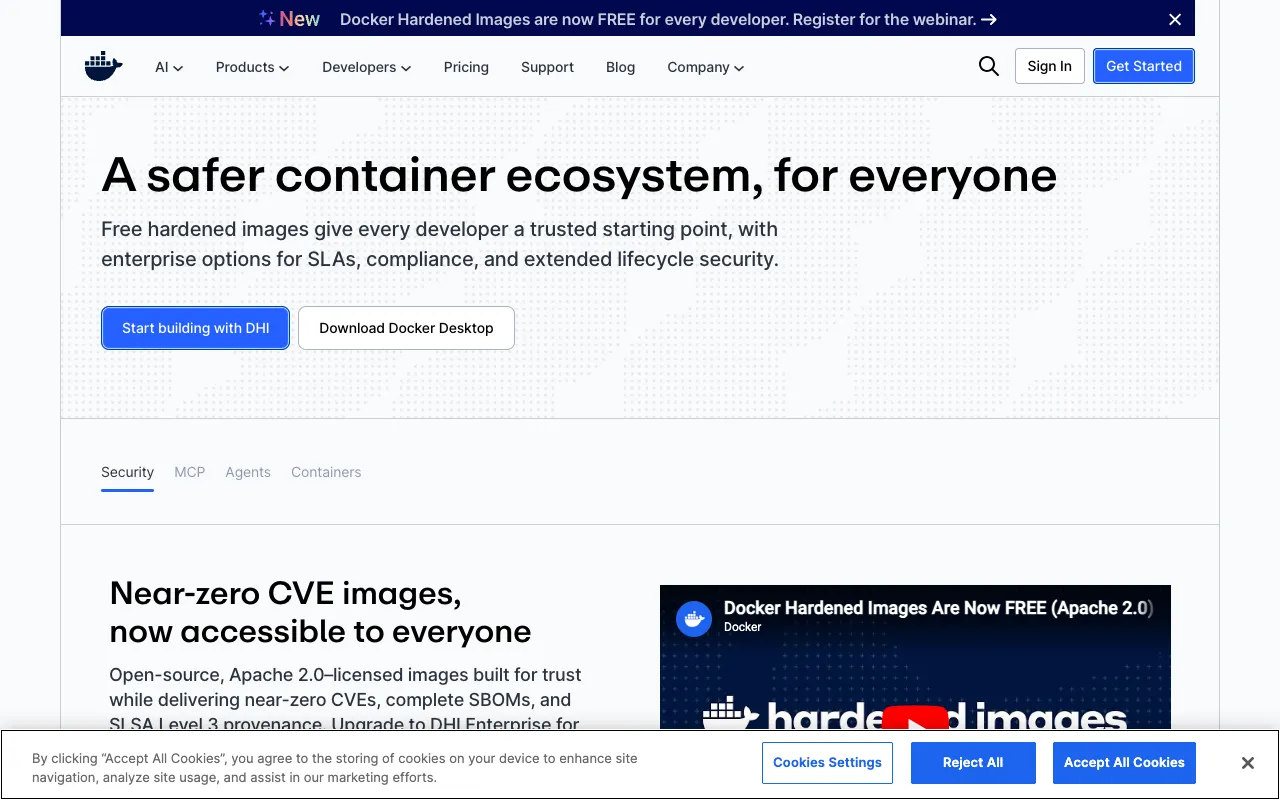
Docker – The Essential Container Platform for Modern Software Engineers
Docker has fundamentally transformed software development and deployment by popularizing container technology. It provides a standardized platform for packaging applications with all their dependencies into isolated, portable units called containers. For software engineers, Docker eliminates the dreaded 'works on my machine' problem, ensuring applications behave identically from a developer's laptop all the way to production servers. It's not just a tool; it's the cornerstone of modern DevOps practices, microservices architecture, and continuous integration/continuous deployment (CI/CD) pipelines.
What is Docker?
Docker is an open-source containerization platform that allows developers to build, deploy, and manage applications within lightweight, self-sufficient containers. Unlike traditional virtual machines that virtualize an entire operating system, Docker containers share the host system's kernel, making them incredibly fast, efficient, and resource-light. Each container packages an application's code, runtime, system tools, libraries, and settings, guaranteeing that the software will run the same way regardless of the underlying infrastructure—be it a local Mac, a Windows PC, a Linux server, or a cloud instance. This paradigm shift is essential for building scalable, reliable, and easily deployable software in today's distributed computing environments.
Key Features of Docker
Containerization & Portability
Docker's core feature is creating containers from 'images.' These images act as blueprints, defining exactly what an application needs to run. Once built, a Docker image can run identically on any system with Docker installed, from a developer's laptop to a massive cloud cluster. This portability is revolutionary for ensuring consistency across development, testing, staging, and production environments.
Dockerfile for Declarative Builds
Engineers define how to build a Docker image using a simple, declarative text file called a Dockerfile. This file contains step-by-step instructions (like `FROM`, `COPY`, `RUN`, `CMD`) to assemble the application environment. This code-based approach makes builds reproducible, version-controllable, and automatable, which is a perfect fit for CI/CD workflows.
Docker Hub & Image Registry
Docker Hub is the world's largest public repository for container images. Engineers can pull pre-built, official images for languages (Python, Node.js), databases (PostgreSQL, Redis), and services (nginx), drastically reducing setup time. Teams can also use private registries (like Docker Trusted Registry or cloud provider offerings) to store and share their own proprietary images securely.
Docker Compose for Multi-Container Apps
Modern applications often involve multiple services (e.g., a web app, a database, a cache). Docker Compose allows you to define and run multi-container applications with a single `docker-compose.yml` file. This simplifies orchestrating complex development environments, making it easy to spin up your entire application stack with one command.
Efficient Resource Utilization
Containers start in milliseconds and have minimal overhead compared to virtual machines because they share the host OS kernel. This allows engineers to run many more application instances on the same hardware, optimizing resource usage and reducing infrastructure costs, especially in cloud and microservices architectures.
Who Should Use Docker?
Docker is indispensable for virtually every modern software engineering role. **Backend and Full-Stack Developers** use it to create consistent local development environments that mirror production. **DevOps Engineers and SREs** rely on it to build immutable, scalable deployment artifacts. **Data Scientists and ML Engineers** containerize models to ensure reproducible experiments and deployments. **Frontend Developers** can use it to containerize build tools and serve static sites. **QA and Test Automation Engineers** leverage Docker to create isolated, ephemeral testing environments. In short, any engineer involved in building, shipping, or running software in a team setting will benefit from standardizing workflows with Docker containers.
Docker Pricing and Free Tier
The core Docker Engine (the software that creates and runs containers) is and always will be open-source and free for individual use, personal projects, and education. This free tier includes the Docker CLI and the ability to build and run containers locally. Docker, Inc. offers paid subscriptions like **Docker Pro** and **Docker Team** for professional developers and organizations. These plans provide advanced features such as faster image builds, automated security scans, centralized team management, and private image storage on Docker Hub beyond the free limits. For large-scale production deployment and orchestration, engineers typically use complementary open-source tools like Kubernetes or managed services from cloud providers (AWS ECS, Google Cloud Run, Azure Container Instances).
Common Use Cases
- Standardizing development environments for new team members to eliminate onboarding friction
- Building and deploying microservices architecture with isolated, scalable service containers
- Creating reproducible machine learning pipelines and model deployment environments
- Packaging legacy applications for easier migration to modern cloud infrastructure
- Setting up local development stacks with databases, message queues, and caches using Docker Compose
Key Benefits
- Eliminates environment inconsistencies, guaranteeing 'build once, run anywhere' reliability.
- Accelerates development cycles by simplifying dependency management and local setup.
- Enables efficient resource utilization, allowing more applications to run on less hardware.
- Facilitates modern DevOps practices and seamless integration into CI/CD pipelines.
- Promotes application isolation, improving security and stability by containing processes.
Pros & Cons
Pros
- Industry standard with massive community support and extensive documentation.
- Vast ecosystem of pre-built images on Docker Hub accelerates development.
- Lightweight and fast compared to traditional virtual machines.
- Integrates seamlessly with virtually all modern development, cloud, and orchestration tools.
- Free and open-source core engine makes it accessible to everyone.
Cons
- Learning curve for understanding container concepts, networking, and storage volumes.
- Running on non-Linux systems (macOS/Windows) requires a lightweight VM, which can impact performance.
- Orchestrating containers at scale requires additional knowledge of tools like Kubernetes.
- Security misconfigurations (like running as root) can introduce vulnerabilities if not managed properly.
Frequently Asked Questions
Is Docker free to use?
Yes, the core Docker Engine is open-source and free for individual developers, personal projects, and learning. This allows you to build, run, and manage containers locally at no cost. Docker, Inc. offers paid subscription plans (Docker Pro, Docker Team) with enhanced features for professional teams and organizations, such as increased private repository limits and advanced security scanning.
Is Docker good for software engineers?
Absolutely. Docker is considered an essential tool for modern software engineers. It directly solves critical pain points like environment inconsistency, complex local setups, and deployment nightmares. By mastering Docker, engineers improve their productivity, collaborate more effectively in teams, and build skills that are crucial for cloud-native development, DevOps, and scalable system design. It's a foundational technology in today's software landscape.
What is the difference between Docker and Kubernetes?
Docker is a platform for creating and running individual containers. Think of it as the tool that builds and starts the standardized 'boxes' (containers) for your application. Kubernetes is a container orchestration system—it's designed to manage, scale, and deploy many containers across a cluster of machines. You use Docker to create the containers, and you might use Kubernetes to deploy and manage hundreds of those containers in production. They are complementary technologies in the container ecosystem.
Can Docker run on Windows and macOS?
Yes. While Docker natively uses Linux kernel features, it provides Docker Desktop for macOS and Windows. Docker Desktop installs a lightweight, optimized Linux virtual machine (VM) on these systems, allowing you to run Linux containers seamlessly. The experience is highly integrated, making container development accessible across all major operating systems used by software engineers.
Conclusion
For software engineers aiming to build robust, scalable, and easily deployable applications, Docker is not merely a helpful utility—it's a fundamental component of the modern tech stack. Its ability to containerize applications ensures consistency, streamlines collaboration, and bridges the gap between development and operations. While there is an initial learning investment, the payoff in reduced bugs, faster onboarding, and smoother deployments is immense. Whether you're working on a solo project, contributing to a startup, or developing within a large enterprise, proficiency with Docker is a highly valuable and often expected skill. Start with the free tier to containerize a simple application, and you'll quickly understand why it has become the de facto standard for application packaging and delivery.