Go back
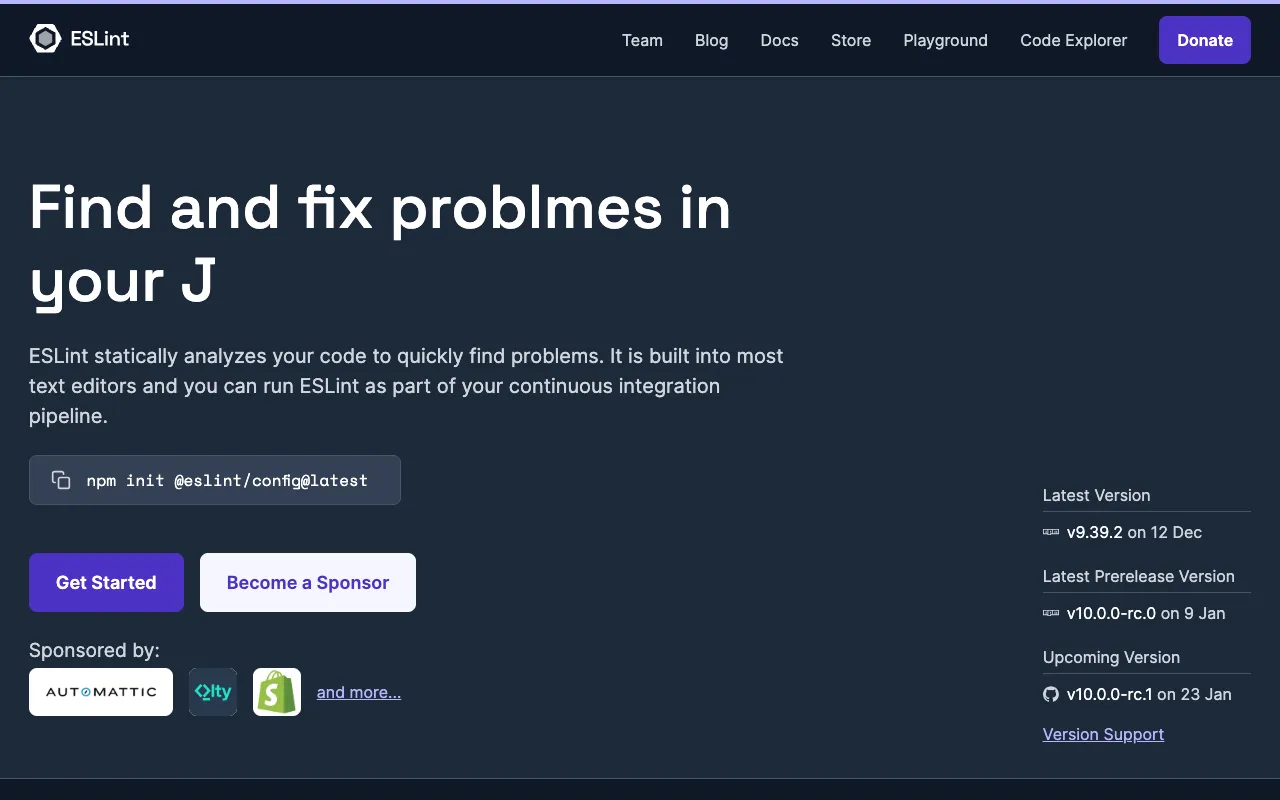
Image of ESLint – The Essential Static Analysis Tool for JavaScript Developers

ESLint – The Essential Static Analysis Tool for JavaScript Developers

ESLint is the industry-standard static code analysis tool for JavaScript and TypeScript, trusted by millions of developers. It statically analyzes your code to quickly find and fix problematic patterns, enforce team coding standards, and prevent bugs before they reach production. As a fully pluggable and configurable linter, ESLint integrates seamlessly into any workflow, making it the top choice for developers aiming to write cleaner, more consistent, and maintainable code.

What is ESLint?

ESLint is an open-source, static code analysis tool designed specifically for JavaScript and its modern variants, including JSX and TypeScript. Its core purpose is to identify problematic patterns or code that doesn’t adhere to certain style guidelines, directly within your editor or build process. Unlike runtime debugging, ESLint analyzes your source code without executing it, catching potential errors, anti-patterns, and style violations early in the development cycle. Its primary audience spans from individual developers seeking to improve their code quality to large enterprise teams needing to enforce a unified coding standard across massive codebases.

Key Features of ESLint

Pluggable Architecture

ESLint's core is designed for extensibility. You can use built-in rules, create your own, or leverage hundreds of community-maintained plugins and shareable configs (like those for React, Vue, or Airbnb's style guide) to tailor linting to your specific framework and project needs.

Automatic Fixing

Many rule violations can be fixed automatically by ESLint with the `--fix` option. This saves developers hours of manual refactoring by automatically correcting style issues like spacing, semicolons, and quote usage directly from the command line or editor.

Customizable Rules

Gain complete control over your code standards. Every rule in ESLint is configurable—you can set them to 'off,' 'warn,' or 'error,' and often configure options. This allows teams to define and enforce their own unique coding conventions.

Editor Integrations & CI/CD

Get real-time feedback with official integrations for VS Code, WebStorm, Sublime Text, and more. ESLint also runs seamlessly in Continuous Integration pipelines, failing builds when critical errors are introduced, which enforces quality gates.

TypeScript Support

With the `@typescript-eslint` parser and plugin, ESLint provides first-class linting for TypeScript code, allowing teams to enforce type-safe patterns and code quality standards across their entire TypeScript project.

Who Should Use ESLint?

ESLint is indispensable for any developer or team working with JavaScript or TypeScript. It is particularly valuable for: Development teams needing consistent code style to improve collaboration and readability; Open-source project maintainers wanting to enforce contribution guidelines; Individual developers learning best practices and avoiding common JavaScript pitfalls; DevOps and engineering leads integrating code quality checks into CI/CD pipelines; and Companies undergoing large-scale code migrations or modernizations who need to maintain code quality standards.

ESLint Pricing and Free Tier

ESLint is completely free and open-source software released under the permissive MIT License. There is no paid tier, premium version, or subscription. All its powerful features—including the core linter, plugin system, automatic fixing, and extensive configurability—are available at no cost. The project is supported by a vibrant community and sponsored through Open Collective, ensuring its ongoing development and maintenance.

Common Use Cases

Key Benefits

Pros & Cons

Pros

  • 100% free and open-source with no feature limitations
  • Extremely flexible and configurable to fit any project or team style
  • Massive ecosystem with plugins for all major frameworks and tools
  • Provides real-time feedback in your code editor for instant fixes

Cons

  • Initial configuration can be complex for beginners due to the vast number of rule options
  • Performance can slow on very large codebases without proper caching or incremental analysis
  • Requires team buy-in and agreement on rule sets to be fully effective

Frequently Asked Questions

Is ESLint free to use?

Yes, ESLint is completely free and open-source. It is released under the MIT License, meaning you can use, modify, and distribute it for personal, commercial, or enterprise projects without any cost or licensing fees.

Is ESLint good for TypeScript projects?

Absolutely. With the official `@typescript-eslint` parser, ESLint is the recommended linter for TypeScript projects, effectively replacing TSLint. It can lint both TypeScript syntax and enforce TypeScript-specific best practices alongside standard JavaScript rules.

How does ESLint compare to Prettier?

ESLint and Prettier are complementary tools. ESLint is a linter focused on code quality, identifying errors, and enforcing coding patterns. Prettier is an opinionated code formatter focused solely on style (indentation, line width, etc.). They are often used together, with ESLint handling logical/quality rules and Prettier handling formatting.

Can ESLint run automatically?

Yes. ESLint can be integrated to run automatically in several ways: directly in your code editor on save, as a pre-commit hook using tools like Husky and lint-staged, or as a step in your Continuous Integration (CI) pipeline (e.g., GitHub Actions, Jenkins) to block merges with lint errors.

Conclusion

For any serious JavaScript or TypeScript developer, ESLint is not just a tool but a foundational component of a professional workflow. Its unparalleled flexibility, powerful auto-fixing, and vast ecosystem make it the definitive solution for maintaining high code quality and consistent standards across projects of any scale. While the initial setup requires some configuration, the long-term benefits in reduced bugs, smoother team collaboration, and more maintainable code are immense. If you write modern JavaScript, integrating ESLint is one of the highest-return investments you can make in your development process.