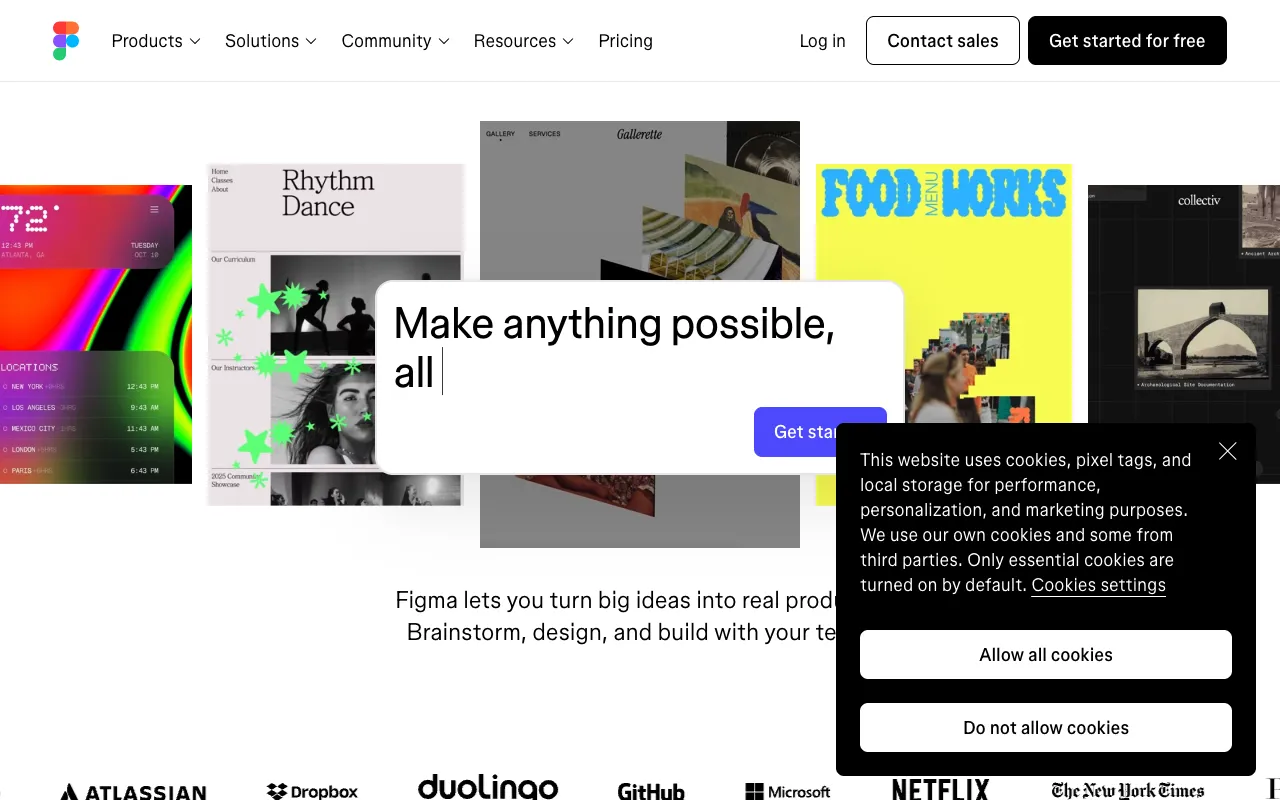
Figma – The Ultimate Collaborative UI/UX Design Tool for Software Engineers
Figma has redefined the interface design workflow for software engineers and development teams. As a browser-based, collaborative design platform, it bridges the gap between design and engineering, enabling the creation of high-fidelity prototypes, wireframes, and scalable design systems. Unlike traditional desktop tools, Figma operates in real-time, allowing designers and developers to work simultaneously, inspect code, and export assets seamlessly, making it an indispensable tool in the modern software development lifecycle.
What is Figma?
Figma is a cloud-native design and prototyping tool built for real-time collaboration. Its primary purpose is to empower product teams—from designers to software engineers—to design, prototype, and hand off UI/UX work in a single, unified platform. By eliminating file version conflicts and enabling live co-editing, Figma streamlines the entire design-to-development process. Its core audience includes UI/UX designers, product managers, and critically, software engineers who need precise specifications, CSS code snippets, and exportable assets to build interfaces accurately and efficiently.
Key Features of Figma for Software Engineers
Real-Time Collaborative Editing
Multiple team members can edit the same design file simultaneously, much like Google Docs. This feature eliminates the bottleneck of file sharing and version control, allowing engineers to view live updates, leave comments directly on design elements, and ensure alignment without waiting for exported files.
Developer Handoff & Inspect Mode
This is Figma's killer feature for engineers. The Inspect panel provides automatic generation of CSS, Swift, or Android XML code for any selected element, including dimensions, colors, fonts, and spacing. Developers can copy code snippets, view asset export settings, and download icons and images in multiple formats (SVG, PNG, JPG) without leaving the tool.
Interactive Prototyping & User Flow Diagrams
Build clickable, interactive prototypes to simulate user experience directly within Figma. Engineers can interact with these prototypes to understand user flows, animations, and micro-interactions before writing a single line of code, reducing misinterpretation and rework.
Design Systems & Component Libraries
Create and maintain centralized design systems with reusable components (buttons, inputs, modals) and styles. For engineers, this ensures UI consistency across the application. Any update to a master component propagates instantly to all instances, keeping design and code perfectly synchronized.
Cloud-Based & Platform Agnostic
Accessible from any modern web browser on Windows, macOS, or Linux, Figma requires no installation or powerful local hardware. Native desktop apps are available for offline work, and all files are automatically saved and versioned in the cloud.
Who Should Use Figma?
Figma is essential for any software development team prioritizing design collaboration and efficiency. It is the ideal tool for Frontend Engineers needing accurate specs, Full-Stack Developers managing the entire product interface, Engineering Managers overseeing design-system implementation, Startups and Agile Teams requiring rapid iteration, and Product Teams where designers and developers work in tight feedback loops. Its use cases span from building MVP wireframes and creating complex design systems to facilitating sprint handoffs and conducting internal design reviews.
Figma Pricing and Free Tier
Figma offers a generous free tier perfect for individual engineers, students, and small projects. The Figma Starter plan includes up to 3 editable Figma files and 3 FigJam files with unlimited viewers and collaborators. For professional teams, the Professional plan unlocks unlimited files, shared and private projects, team libraries for design systems, and advanced prototyping. Organization and Enterprise tiers add enhanced security, centralized administration, and dedicated support. The robust free plan makes it a risk-free tool to integrate into any developer's workflow.
Common Use Cases
- Creating developer-ready UI component libraries and design systems
- Building interactive prototypes for user testing and stakeholder approval
- Streamlining the design handoff process from designer to frontend developer
- Collaborating on wireframes and user flow diagrams in real-time with remote teams
Key Benefits
- Accelerates development cycles by providing precise, auto-generated code and specs
- Eliminates design misinterpretation and reduces costly UI rework
- Centralizes design assets and documentation, creating a single source of truth
- Enhances cross-functional team collaboration between design and engineering
Pros & Cons
Pros
- Unmatched real-time collaboration features for distributed teams
- Powerful, built-in developer handoff with code inspection
- Robust free plan with core functionality for individuals and small teams
- Cloud-based platform ensures automatic saves and easy access from anywhere
- Strong version history and branching for exploring design variations
Cons
- Requires a stable internet connection for full collaborative functionality
- Advanced animation capabilities are less extensive than some dedicated prototyping tools
- Offline editing is limited compared to traditional desktop applications
Frequently Asked Questions
Is Figma free to use for software engineers?
Yes, Figma offers a powerful free Starter plan. It includes up to 3 editable Figma and FigJam files, unlimited viewers and collaborators, and full access to the developer handoff Inspect mode. This makes it completely free for individual engineers to inspect designs, copy code, and export assets.
Is Figma good for developer handoff?
Absolutely. Figma is widely considered the industry standard for developer handoff. Its Inspect panel automatically provides developers with CSS, iOS, and Android code for spacing, colors, fonts, and assets. This feature drastically reduces manual measurement errors and speeds up the translation of designs into production code.
Can Figma be used for creating design systems?
Yes, creating and managing design systems is one of Figma's core strengths. Teams can build component libraries with variants, auto-layout, and defined styles. These libraries sync across all team files, ensuring UI consistency. Engineers benefit by having a single, constantly updated reference for all UI components and their coded properties.
How does Figma compare to Sketch or Adobe XD?
Figma's primary advantage is its native, real-time collaboration and being cloud-based, unlike Sketch (macOS-only, file-based) or Adobe XD. While all three are capable design tools, Figma's seamless integration of design, prototyping, and developer handoff in one live environment makes it the preferred choice for modern, collaborative software teams.
Conclusion
For software engineers, Figma is more than just a design tool—it's a critical collaboration platform that streamlines the entire interface development process. Its unparalleled developer handoff features, real-time co-editing, and robust design system management directly translate to faster build times, fewer UI bugs, and better alignment between design and engineering teams. Whether you're a frontend developer inspecting specs, a startup building an MVP, or an enterprise team scaling a product, Figma's powerful free tier and professional plans make it the top-tier solution for integrating design excellence into the software development workflow.