Go back
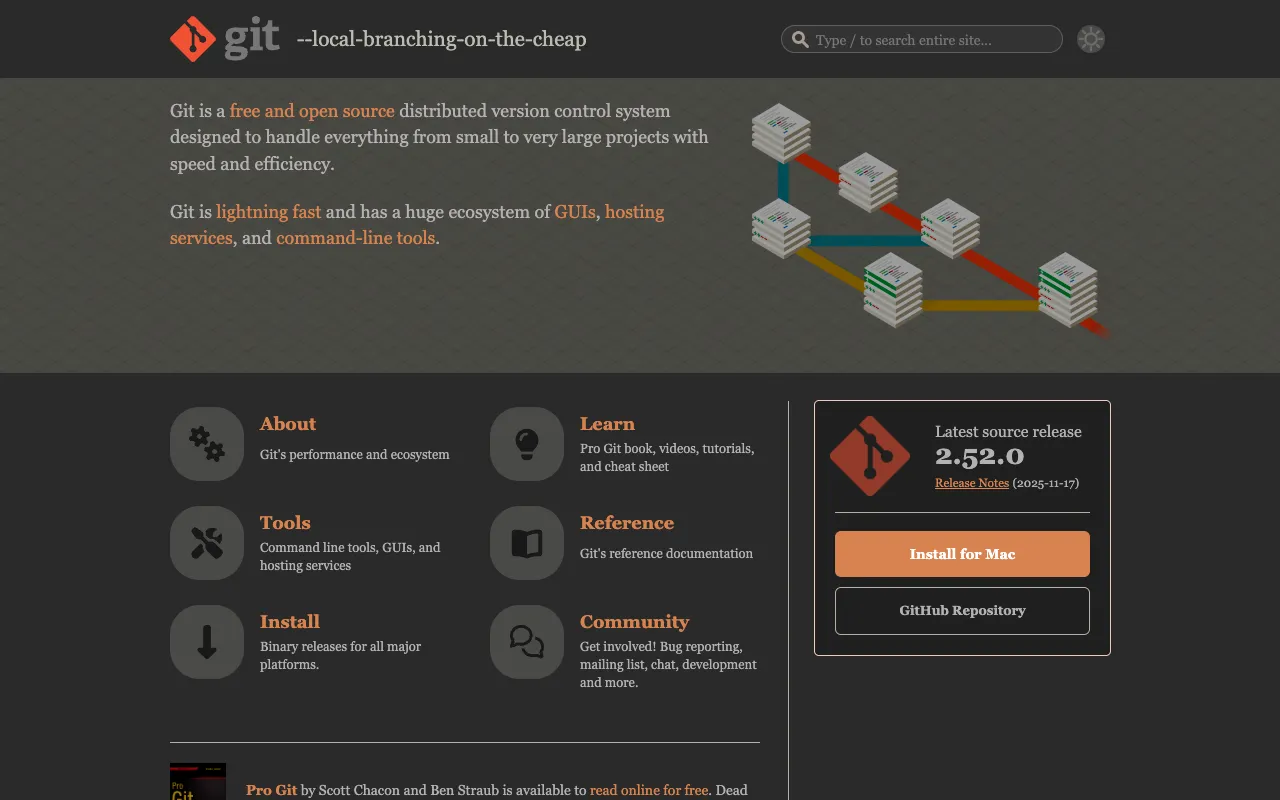
Image of Git – The Essential Version Control System for Software Engineers

Git – The Essential Version Control System for Software Engineers

Git is the cornerstone of modern software development, a distributed version control system that empowers engineers to track every modification to their source code. As the most widely adopted system of its kind, Git enables seamless collaboration, robust branching strategies, and a complete historical record of your project. Whether you're a solo developer or part of a global team, mastering Git is non-negotiable for efficient, error-resistant software engineering.

What is Git?

Git is a free, open-source, distributed version control system (DVCS) specifically designed for tracking changes in source code during software development. Created by Linus Torvalds in 2005, its core purpose is to enable multiple developers to work on the same codebase simultaneously without conflicts, while maintaining a complete, verifiable history of every file change. Unlike centralized systems, every developer's working copy of the code is also a full repository with complete history and version-tracking capabilities, independent of network access. Its primary audience includes software engineers, DevOps professionals, data scientists, and anyone involved in writing or managing code.

Key Features of Git

Distributed Architecture

Every clone of a Git repository is a full-fledged repository with complete history. This eliminates a single point of failure, allows developers to work offline, and enables flexible workflows beyond a simple client-server model.

Powerful Branching and Merging

Git's branching model is lightweight and fast. Creating, merging, and deleting branches is seamless, encouraging workflows like Git Flow or GitHub Flow. This allows for feature isolation, experimentation, and organized parallel development.

Data Integrity

Every file and commit is checksummed with a SHA-1 hash before storage. This means it's impossible to change any file, commit, or directory without Git knowing about it, ensuring the history is tamper-proof and reliable.

Staging Area (Index)

The intermediate staging area lets you craft commits precisely. You can choose which modified files or even specific changes within files go into the next snapshot, allowing for clean, logical commit histories.

Who Should Use Git?

Git is indispensable for professional software engineers, web developers, and mobile app developers working on projects of any scale. It is equally critical for DevOps and SRE teams managing infrastructure as code. Data scientists and ML engineers use Git to version datasets, models, and notebooks. Open-source contributors rely on it to collaborate on platforms like GitHub and GitLab. In essence, any individual or team creating digital assets that evolve over time—especially code—should use Git to manage that evolution effectively and collaboratively.

Git Pricing and Free Tier

Git itself is completely free and open-source software, released under the GNU General Public License version 2.0. There is no paid tier, subscription, or premium version of the core Git tool. The software can be downloaded, used, and modified by anyone at no cost. Commercial services built around Git, such as GitHub (with paid team plans), GitLab, or Bitbucket, may offer premium features, but the fundamental Git version control system remains free for all users worldwide.

Common Use Cases

Key Benefits

Pros & Cons

Pros

  • Free, open-source, and universally adopted with massive community support.
  • Extremely fast and efficient performance, even with large repositories and long histories.
  • Powerful, flexible branching model that supports complex development workflows.
  • Distributed nature ensures data redundancy and allows for offline work.

Cons

  • The command-line interface has a steep learning curve for beginners unfamiliar with version control concepts.
  • Can be challenging to recover from mistakes if commands are used incorrectly without proper understanding.
  • Binary files (like images, documents) are not handled as efficiently as text-based source code.

Frequently Asked Questions

Is Git free to use?

Yes, Git is completely free and open-source software. You can download, use, modify, and distribute it at no cost. There are no licenses or subscriptions required for the core tool.

Is Git good for software engineers?

Git is not just good, it is essential for software engineers. It is the industry-standard tool for version control, enabling effective collaboration, code history tracking, and modern development practices like CI/CD. Proficiency in Git is a fundamental requirement for nearly all professional software engineering roles.

What's the difference between Git and GitHub?

Git is the version control software that runs on your local machine. GitHub is a commercial web-based hosting service for Git repositories that adds collaboration features like pull requests, issue tracking, and project management tools. You can use Git without GitHub, but GitHub relies on Git.

How hard is it to learn Git?

Learning the basic Git workflow (clone, add, commit, push, pull) is relatively straightforward. Mastering advanced concepts like rebasing, interactive staging, and complex merge conflict resolution takes more time and practice. Numerous high-quality free resources, tutorials, and interactive guides are available to ease the learning process.

Conclusion

For any software engineer, Git is not merely a tool but a foundational component of the professional toolkit. Its combination of powerful distributed architecture, robust data integrity, and flexible branching makes it unparalleled for managing the lifecycle of source code. While the initial learning curve exists, the payoff in terms of collaboration efficiency, project safety, and workflow capability is immense. For tracking changes, enabling team-based development, and building a professional coding practice, Git remains the unequivocal top choice and a non-negotiable skill in modern software engineering.