Go back
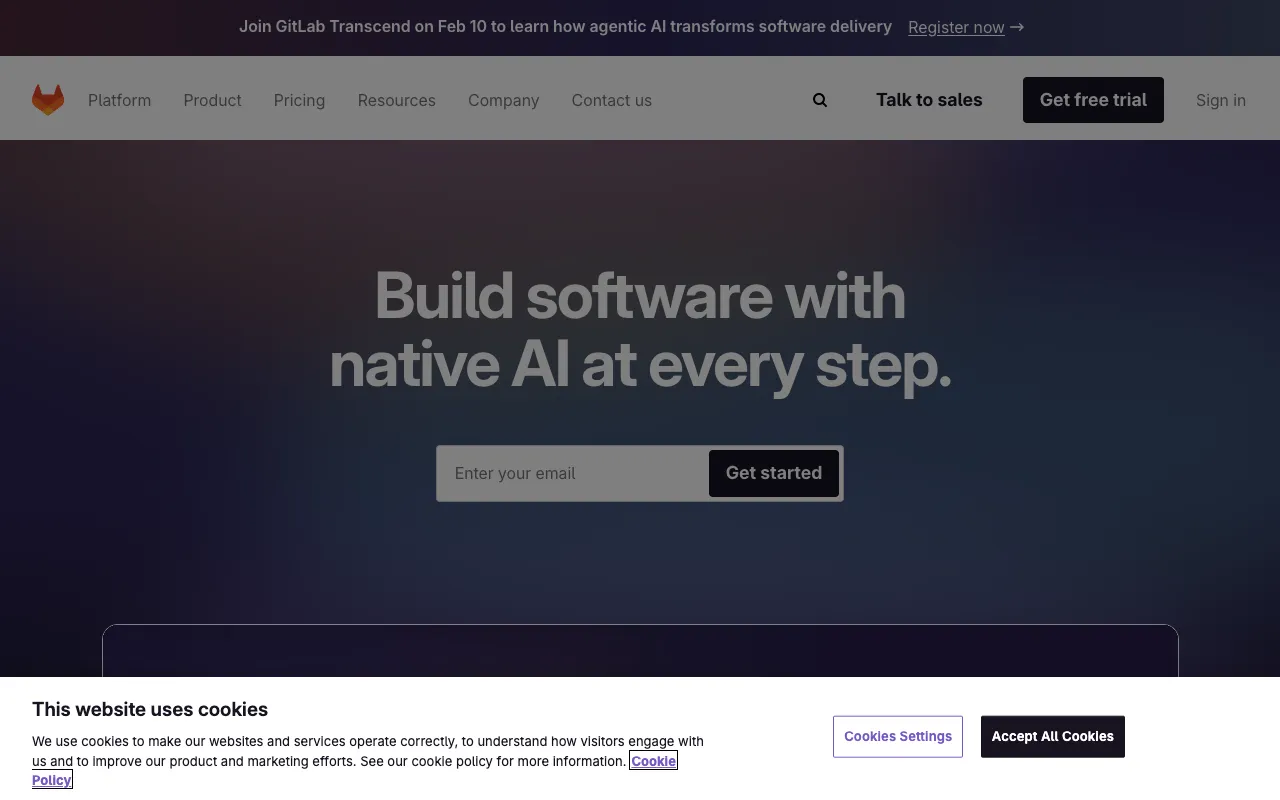
Image of GitLab – The Complete DevOps Platform for Software Engineers

GitLab – The Complete DevOps Platform for Software Engineers

For modern software engineering teams seeking to streamline their entire development lifecycle, GitLab stands out as a unified DevOps platform. It consolidates the essential tools for source code management, continuous integration and delivery, security scanning, and project planning into a single, cohesive application. This integrated approach eliminates toolchain complexity, reduces context switching, and accelerates delivery from idea to production, making it a top choice for engineers focused on efficiency and collaboration.

What is GitLab?

GitLab is an end-to-end DevOps platform built around a powerful Git repository manager. It goes far beyond simple version control by integrating the entire software development and operations workflow into one application. The platform enables software engineers and development teams to plan projects, manage code, build, test, deploy, monitor, and secure applications within a unified interface. This single-application philosophy breaks down silos between development, security, and operations teams, fostering better collaboration and faster, more secure software releases.

Key Features of GitLab

Integrated Git Repository Management

At its core, GitLab provides robust Git repository management with features like branching, merging, code reviews via merge requests, and fine-grained access controls. This creates a central source of truth for your codebase, facilitating collaboration among distributed engineering teams.

Built-in CI/CD Pipelines

GitLab CI/CD is seamlessly integrated, allowing engineers to define, visualize, and execute automated pipelines for building, testing, and deploying code. This enables true Continuous Integration and Continuous Delivery, reducing manual errors and speeding up release cycles directly from the repository.

Comprehensive Security Scanning

Security is shifted left with GitLab's built-in scanning capabilities. It automatically checks code for vulnerabilities (SAST), dependencies for known issues (DAST and dependency scanning), and containers for misconfigurations, providing actionable feedback within the development workflow.

Agile Project Planning Tools

GitLab includes issue tracking, epics, milestones, and boards for Agile project management. Teams can plan sprints, track progress, and manage the entire project lifecycle without leaving the platform, keeping development aligned with business goals.

Who Should Use GitLab?

GitLab is ideal for software engineering teams of all sizes, from fast-moving startups to large enterprises, who want to consolidate their toolchain. It is particularly valuable for DevOps teams, platform engineers, and security-conscious organizations aiming to implement DevSecOps practices. Teams frustrated with juggling multiple disparate tools for version control, CI servers, and project management will find immense value in GitLab's unified approach.

GitLab Pricing and Free Tier

GitLab offers a generous and fully-featured Free tier for individual users and small teams, which includes unlimited private repositories, a 400 CI/CD minutes monthly quota, and core features like issue tracking and basic security scanning. For teams needing advanced CI/CD, enterprise security, compliance, and portfolio management, GitLab provides paid Premium and Ultimate tiers with expanded capabilities and support.

Common Use Cases

Key Benefits

Pros & Cons

Pros

  • Unified platform reduces toolchain sprawl and operational overhead
  • Strong DevSecOps integration with security scanning built into CI/CD
  • Generous free tier suitable for individuals and small projects
  • Powerful, native CI/CD with easy-to-configure pipeline-as-code

Cons

  • The all-in-one nature can feel complex for teams wanting only a simple Git host
  • Self-managed instances require significant infrastructure and maintenance effort
  • Advanced enterprise features are locked behind the highest pricing tiers

Frequently Asked Questions

Is GitLab free to use?

Yes, GitLab offers a robust Free tier that includes unlimited private and public repositories, issue tracking, basic CI/CD (400 minutes per month), and core security features. This makes it an excellent starting point for individual developers and small teams.

Is GitLab good for DevOps and CI/CD?

Absolutely. GitLab is a top-tier platform for DevOps. Its integrated CI/CD system allows you to define pipelines in a `.gitlab-ci.yml` file within your repository, enabling seamless automation from code commit to deployment. This native integration is a cornerstone of its DevOps value proposition.

What is the difference between GitLab and GitHub?

While both offer Git repository hosting, GitLab is a comprehensive DevOps platform that includes built-in CI/CD, security scanning, and project planning. GitHub, while offering Actions for CI/CD and other integrations, often relies more on a marketplace of third-party tools. GitLab provides these capabilities natively in a single application.

Can I self-host GitLab?

Yes, GitLab is available as a self-managed installation (Community and Enterprise Editions) that you can deploy on your own infrastructure, giving you full control over data, customization, and scaling. They also offer a fully-managed SaaS version at GitLab.com.

Conclusion

For software engineers and teams committed to modern DevOps practices, GitLab represents a powerful, integrated solution that consolidates the entire development lifecycle. Its strength lies in removing the friction of a fragmented toolchain, embedding security into the process, and providing a single application for collaboration. Whether you're leveraging the capable free tier or the advanced enterprise features, GitLab is a strategic platform choice designed to increase velocity, improve security, and streamline project delivery from planning to production.