Go back
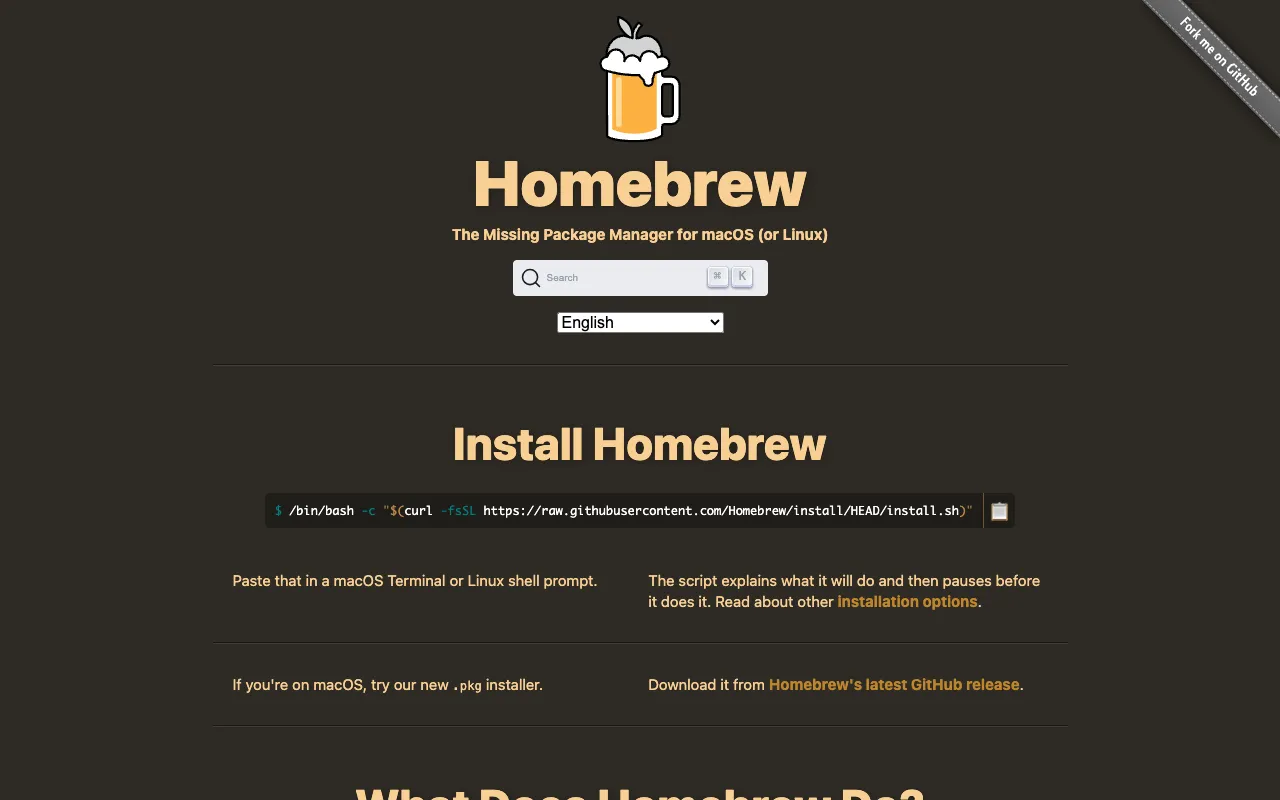
Image of Homebrew – The Essential Package Manager for macOS and Linux

Homebrew – The Essential Package Manager for macOS and Linux

Homebrew is the definitive package manager that empowers software engineers to effortlessly install, update, and manage thousands of software packages, command-line tools, and development libraries on macOS and Linux. As the 'missing package manager for macOS,' it eliminates the complexity of manual compilation and dependency management, providing a clean, consistent, and powerful CLI interface that has become a foundational tool in modern development workflows.

What is Homebrew?

Homebrew is a free, open-source package management system designed to automate the installation of software that Apple (or typical Linux distributions) doesn't include. It fills a critical gap for developers by providing access to a vast repository ('formulae' and 'casks') of pre-compiled binaries and scripts. Its core purpose is to simplify environment setup, boost productivity, and ensure consistency across development machines, making it an indispensable tool for software engineers, DevOps professionals, and power users.

Key Features of Homebrew

Massive Package Repository (Formulae & Casks)

Access over 7,000 command-line tools (formulae) like `git`, `node`, `python`, and `wget`, alongside thousands of GUI desktop applications (casks) like `visual-studio-code`, `google-chrome`, and `slack`. This centralized repository is community-maintained and constantly updated.

Simple, Intuitive Command-Line Interface

Manage your entire software stack with easy-to-remember commands like `brew install`, `brew upgrade`, and `brew cleanup`. Homebrew's design philosophy prioritizes user experience, making complex operations straightforward.

Automatic Dependency Resolution

Homebrew automatically downloads and installs all required libraries and dependencies for any package. This eliminates 'dependency hell' and ensures software runs correctly without manual intervention.

Non-Destructive Installation

Software is installed into its own self-contained directory (`/usr/local/` or `~/.linuxbrew`) and symlinked. This keeps your system clean, prevents conflicts with OS-provided tools, and allows for easy management and removal.

Seamless Updates and Upgrades

Keep all your installed packages up-to-date with `brew update` and `brew upgrade`. Homebrew makes it trivial to maintain a secure and modern development environment with the latest features and patches.

Who Should Use Homebrew?

Homebrew is essential for any technical professional working on macOS or Linux. It's the first tool installed by software engineers, web developers, data scientists, and system administrators to configure their machines. It's perfect for students setting up a coding environment, teams standardizing their toolchain, and individuals who want to avoid the hassle of downloading `.dmg`/`.pkg` files or compiling from source. If you use the terminal for work, you need Homebrew.

Homebrew Pricing and Free Tier

Homebrew is completely free and open-source software, released under the BSD 2-Clause License. There is no paid tier, subscription, or premium version. The entire tool, its vast package repository, and all its features are available at no cost, funded and maintained by a passionate community and sponsors. It is the ultimate free tier tool for developers.

Common Use Cases

Key Benefits

Pros & Cons

Pros

  • Massively simplifies software installation and management on macOS/Linux.
  • Huge, actively maintained repository of essential developer tools.
  • Clean, intuitive CLI that is easy for beginners yet powerful for experts.
  • Completely free and open-source with a strong community.
  • Installs software in an isolated, non-destructive way.

Cons

  • Primarily CLI-focused; users seeking only a graphical app store may prefer alternatives.
  • On macOS, requires Xcode Command Line Tools for compilation (which it helps install).
  • Very rare packages might not be available in the main repository, requiring a 'tap'.

Frequently Asked Questions

Is Homebrew free to use?

Yes, Homebrew is 100% free and open-source software. There are no costs, subscriptions, or paid plans. It is maintained by the community and sponsors.

Is Homebrew good for software engineers?

Homebrew is considered an essential, foundational tool for software engineers. It is almost universally recommended as the first thing to install on a new Mac for development. It streamlines the setup of programming languages, build tools, databases, and utilities, making it indispensable for professional coding workflows.

What is the difference between Homebrew Formulae and Casks?

Homebrew Formulae are for installing command-line tools and libraries (e.g., `python`, `wget`). Homebrew Casks are used to install full macOS graphical desktop applications (e.g., `visual-studio-code`, `spotify`). This distinction allows Homebrew to manage your entire software stack.

Can I use Homebrew on Linux?

Yes. While originally for macOS, Homebrew has been successfully ported to Linux as 'Homebrew on Linux' or 'Linuxbrew'. It works on most major distributions and follows the same principles, providing a consistent package management experience across operating systems.

Conclusion

Homebrew is not just a tool; it's a paradigm shift for managing software on macOS and Linux. For software engineers, it eliminates a major source of friction and overhead, turning complex installations into simple, repeatable commands. Its combination of a vast package ecosystem, elegant design, and robust community support solidifies its position as the best-in-class package manager. If you are serious about development on these platforms, installing Homebrew is the single most impactful step you can take to optimize your workflow.