Go back
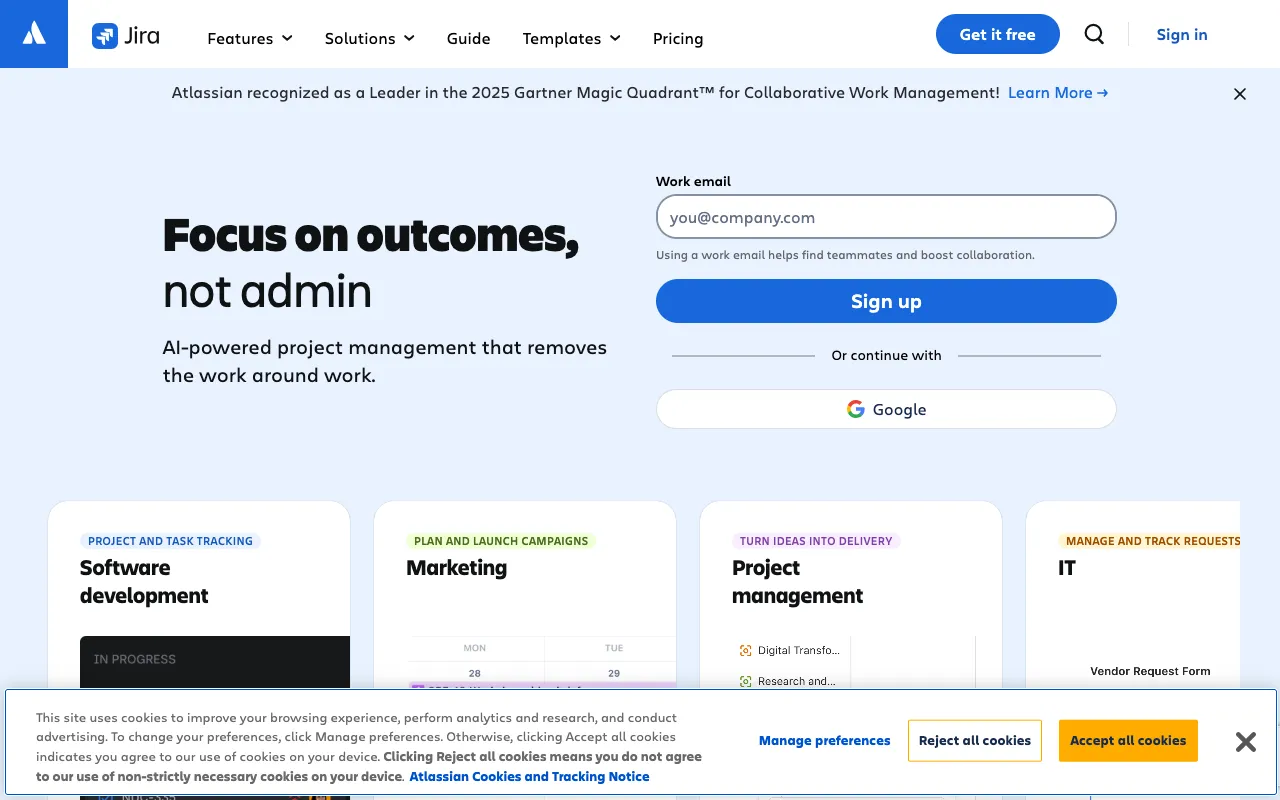
Image of Jira – The Ultimate Agile Project Management Tool for Software Engineers

Jira – The Ultimate Agile Project Management Tool for Software Engineers

Jira by Atlassian is the industry-standard project management platform built specifically for agile software development teams. It empowers engineers, product managers, and QA teams to collaborate seamlessly—transforming ideas into shipped software. With robust support for Scrum, Kanban, and custom workflows, Jira centralizes sprint planning, bug tracking, and release management into a single, powerful hub. Whether you're a startup or an enterprise, Jira scales to match your team's complexity and velocity.

What is Jira Software?

Jira is more than just a ticketing system; it's a dynamic work management engine designed for the software development lifecycle (SDLC). At its core, Jira helps agile teams break down complex projects into manageable tasks (stories, bugs, epics), visualize progress on customizable boards, and generate real-time reports for data-driven decisions. It serves as the single source of truth for development teams, integrating deeply with code repositories, CI/CD pipelines, and developer tools to bridge the gap between planning and execution.

Key Features of Jira for Software Engineers

Customizable Scrum and Kanban Boards

Visualize your workflow with drag-and-drop boards tailored to your team's process. Use Scrum boards for time-boxed sprints with backlog grooming and sprint planning, or Kanban boards for continuous flow and limiting work-in-progress (WIP). Columns, swimlanes, and quick filters provide unparalleled visibility into project status.

Advanced Issue and Bug Tracking

Create detailed issues for user stories, tasks, and bugs with customizable fields, priorities, and severity levels. Link issues to show dependencies, clone recurring tasks, and automate transitions with smart commit triggers. Jira's powerful search (JQL) lets you find any issue in seconds.

Powerful Agile Reporting and Insights

Make informed decisions with built-in reports like velocity charts, burndown/burnup charts, cumulative flow diagrams, and sprint reports. These insights help teams estimate accurately, identify bottlenecks, and improve their agile maturity over time.

Seamless Developer Tool Integrations

Jira connects natively with the tools engineers use daily. Integrate with Bitbucket, GitHub, GitLab for development intelligence; Confluence for documentation; and CI/CD tools like Jenkins or CircleCI to automate deployments and trace code from commit to release.

Custom Workflows and Automation

Model your unique development process with no-code workflow builders. Automate repetitive tasks like assigning issues, updating statuses, sending notifications, or triggering webhooks—saving engineering teams hours of manual work each week.

Who Should Use Jira?

Jira is ideal for any software team practicing or adopting agile methodologies. It's particularly powerful for: Scrum Masters and Agile Coaches facilitating ceremonies and tracking team health; Product Managers and Product Owners managing backlogs and prioritizing features; Software Engineers and Developers tracking their tasks and linking code; QA Engineers and Testers logging, triaging, and verifying bugs; and DevOps & Release Engineers managing deployment pipelines and release windows. From fast-moving startups to large-scale enterprises, Jira adapts to team size and process complexity.

Jira Pricing and Free Tier

Jira offers a generous free tier perfect for small teams getting started with agile project management. The Free plan supports up to 10 users with unlimited projects and basic features. Paid plans (Standard, Premium, Enterprise) unlock advanced permissions, admin controls, increased automation limits, 24/7 support, and enterprise-scale features like sandbox environments and guaranteed uptime SLAs. Pricing is per user, per month, making it scalable for growing engineering organizations.

Common Use Cases

Key Benefits

Pros & Cons

Pros

  • Industry-leading tool with deep customization for any software development workflow
  • Extensive ecosystem of third-party integrations and a powerful REST API for extensibility
  • Strong agile reporting suite that supports Scrum, Kanban, and hybrid methodologies
  • Robust free tier suitable for small teams and startups

Cons

  • Can have a steep learning curve and feel overwhelming for new users due to its vast feature set
  • Performance and speed can degrade for very large instances with complex configurations and high data volume
  • Advanced features and admin controls require a paid subscription

Frequently Asked Questions

Is Jira free to use for software teams?

Yes, Jira offers a fully-featured Free plan for up to 10 users. This includes Scrum and Kanban boards, backlog management, basic reporting, and 2GB of file storage—perfect for small engineering teams or projects.

Is Jira good for agile software development?

Absolutely. Jira is purpose-built for agile software development. It is the tool of choice for millions of teams practicing Scrum, Kanban, and other agile frameworks, offering dedicated features for sprint planning, daily stand-ups, backlog refinement, and sprint reviews.

Can Jira integrate with GitHub and other developer tools?

Yes, Jira offers deep, native integrations with GitHub, GitLab, and Bitbucket, allowing you to link commits, branches, and pull requests directly to issues. It also integrates with hundreds of other DevOps, monitoring, and communication tools via its marketplace and API.

What is the main difference between Jira Software and Jira Service Management?

Jira Software is designed for agile development teams to plan, track, and release software. Jira Service Management (formerly Jira Service Desk) is an IT service management (ITSM) tool for IT, operations, and support teams to manage service requests and incidents. They can be used together seamlessly.

Conclusion

For software engineering teams committed to agile excellence, Jira remains the definitive project management solution. Its unparalleled flexibility, deep integration capabilities, and powerful reporting provide the structure needed to ship software predictably and efficiently. While the platform's richness requires an initial investment in setup and learning, the payoff in team alignment, visibility, and productivity is substantial. Start with the free tier to manage your next sprint, and scale up as your team and ambitions grow.